Page 1 of 1

How do i take a screenshot?....

PostPosted: Mon Jun 14, 2004 9:56 am
by flyflyflyaway
I know this is pretty basic to you all, but how do you take a screenshot???

Thanks

Re: How do i take a screenshot?....

PostPosted: Mon Jun 14, 2004 10:00 am
by atotti2000
try downloading GCS (Grab Clip Save)

Have a search for it on google. I couldnt find it here.
All you do is configure it, press the 'Print Screen' key in game.
and voila, picture taken  ;D

Re: How do i take a screenshot?....

PostPosted: Mon Jun 14, 2004 10:03 am
by GeForce
Also, to resize the picture use a tool like PixResizer from http://bluefive.pair.com/pixresizer.htm.

Remember, 800x600 @100kb is the forum max! For info on how to post an image click here.

Jon 8)

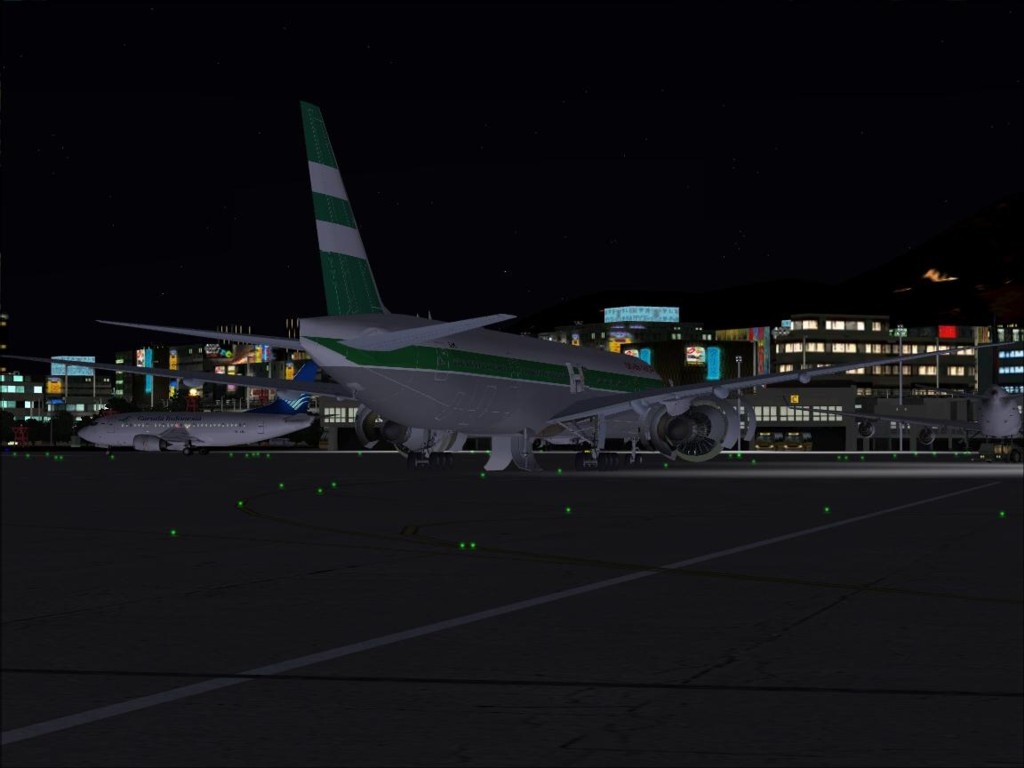
PS. For the second time today, here's a screenshot to make the post legit:

Image

Apologies to:
1) Mods - but I think this does belong in this forum.
2) Whoever's screenshot that is! ;D

Re: How do i take a screenshot?....

PostPosted: Mon Jun 14, 2004 10:04 am
by eno
You just press the PRINT SCREEN button ......... then paste it into an image editor .......this  method overwrites  the last image every time you press print screen so if you dont save it each time you loose it.

However there is an easier way, download FSScreen from the utilities section of this site. This saves the images to its own directory for you to manipulate at a later date.

cheers
eno

Re: How do i take a screenshot?....

PostPosted: Mon Jun 14, 2004 10:05 am
by flyflyflyaway
wow, quick replies! thanks, ill check it out! 8)

Re: How do i take a screenshot?....

PostPosted: Mon Jun 14, 2004 10:10 am
by GeForce
By the way, here's a direct link to download FSScreen:

http://63.217.28.218/files/1misc/YAFSScreen_Setup.zip