by NicksFXHouse » Fri Oct 21, 2005 3:55 pm
CLOUD UPDATE
I have reworked all the MS clouds to come up with 3 packages.
======================
Option #1:
All DXT3 clouds with the exception of cumulous01.bmp which is resized to 256x256 32bit. By leaving the cumulous01.bmp @32 bit 2 things are accomplished..
1. Knowing that DXT3 clouds look ratty.. these are better looking clouds for the greatest performance, much-much better than with a DXT3 cumulous01.bmp.
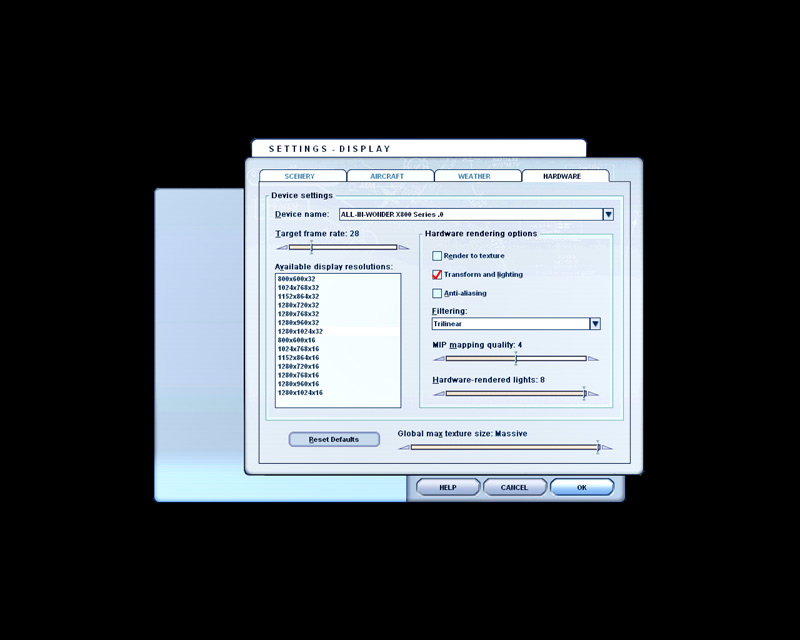
2. Render to Texture can be set to DISABLED (no more DXT3 crash) and therefore better performance on frames, also smoother.
DXT3 clouds totally suck rocks for visual appeal and this install will provide the absolute maximum FPS without complete and totally horrible looking clouds, but they are not going to be pretty.
Because ALL the MS clouds are resized to DXT3 and not just some, like in Chris Willis original package, the cumulous01.bmp can remain 32bit and provide the same or better performance as a tiny DXT cumulous01.bmp which makes clouds look terrible.
======================
Option #2:
A special mix of resized 32bit and DXT3 clouds. Since Cumulonimbus clouds have naturally dark areas, resizing them to 256-DXT3 will not degrade their visual appeal anywhere near as much as the other clouds. That, combined with resizing all other clouds to 256, with the exception of stratus, this package provides maximum FPS with the best looking clouds possible.
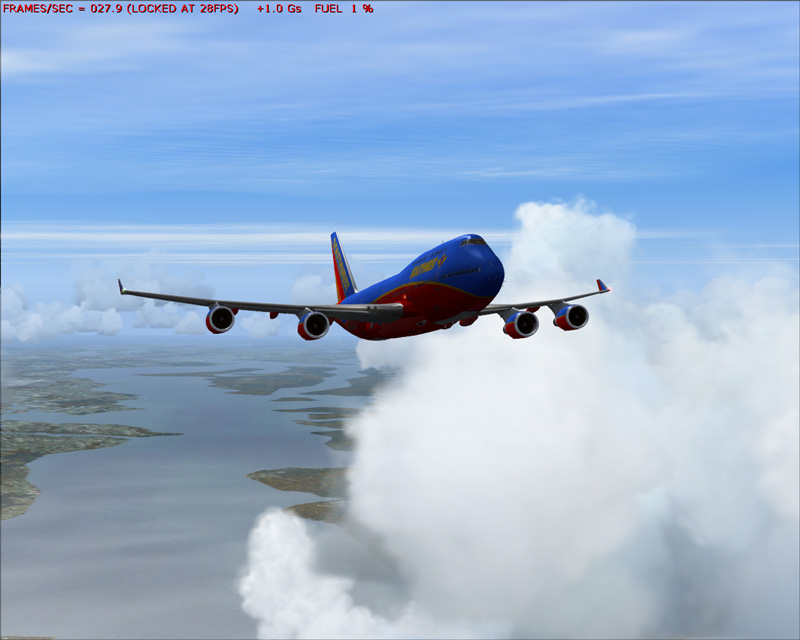
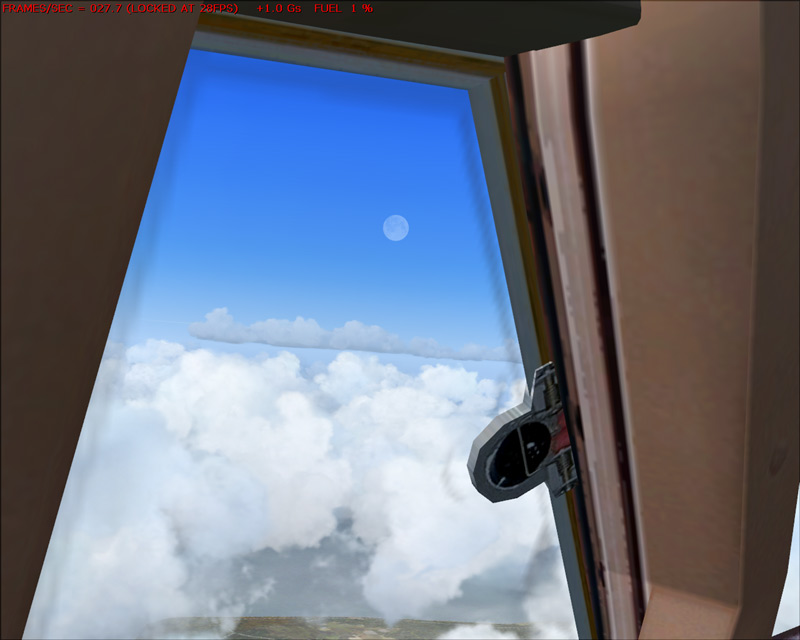
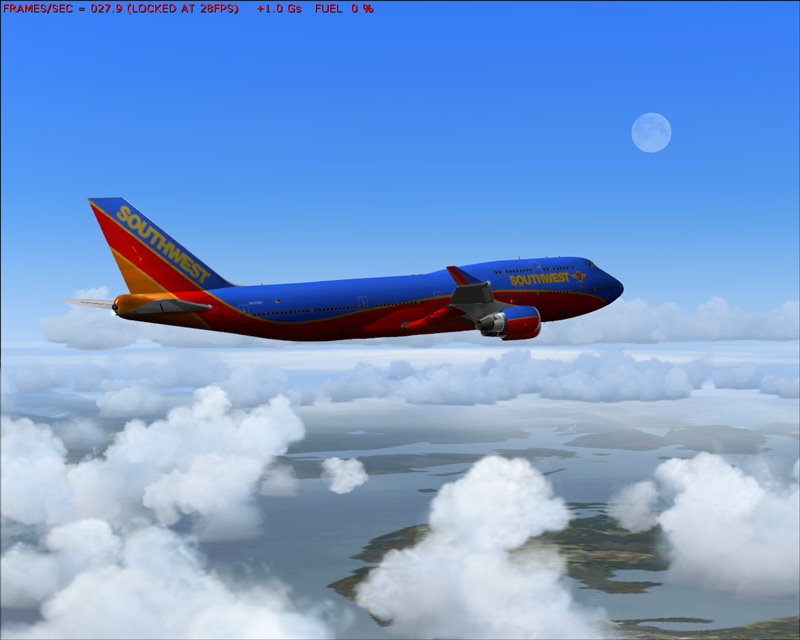
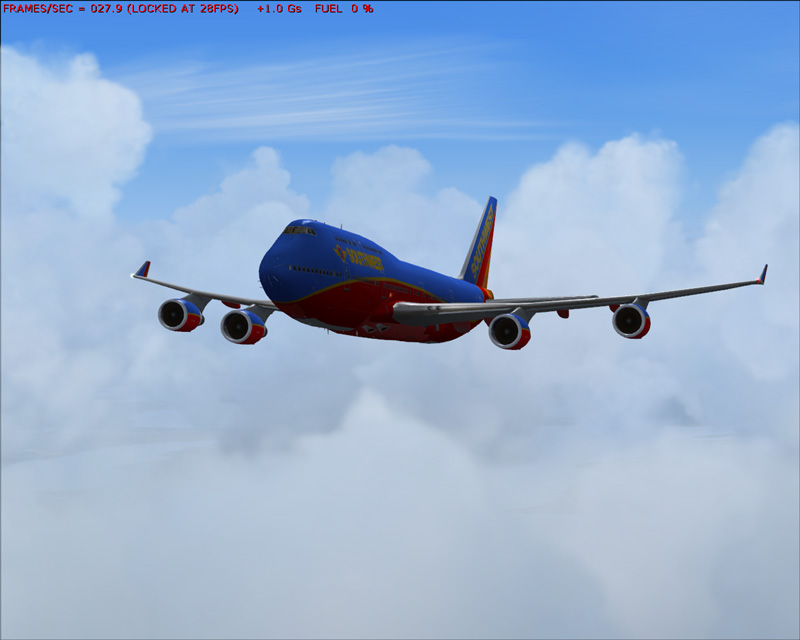
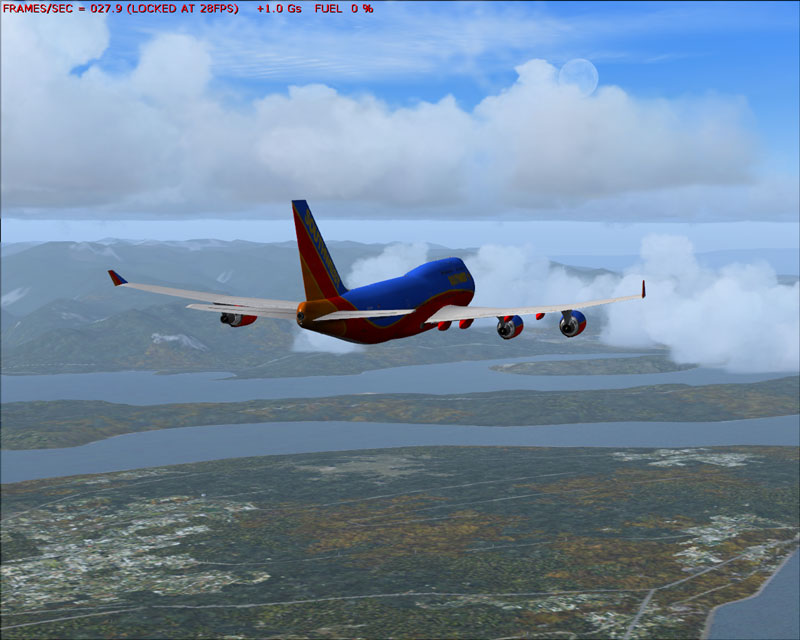
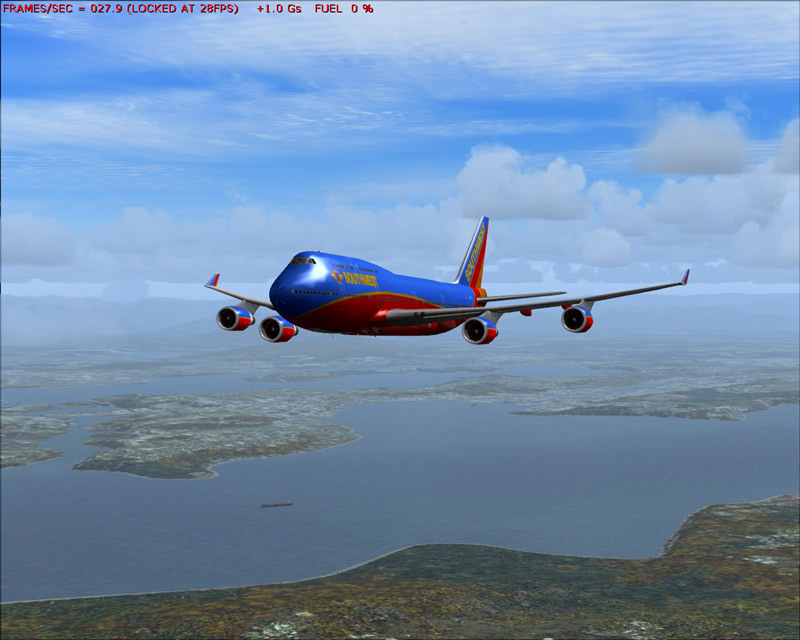
NOTE: All the images below are shot using this package. Render to texture can stay disabled.
=======================
Option #3:
Same as above but 32bit cumulonimbus clouds instead of DXT3. A mix of 512 and resized 256 32bit textures will provide the absolute best looking clouds and with a much better frame rate than the default MS clouds set.
Chris Willis orginally had the right idea and did a good job in his
Last edited by NicksFXHouse on Fri Oct 21, 2005 5:00 pm, edited 1 time in total.

 More like 45 for me it will be, but at least I'll get to know the files a bit better. :)