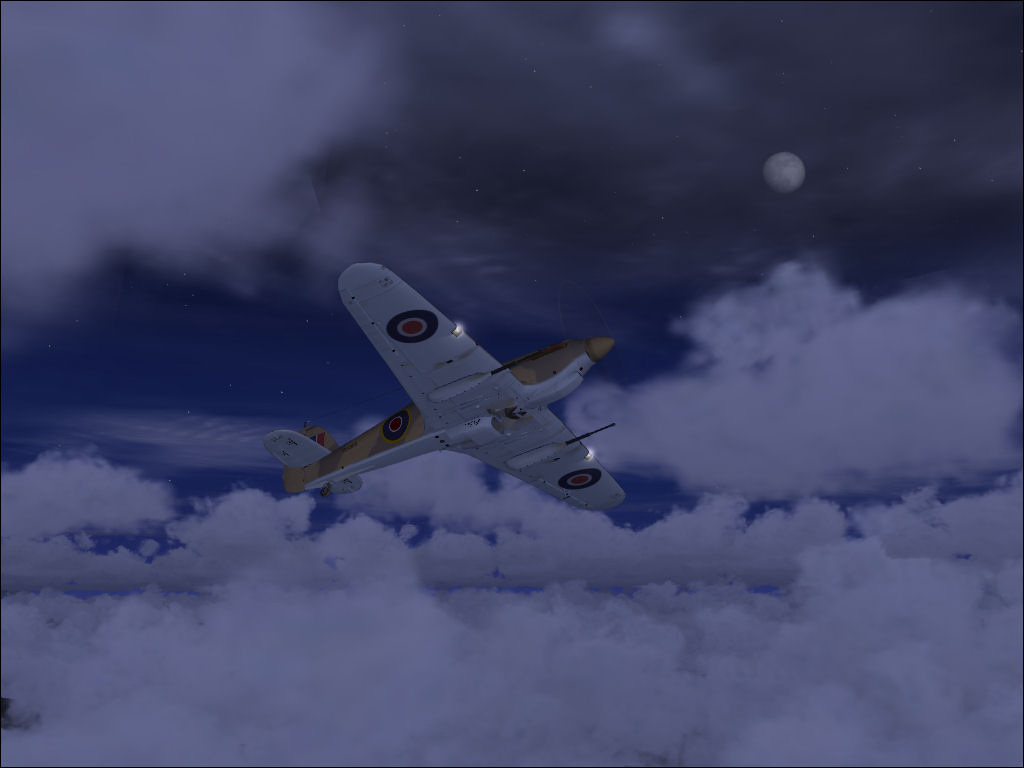
Hurricane around Lukla

Flight Simulation Screenshots displaying your Flight Simulation Experience. MSFS, FSX, Prepar3D, XPlane and other Flight Simulators. Focus is your Flight Simulator Experience. Please upload to Simviation (Button at top right)

Hurricane around Lukla

Postby ShaneG_old » Sat Sep 13, 2008 11:29 am

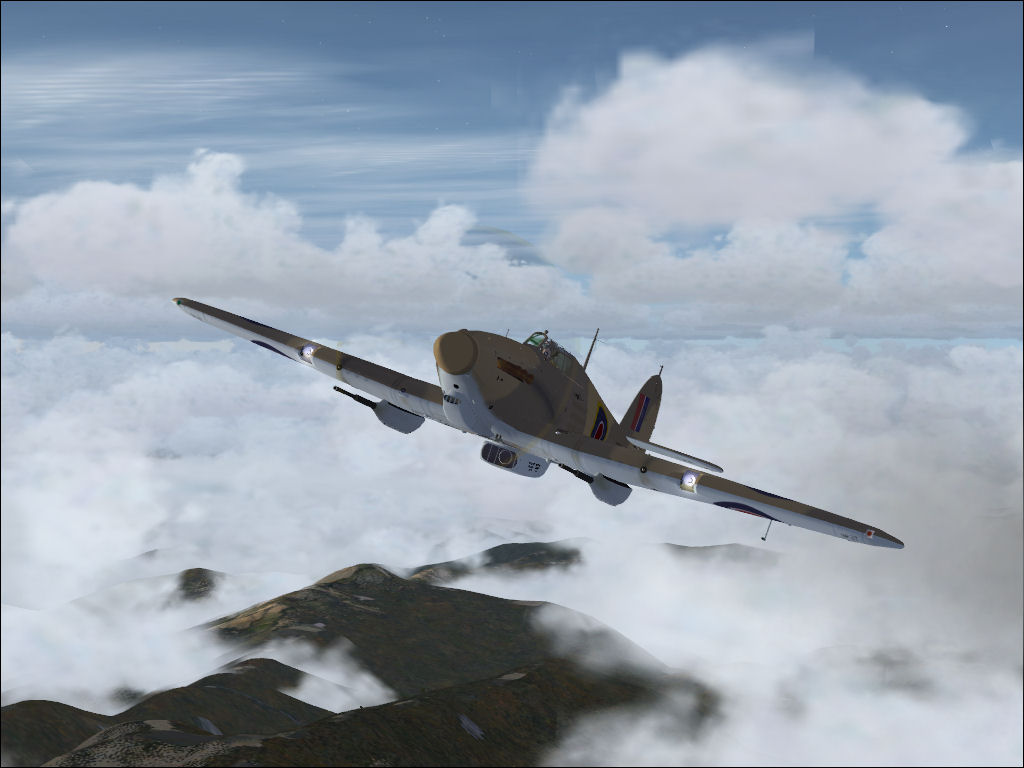
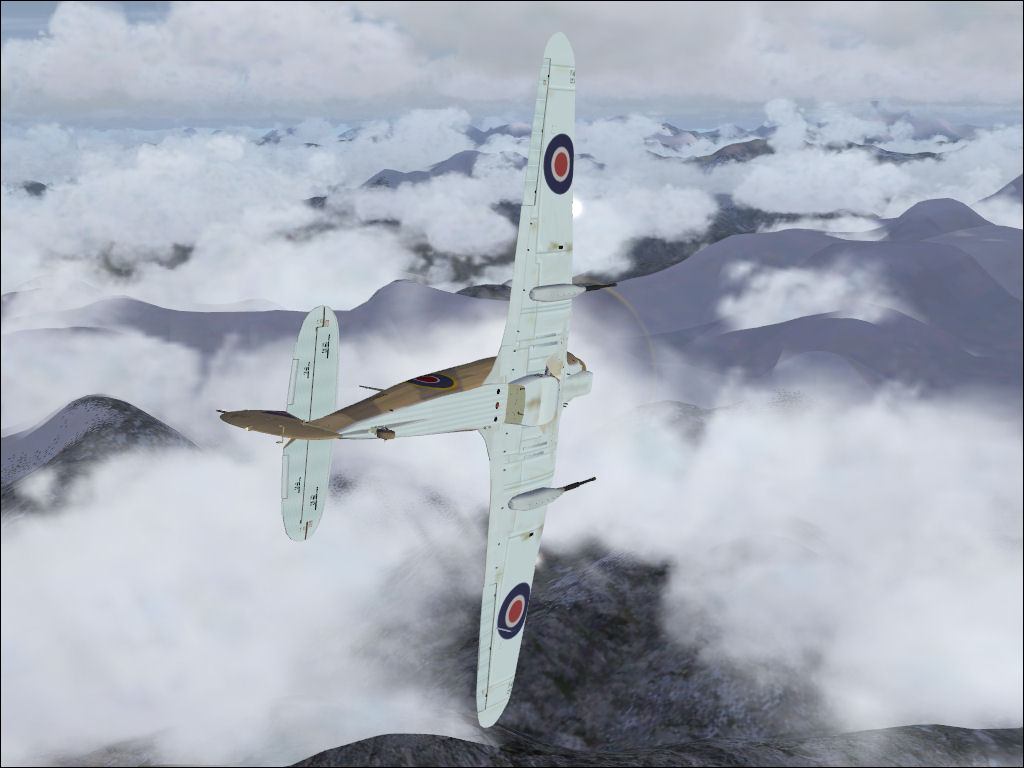
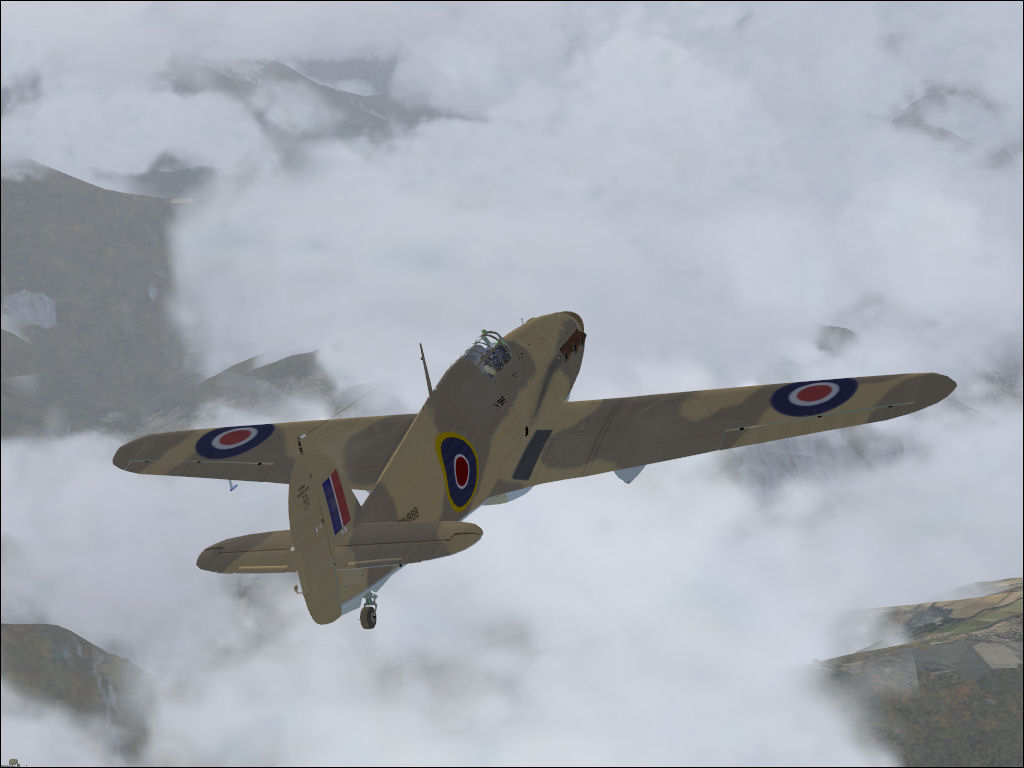
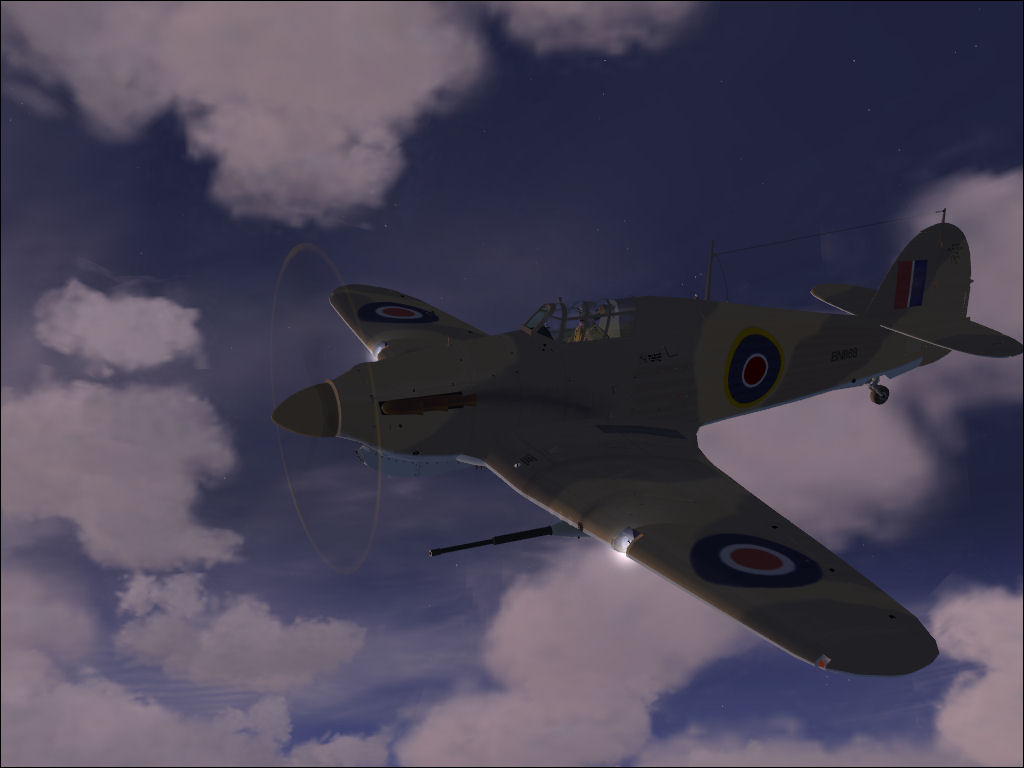
Playing with the weather and a plane I downloaded today while doing my sweep of SimV.Thanx for looking. :) Hope I'm not running the cloud thing into the ground! :-/ ;)

Image

Image

Image

Image

Image

C&C welcome and appreciated! :)
ShaneG_old
Lieutenant Colonel
Lieutenant Colonel
 
Posts: 9700
Joined: Tue Mar 11, 2008 11:52 am

Re: Hurricane around Lukla

Postby spitfire boy » Sat Sep 13, 2008 2:21 pm

Negatives first...sorry, that's just me... ;D

I think these would have looked a lot better had you paused and waited for the more detailed scenery textures to load...this is particularly evident on #2

It also looks a bit over-compressed although I'm not sure if that isn't just the plane...

On the plus side, the composition and arrangement is great, I love the lighting on 4 and 5, and all the shots have a real sense of movement... the clouds leave a bit to be desired in 1, 2 and 3, but are spot on in 4 and 5. ;)
Image


[center]
User avatar
spitfire boy
Major
Major
 
Posts: 2587
Joined: Mon May 21, 2007 4:46 pm
Location: Wherever you think I'm not

Re: Hurricane around Lukla

Postby Flying Mouse » Sat Sep 13, 2008 3:20 pm

A screen shot IMO requires 3 very important things:

1) A decent plane. You have done well with this point, especially the underbelly of this spit. Lovely aircraft.

2) Scenery and a fair amount of it, Scenery completes the shot. The scenery in this shots is fairly absent and those that do show some land is blurred. I don't pause,set settings to max just for shots. I take em @ flying settings.

Adjust your settings to focus system resources on scenery IMO.

3) Great sky/colour/lightning and angles. Here you have done very well. I like the angles and the close up shots. Clouds are nice too.

IMO, they are great, its just the scenery that are absent
Last edited by Flying Mouse on Sat Sep 13, 2008 3:21 pm, edited 1 time in total.
Coolermaster Storm Enforcer Chassis/ Corsair TX750W PSU/ Gigabyte Ga-990fxa Mobo/ AMD Phenom X4 965 BE 3.4Ghz C3/Coolermaster V6GT CPU air cooler/ 8GB RAM Corsair DDR3 2000Mhz/ Gigabyte GTX570 Overclocked Edition GPU/ Windows 7 Prem 64bit/ 750Gb & 150
User avatar
Flying Mouse
Major
Major
 
Posts: 1574
Joined: Wed May 23, 2007 3:58 am
Location: Somewhere in a bushplane

Re: Hurricane around Lukla

Postby ShaneG_old » Sat Sep 13, 2008 5:39 pm

All these shots were taken mainly for the sky and clouds, and everyone is taken while flying and all my sliders are cranked. the ground wasn't that bad lookin as its a photo landscape, you just can't see most of it for the clouds. But point well taken for future shots! ;)
ShaneG_old
Lieutenant Colonel
Lieutenant Colonel
 
Posts: 9700
Joined: Tue Mar 11, 2008 11:52 am

Re: Hurricane around Lukla

Postby Guppanui » Sun Sep 14, 2008 9:17 am

....The scenery in this shots is fairly absent and those that do show some land is blurred. I don't pause,set settings to max just for shots. I take em @ flying settings.

Adjust your settings to focus system resources on scenery IMO.

3) Great sky/colour/lightning and angles. Here you have done very well. I like the angles and the close up shots. Clouds are nice too.

IMO, they are great, its just the scenery that are absent  ;)


clouds don't count as scenery? very surprising! I consider the clouds scenery enough in these shots...
Guppanui
2nd Lieutenant
2nd Lieutenant
 
Posts: 145
Joined: Thu Mar 16, 2006 11:59 pm

Re: Hurricane around Lukla

Postby Brando14100 » Sun Sep 14, 2008 8:53 pm

Wow. Those last two are great. Cool angles and the clouds are a nice touch too.

8-)
Brando14100


Return to Simulation Screenshots Showcase

Who is online

Users browsing this forum: No registered users and 423 guests