You sure have some creative ideas Ilka ... I like that

Here's a few pointers if you don't mind:
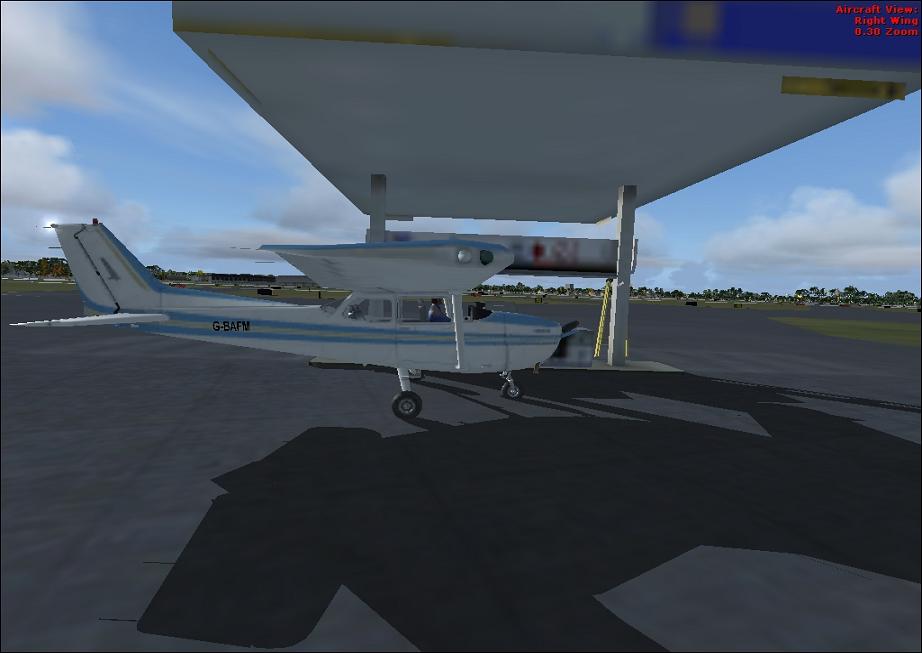
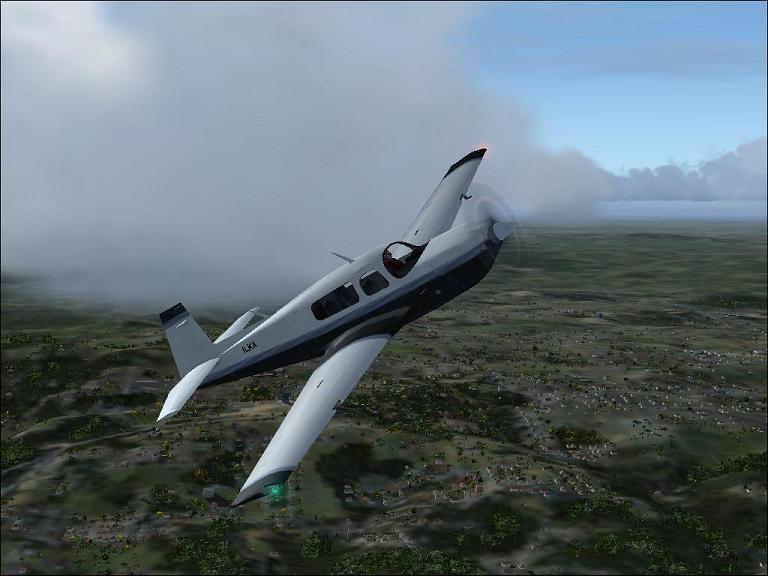
I find the textures too blurry. Wait a bit longer for the textures to load or try
this. The shots lack anti-aliasing. Try jacking up your AA in the control panel of your video card. Anti aliasing is explained
here.
As I said there's nothing wrong with your creativity but you might want to experiment with a (free!) tool such as the
Recorder Module. The (also free!)
Flight1 View Module is also a very handy too which can get you some pretty amazing angles ... Alonso wrote a very good tutorial about it in the studio a while ago. Read it
here.
Take some time to browse trough
Studio V's Tutorial Library ... it is an amazing collection of the best Flight Simulator screenshot tips available on the Internet.
In your previous thread I mentioned compression in relation to the size of the image by asking you to read
this if you use either Photoshop or Paint Shop Pro or - if you use Paint.NET - Jakes excellent tutorial
here. I suggest you read because your images really can be of lot better quality ...
I hope you find this helpful

 by ilka » Thu Apr 24, 2008 3:31 am


