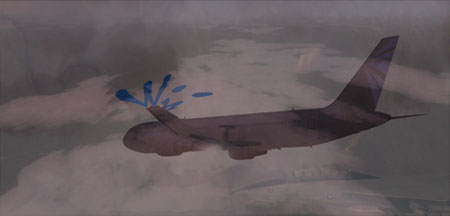
Flight Simulation Screenshots displaying your Flight Simulation Experience. MSFS, FSX, Prepar3D, XPlane and other Flight Simulators. Focus is your Flight Simulator Experience. Please upload to Simviation (Button at top right)
 by dean_8486 » Fri Dec 07, 2007 6:57 pm
q6600 OC 3.6ghz
8800 ultra
4gb 8500 dominator 1066mhz abit i35pro

-
dean_8486
- 2nd Lieutenant

-
- Posts: 52
- Joined: Fri Nov 23, 2007 12:55 pm
by Ashar » Fri Dec 07, 2007 7:48 pm
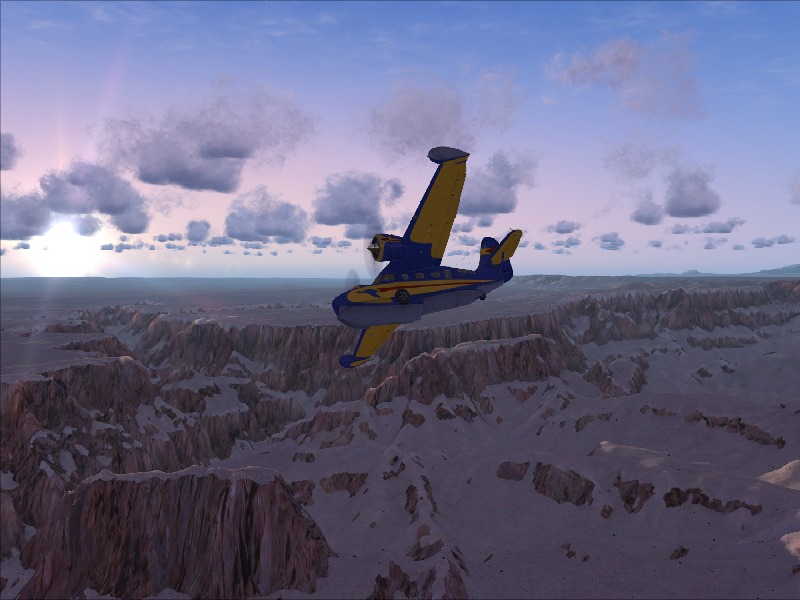
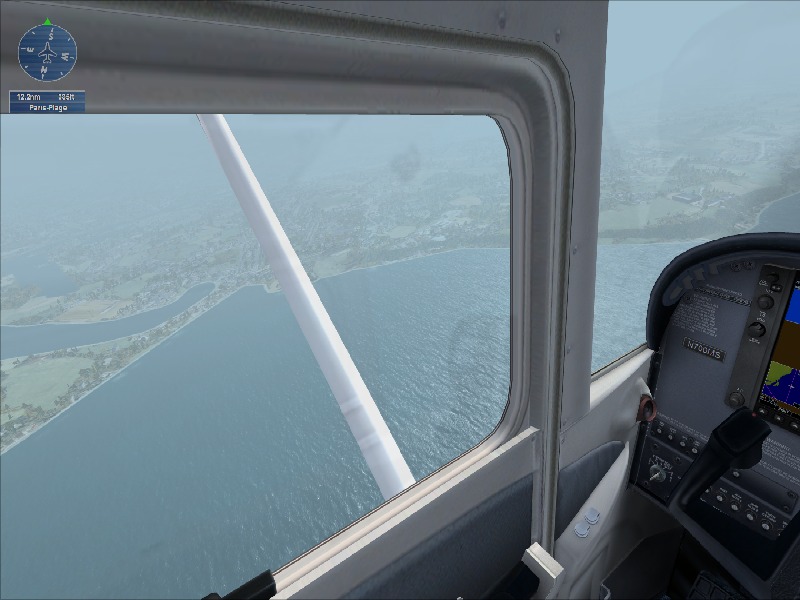
The first two are the same shots...But they are all nice 8-)
Blabbing Away at SimV Since June 8, 2004
-
Ashar
- Major

-
- Posts: 4041
- Joined: Wed Mar 14, 2007 4:13 am
- Location: Ottawa, Ontario
by Stubbedtoe18 » Fri Dec 07, 2007 9:32 pm
Very nice shots indeed except,as mentioned, the first two are the same shots. Incredibly crisp!
-
Stubbedtoe18
- Captain

-
- Posts: 875
- Joined: Sun Jun 24, 2007 8:03 pm
by Wii » Fri Dec 07, 2007 10:46 pm
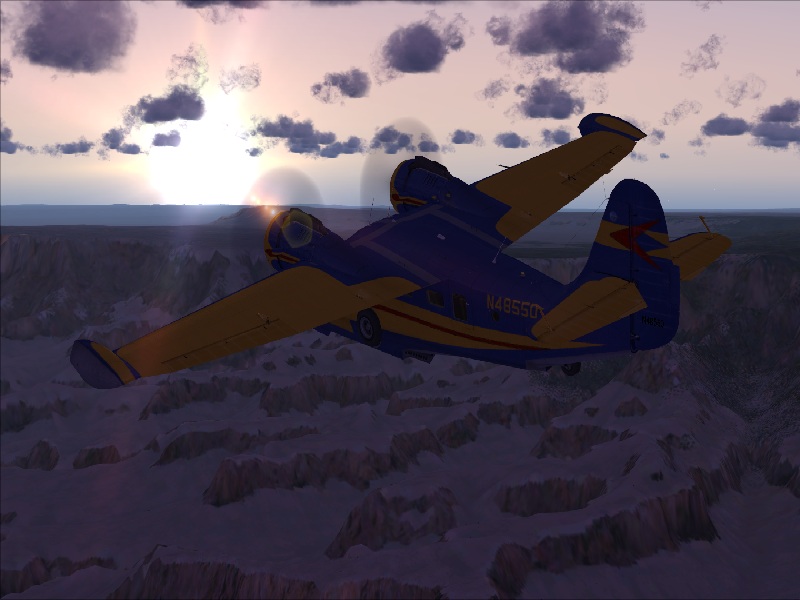
I like the shadows in #4. So smooth.
-

Wii
- Major
-
- Posts: 2727
- Joined: Wed Jun 13, 2007 2:33 pm
- Location: Space
-
by Layne. » Fri Dec 07, 2007 11:56 pm
WOW What are you syst specs???

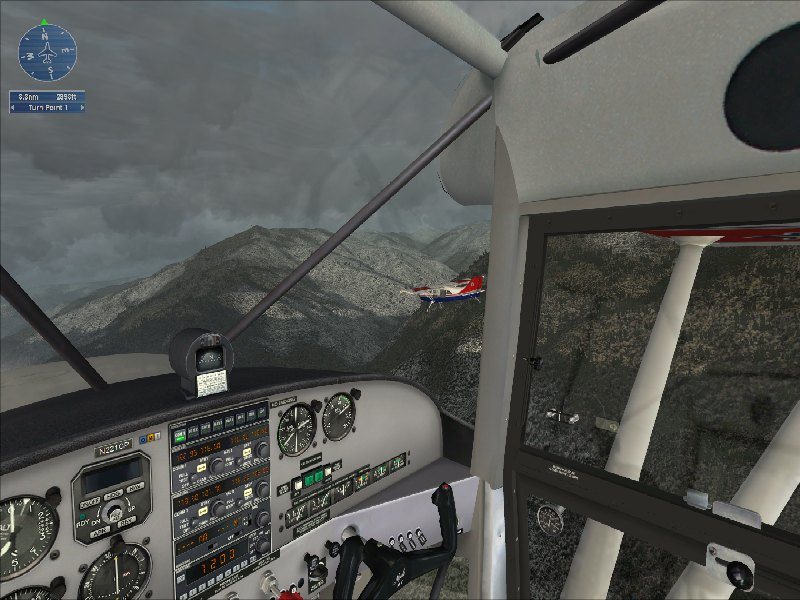
Looks like you can handle the game pretty well... the first two need a bit of AA though.Also you need to turn off the HUD in 3 and 4
Windows 7 Ultimate x64 | 22" LED Monitor (1920x1080) | AMD Phenom II x4 970 Black Edition~3.5Ghz | 4gb RAM | ATI Radeon 6850 1gb | 1Tb HDD
[img]http://www.simviation.com/phpupload/uploads/1302666610.
-

Layne.
- Major
-
- Posts: 2646
- Joined: Sun Jun 10, 2007 9:17 pm
- Location: Australia, Victoria, Melbourne
by dean_8486 » Sat Dec 08, 2007 6:49 am
system specs are:
Q6600 at 3.0 ghz
4gb 8500 dominator
8800 ultra
vista 64bit
abit i35pro
cheers for the feedback, what is AA? and how do i turn off the hud nice one!!!
q6600 OC 3.6ghz
8800 ultra
4gb 8500 dominator 1066mhz abit i35pro
-
dean_8486
- 2nd Lieutenant
-
- Posts: 52
- Joined: Fri Nov 23, 2007 12:55 pm
by Layne. » Sat Dec 08, 2007 7:10 am
AA = Anti aliasing
It smooths put edges so the screenshot looks much crispier. It would be able to be turned on via your GFX Card settings.
To turn of the Compass in the left you press q or K i think. Refer to the tutorial mission 1

Windows 7 Ultimate x64 | 22" LED Monitor (1920x1080) | AMD Phenom II x4 970 Black Edition~3.5Ghz | 4gb RAM | ATI Radeon 6850 1gb | 1Tb HDD
[img]http://www.simviation.com/phpupload/uploads/1302666610.
-
Layne.
- Major
-
- Posts: 2646
- Joined: Sun Jun 10, 2007 9:17 pm
- Location: Australia, Victoria, Melbourne
Return to Simulation Screenshots Showcase
Who is online
Users browsing this forum: No registered users and 286 guests