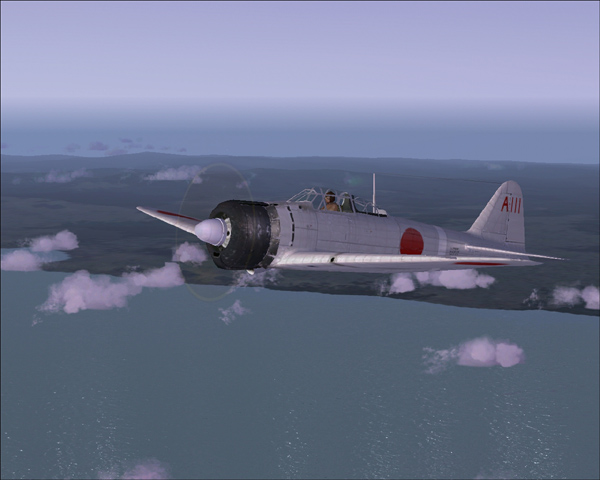
A daytime shot of the Zero near the city of Hachinohe, Aomori Prefecture.
This would be about a 1/2 north of where I live.
In selecting my shots, I chose this to open as the bright daylight allows
for excellent visibility of the detail of the model.
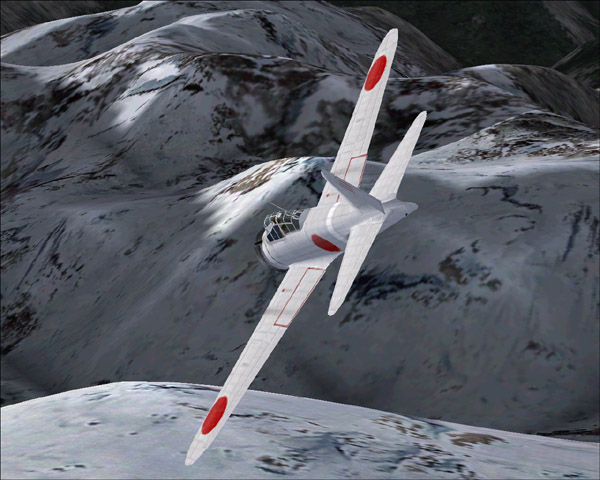
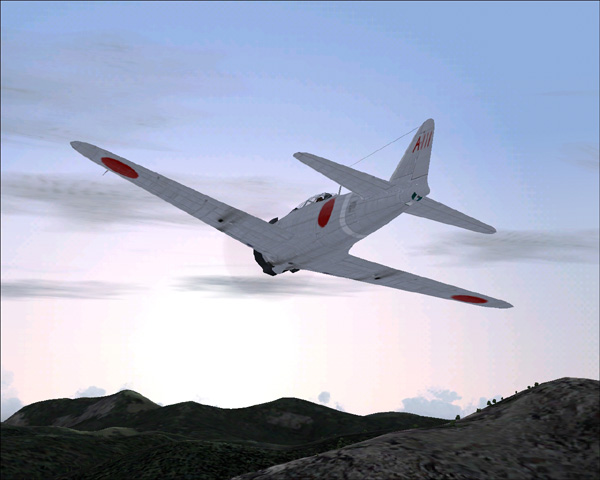
This shot is of the Zero diving through the mountains of Western Washington.
Again, bright daylight for detail, but this time there is some action to the scene.
Again, this is another shot taken in the mountains of Western Washington.
This time, the Zero is flying towards the rising sun.
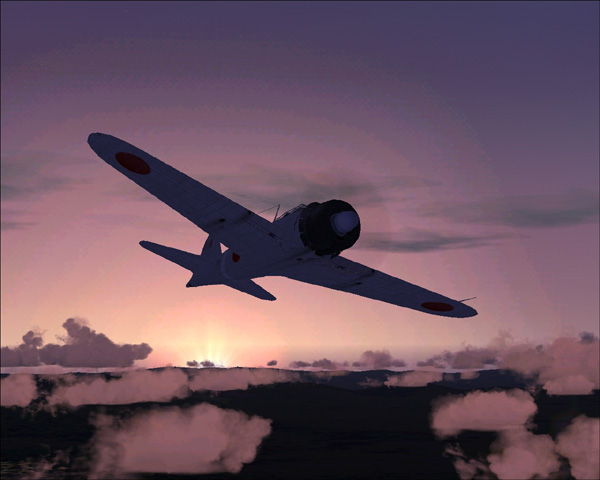
In this fourth shot, I have moved back to just off the coast of Aomori Prefecture
where the Zero can be seen flying just ahead of the rays of the setting sun.
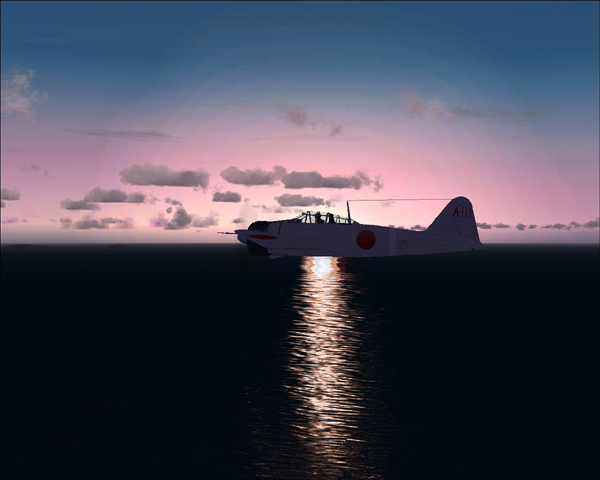
For the final picture, I selected once more a sunset, this time with the setting sun as
a backdrop as the Zero continues to fly into the night.
This would be about a 1/2 north of where I live.
In selecting my shots, I chose this to open as the bright daylight allows
for excellent visibility of the detail of the model.
This shot is of the Zero diving through the mountains of Western Washington.
Again, bright daylight for detail, but this time there is some action to the scene.
Again, this is another shot taken in the mountains of Western Washington.
This time, the Zero is flying towards the rising sun.
In this fourth shot, I have moved back to just off the coast of Aomori Prefecture
where the Zero can be seen flying just ahead of the rays of the setting sun.
For the final picture, I selected once more a sunset, this time with the setting sun as
a backdrop as the Zero continues to fly into the night.
All screenshots were taken in FS2004.
The Mitsubishi A6M2 Zero is a freeware download and can be found here: http://www.simviation.com/fs2004vintage67.htm
I also am now using a water effects add-on that can be found here: http://www.simviation.com/fs2004scenery4.htm
As in the first set of screenshots I submitted, I continue to struggle with some of the more technical aspects, such as with adjusting the anti-aliasing and also getting the compression to be as best as possible. To try and compensate for some of these shortcomings, I tried two new approaches to composing these screenshots.
First, I tried to spend more time considering the overall composition of the image. This meant I spent more time hunting for eye-catching environments and that I took a greater number of screenshots to select from.
Secondly, instead of trying to go for the maximum dimensions allowed (800 pixels in width), I went with images that were only 600 x 480. With the smaller images, I was hoping to be able to select a better quality compression and still come in under the 100k image size limit. Also, because I was able to reduce the original screenshots down further in size from their originals, I think it may have given the smaller images a bit crisper, cleaner quality.
Still, there seems much left work on. In the third shot, you can still easily see the blandness of much of the ground texture. This means I will probably need to start hunting around for some more scenery add-ons. I also continue to have a fear of getting too close to the aircraft models as the closer the screenshot is, the more easily the graphics deficiencies in my system can be seen. And as much as I like the sunrise and sunset pictures, some of the sky shading looks hazy and pixelated. Since the sunrise shot and the sunset shots didn't come out better, I would probably say that the second image is my favorite, as it is the screenshot that came of the cleanest in appearance without being boring. I mean, the first shot is pretty clean, but nothing is going on.
Ah, well. I leave it in your hands now. Look, consider, and comment as you will. Advice and critique are always welcome.
~Darrin