In response to RollerBall's thread.....

Flight Simulation Screenshots displaying your Flight Simulation Experience. MSFS, FSX, Prepar3D, XPlane and other Flight Simulators. Focus is your Flight Simulator Experience. Please upload to Simviation (Button at top right)

In response to RollerBall's thread.....

Postby AnGeL_MaKeR » Thu Oct 20, 2005 6:04 pm

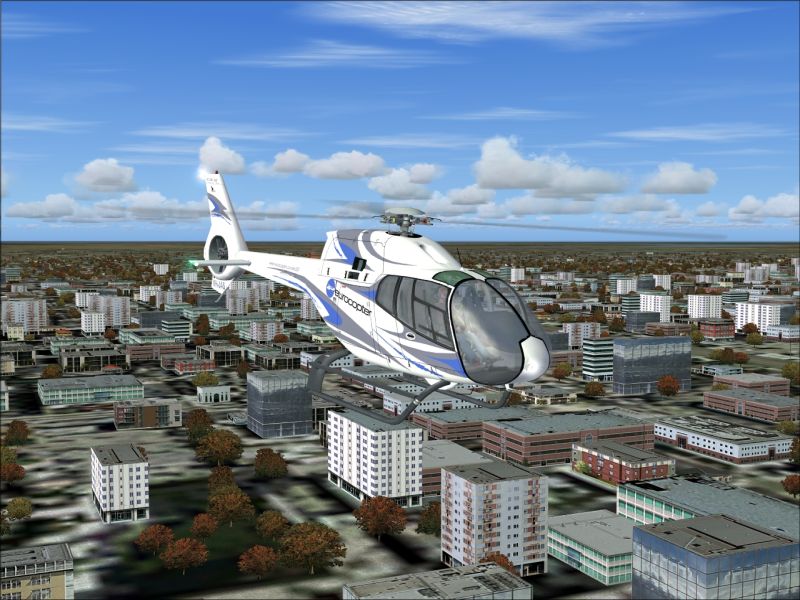
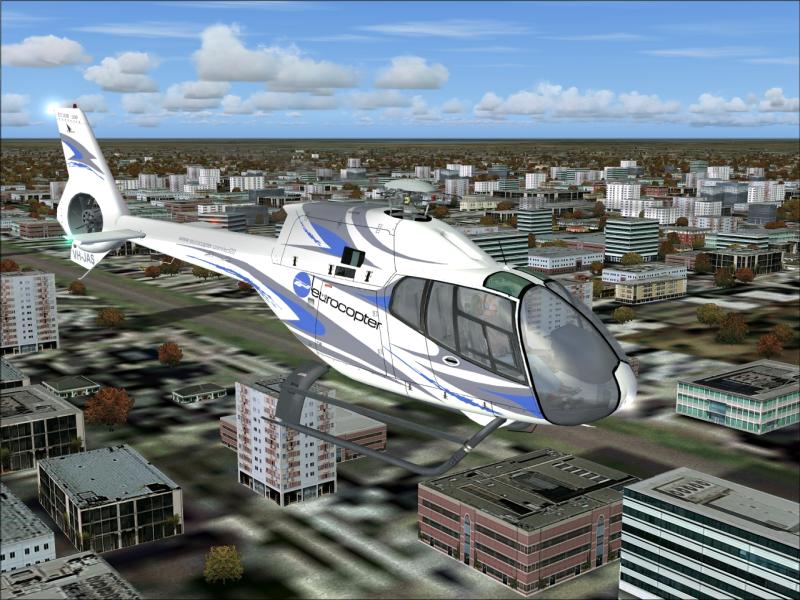
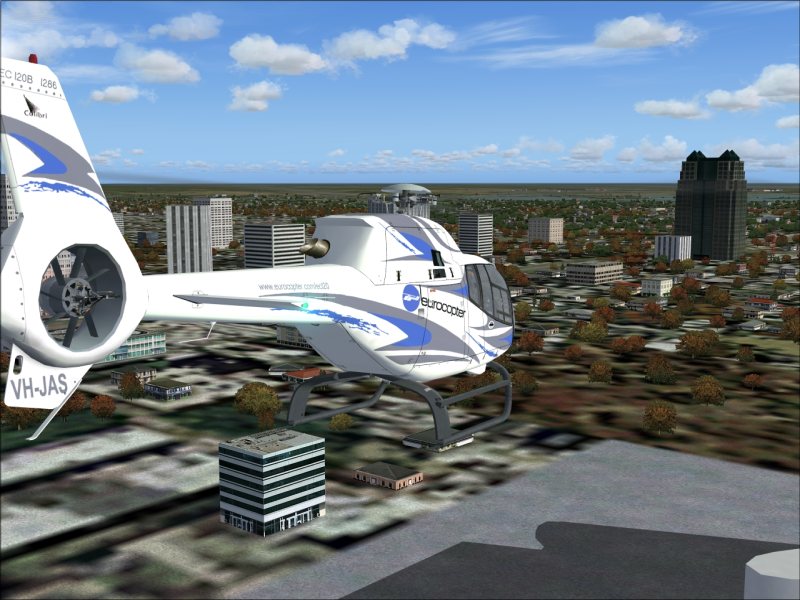
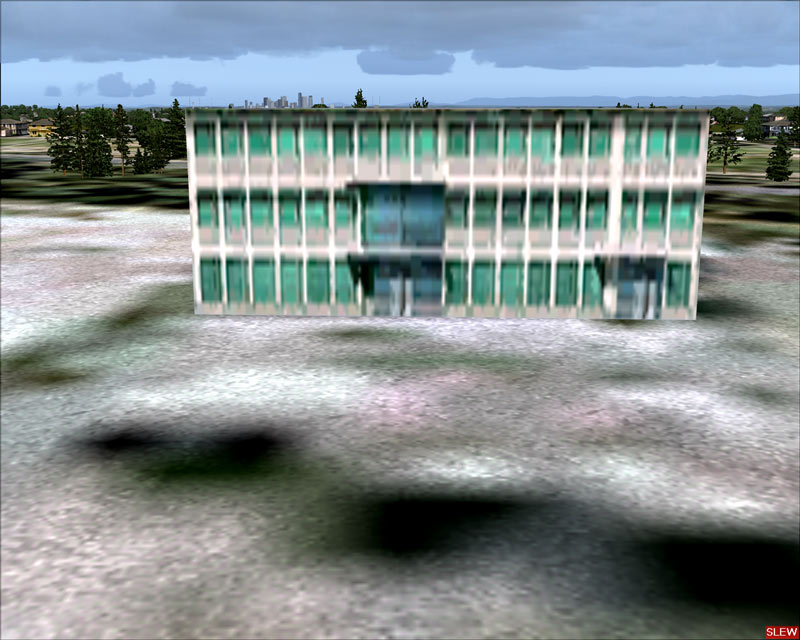
I didn't want to do the wrong thing and take up too much space on RollerBall's thread about Koorbygen scenery... but check it out!!!  This is the eurocopter in downtown Orlando, Florida!!!


I just had to see for myself the big improvement!!! ;D ;D


Image


Image


Image


Thanks RollerBall for pointing in the right direction!! ;D
A_M


[center][move]eVGA 8800 GTX...   AMD X2 5200 (AM2)...   ASUS M2N32-SLI mobo...    4 GB Corsair DDR2 800mhz...   Sound Blaster X-Fi Gaming Sound...   2x 250 GB S-ATA, 1x 500 GB S-ATA...  
User avatar
AnGeL_MaKeR
1st Lieutenant
1st Lieutenant
 
Posts: 334
Joined: Thu Jan 02, 2003 12:52 am
Location: Ormond-by-the-Sea, Florida

Re: In response to RollerBall's thread.....

Postby ozzy72 » Fri Oct 21, 2005 3:32 am

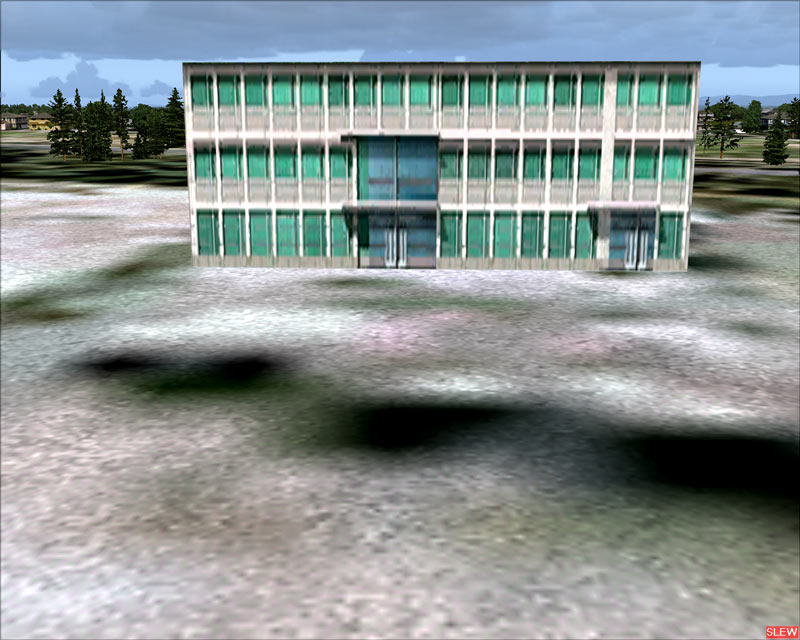
The buildings do look better ;)
Image
There are two types of aeroplane, Spitfires and everything else that wishes it was a Spitfire!
User avatar
ozzy72
Administrator
Administrator
 
Posts: 33284
Joined: Fri May 24, 2002 4:45 am
Location: Madsville

Re: In response to RollerBall's thread.....

Postby RollerBall » Fri Oct 21, 2005 9:33 am

:)

Looks good to me. Earlier on I did New Orleans and that looked pretty good too. Didn't see any floods though.....

The main improvements are in the texture images - they're just more realistic somehow. I guess if people are worried about FR they could reduce em in size to 512x512 or even 256x256 (although I don't think going from 512 to 256 will have any noticeable effect - they're only at 256 as default to keep the CD size down).

If you do decide to do that though, you will have to go through a clickety-click process....

use DXTbmp.exe to save em as 24 bit images (noting the type of extended bmp they are - when converting any extended bmp to 24 bit I always just add 'N' to the name so I know what it is eg image.bmp --> imageN.bmp)

use Pixia, PaintShopPro or Photoshop to reduce the size of the 24 bit image by 50% (which in area is 4 times)

use DXTBmp.exe to convert the reduced size 24 bit back to an extended bmp, saving with the same name as the image you started with ie overwriting the larger image with the smaller one.

Be interested if anyone doing this can tell us if they see an improvement in FR
RollerBall
 

Re: In response to RollerBall's thread.....

Postby NicksFXHouse » Fri Oct 21, 2005 10:13 am

:)

Looks good to me. Earlier on I did New Orleans and that looked pretty good too. Didn't see any floods though.....

The main improvements are in the texture images - they're just more realistic somehow. I guess if people are worried about FR they could reduce em in size to 512x512 or even 256x256 (although I don't think going from 512 to 256 will have any noticeable effect - they're only at 256 as default to keep the CD size down).

If you do decide to do that though, you will have to go through a clickety-click process....

use DXTbmp.exe to save em as 24 bit images (noting the type of extended bmp they are - when converting any extended bmp to 24 bit I always just add 'N' to the name so I know what it is eg image.bmp --> imageN.bmp)

use Pixia, PaintShopPro or Photoshop to reduce the size of the 24 bit image by 50% (which in area is 4 times)

use DXTBmp.exe to convert the reduced size 24 bit back to an extended bmp, saving with the same name as the image you started with ie overwriting the larger image with the smaller one.

Be interested if anyone doing this can tell us if they see an improvement in FR


That defeats the purpose of the 1024x1024 visuals

I would not install them if I was going to degrade their quality

I reduced them in Photoshop and found the loss of sharpness was not worth using the texture anymore so I reinstalled the 1024 textures again.


Much better visuals overall!

NicksFXHouse
 

Re: In response to RollerBall's thread.....

Postby RollerBall » Fri Oct 21, 2005 10:49 am

Thanks Nick. Well there ya go everyone. It had to be tried but have to say I've kept em as per the download.
RollerBall
 

Re: In response to RollerBall's thread.....

Postby NicksFXHouse » Fri Oct 21, 2005 1:02 pm

Thanks Nick. Well there ya go everyone. It had to be tried but have to say I've kept em as per the download.


here is the comparison

Top is 1024x1024 650kb+


bottom is 512x512 350kb+

When your talking about going from 47kb(default MS) to 300+kb its not worth the visual loss to try and reduce the size. You will simply be running MS quality with 6 times the files size

Image
Image
NicksFXHouse
 

Re: In response to RollerBall's thread.....

Postby RollerBall » Fri Oct 21, 2005 2:35 pm

Agree 100%. Thanks Nick

The other thing is, when you take a look at em, he's got some lovely photo-textures in there. He's taken great trouble to make these and can only assume he took the shots himself. Can't wait to find the delis, shops, hotels and other stuff he's included and would be a shame to lose the detail by reducing the texture size.

Still don't know who the author is though

Just taken another look - the night textures really are a work of art
Last edited by RollerBall on Fri Oct 21, 2005 2:46 pm, edited 1 time in total.
RollerBall


Return to Simulation Screenshots Showcase

Who is online

Users browsing this forum: No registered users and 677 guests