Page 1 of 1

IRIS F-4 PHANTOM

PostPosted: Wed May 28, 2008 6:44 pm
by SubZer0
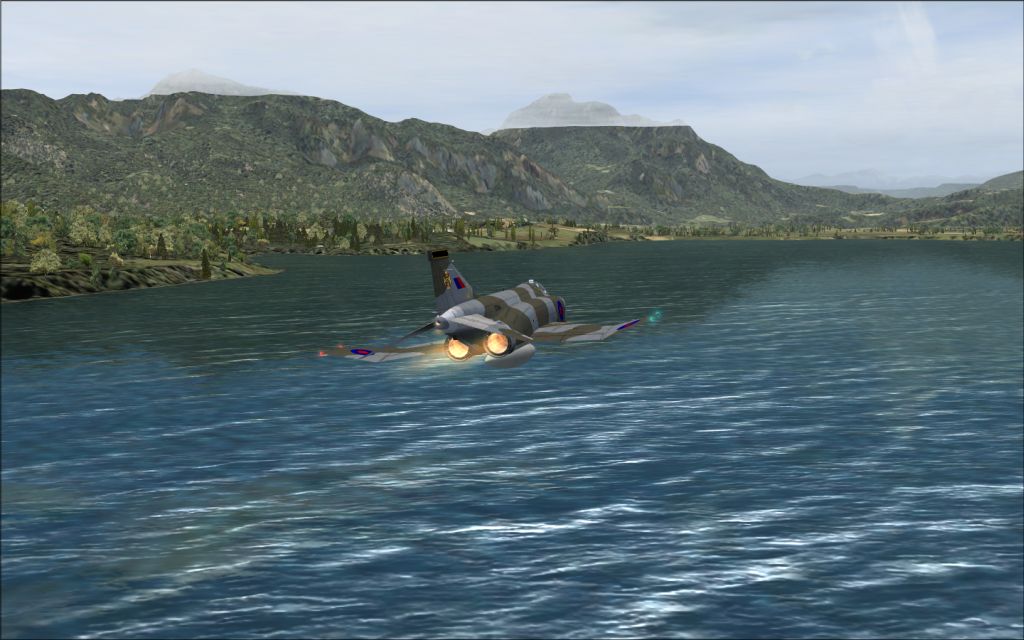
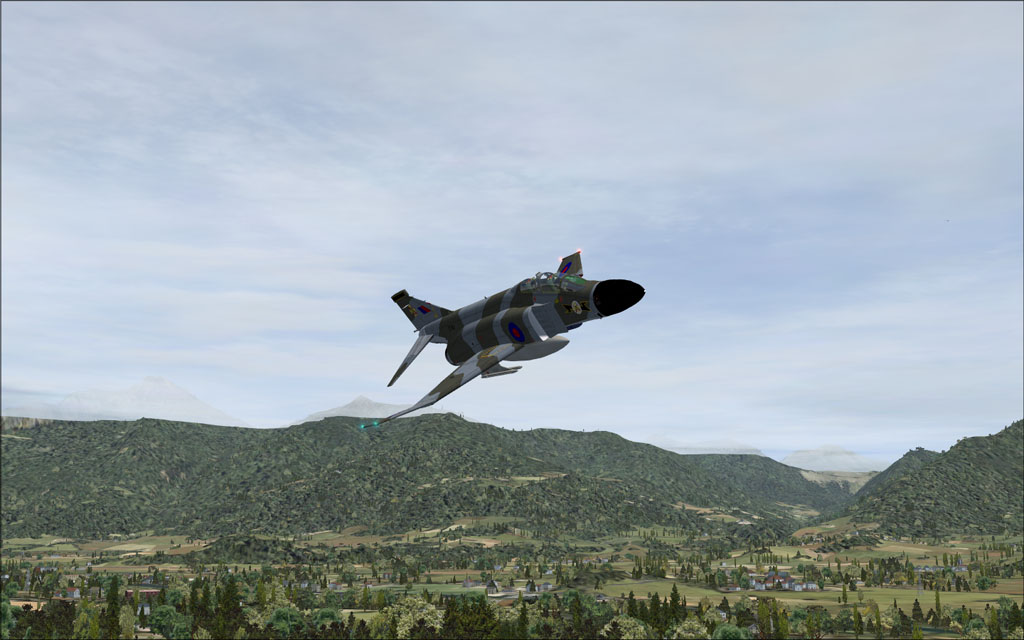
Did a test after installing the new nHancer following Nick's tweaks.

Compression sure did it's job here...  :-/


Image


Image


Hope you enjoyed!

Re: IRIS F-4 PHANTOM

PostPosted: Wed May 28, 2008 6:52 pm
by haroldkip
Compression sure did it's job here

If you only use half the file size allowed ... yes, it sure does.

Excellent screenshots though. I've always liked Phantoms 8-)

Re: IRIS F-4 PHANTOM

PostPosted: Wed May 28, 2008 7:15 pm
by SubZer0
Compression sure did it's job here


Excellent screenshots though.


That means a lot coming from you, Harold...  :D

Thank you!

I take the shots at 1440x900 (or something like that), open them up in IrfanView, and resize to 1024x640 (or something like that), and save as JPEG (or something like that...  ;D). Is there a better way to compress? Perhaps Photoshop?

Re: IRIS F-4 PHANTOM

PostPosted: Wed May 28, 2008 8:36 pm
by N. Chapman
photoshop does wonders! just take a look at my quick flight series those shots were originally 1920x1200 and i got them down to size and compressed them with little quality missing ;)

Nice shots!

Re: IRIS F-4 PHANTOM

PostPosted: Wed May 28, 2008 8:38 pm
by SubZer0
I just took a look at those... AMAZING SHOTS, by the way. Every single one of them. Great job with those.

I also noticed that you were able to keep them all very close to 150kb, how were you able to do that? Can you explain the process step-by-step on how you resized in photoshop?

Re: IRIS F-4 PHANTOM

PostPosted: Wed May 28, 2008 9:47 pm
by SubZer0
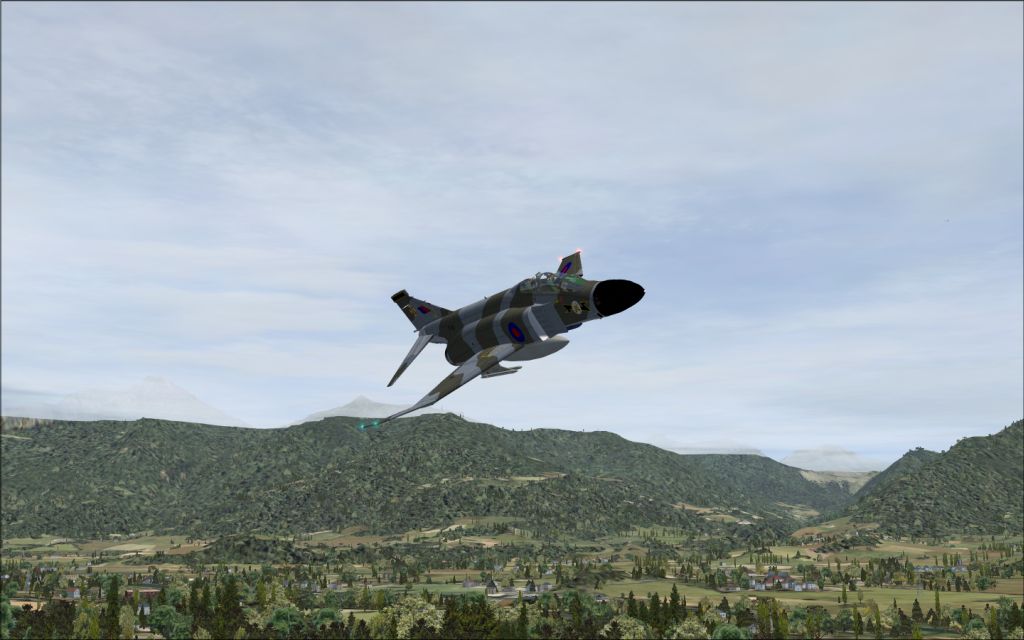
How about this:


Image

Re: IRIS F-4 PHANTOM

PostPosted: Wed May 28, 2008 9:58 pm
by N. Chapman
alright so in PS you get the shot then you resize it to 1024 wide.

then you go to file>Save for Web and Devices. a window pops up

you see your picture then off to the right you see a bunch of drop downs, check boxes and sliders. make sure that the file format is JPEG.

don't worry about the low, medium, high, maximum drop down.

make sure that optimized is checked then in the slider below that move the slider down until in the lower left corner it reads below 148K anything higher and you push your luck. it was a pain in the rear when i uploaded all those pictures and a couple of them turned out to be just 100 bytes over the limit >:(

once all that is done click save and upload it ;)

Re: IRIS F-4 PHANTOM

PostPosted: Wed May 28, 2008 10:35 pm
by SubZer0
alright so in PS you get the shot then you resize it to 1024 wide.

then you go to file>Save for Web and Devices. a window pops up

you see your picture then off to the right you see a bunch of drop downs, check boxes and sliders. make sure that the file format is JPEG.

don't worry about the low, medium, high, maximum drop down.

make sure that optimized is checked then in the slider below that move the slider down until in the lower left corner it reads below 148K anything higher and you push your luck. it was a pain in the rear when i uploaded all those pictures and a couple of them turned out to be just 100 bytes over the limit >:(

once all that is done click save and upload it ;)


OK I gave it a go. Came out to be WAY better. Thank you!

Re: IRIS F-4 PHANTOM

PostPosted: Wed May 28, 2008 11:02 pm
by N. Chapman
no prob! looks great!

Re: IRIS F-4 PHANTOM

PostPosted: Thu May 29, 2008 3:30 am
by todayshorse
Tis a great phantom, mainly cos you get the british phantoms - nice!