Fun: The full story
 Posted: Thu Jul 26, 2007 7:23 am
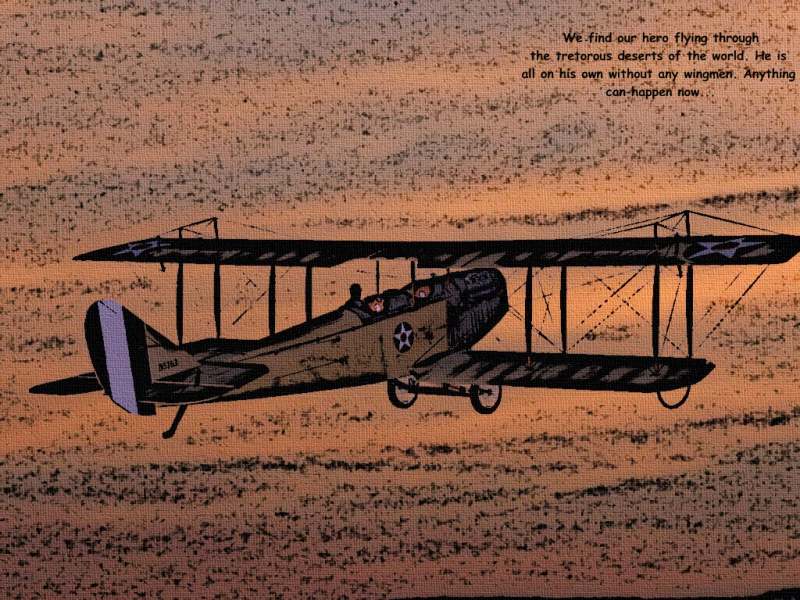

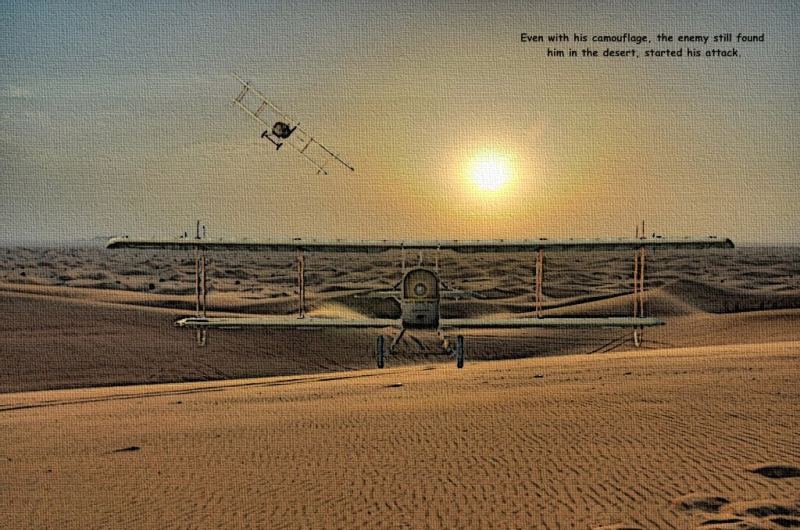
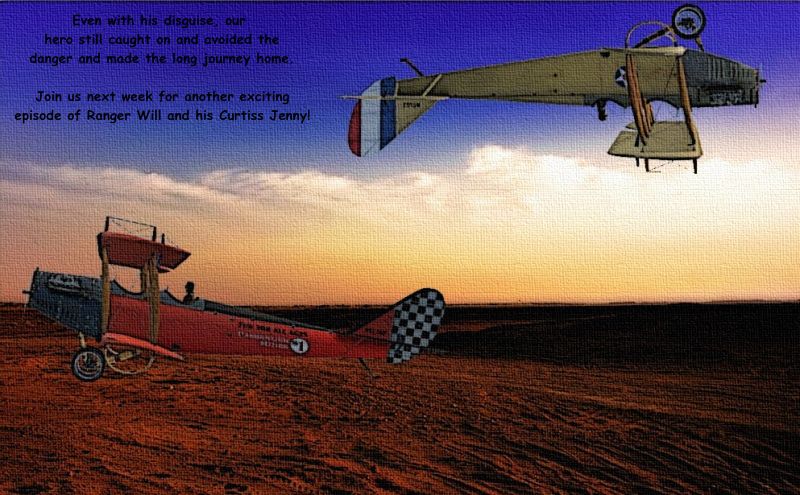
Just plain fun! ;D lol... thanks for looking... more to come

Nick
Flight Simulator and other chat
https://forums.simviation.com/phpBB3/
https://forums.simviation.com/phpBB3/viewtopic.php?f=37&t=104527
Posted: Thu Jul 26, 2007 7:23 amPosted: Thu Jul 26, 2007 10:03 am . Sorry, that's one of my pet hates
  . On to the edits;Posted: Thu Jul 26, 2007 10:35 am
I think you'll find that it's spelt 'treacherous' (shot #2)
this is a very novel idea of yours nick, and I really like it - although I have one complaint - the last two look much less like cartoons than the rest. minor niggles - it doesn't affect the fact that i really like this set simply for its ingenuity.
... Im going to do one more of those (i have an idea) and then ill go back to normal edits  Posted: Thu Jul 26, 2007 11:27 amPosted: Thu Jul 26, 2007 1:50 pm
Hey, that's fun! ;)
 Posted: Thu Jul 26, 2007 8:43 pmPosted: Fri Jul 27, 2007 6:12 am
nice are you willing to tell us how you are gettin that effect or is it one of your secrets