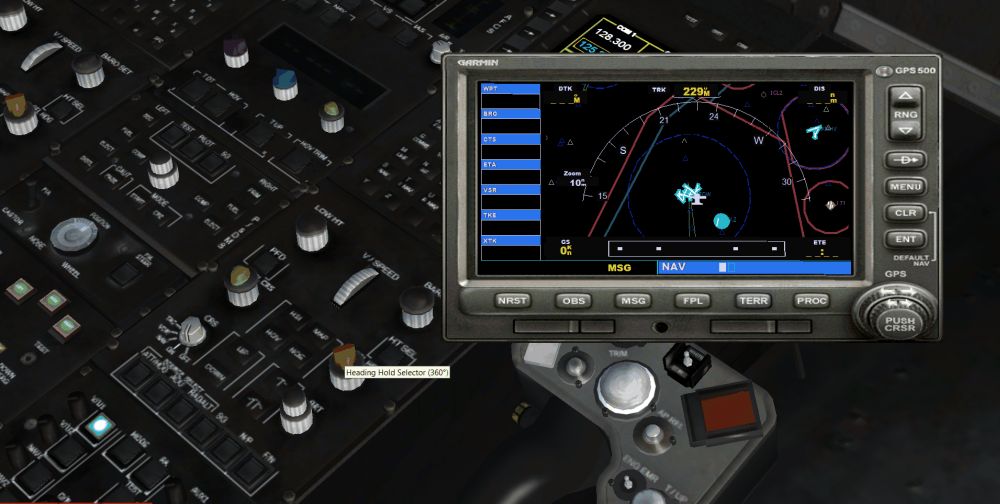
Thanks for the suggestion! I have a PDF chart that someone posted online which I usually refer to for the default key assignments. But I tend to forget that it is not a "complete" listing. There is no mention on that chart for the NAV1/GPS Toggle, but it is listed in the FSX Control Key assignments. However by default it is unassigned. I just assigned it to F12, which I was not using previously. Now that I can do that, I'll have to try seeing if the EH101 can actually navigate off the GPS.

Edit -
Well, I managed to get the AutoPilot panel into the EH101, but it will not let me turn the Autopilot on. I have "autopilot available" set to "1" instead of 0 in its aircraft.cfg file. However it isn't working. So there must be something about helicopters in FSXA that prevent that AP panel from operating. I can set the altitude and V/S on it, but none of the buttons will light when I click on them like they would in a plane.
The hotkey setting will come in handy in planes though, so I again thank you for the idea. Oddly, the AS350 helicopter I downloaded and have been using even has a NAV/GPS switch, but I don't know why, because it will not follow the GPS heading either when a flight plan is programmed.
Edit again - I spoke too soon! I just managed to get the AS350, with the Cougar "HAP" autopilot I have installed in it, to link to the GPS!
It is now following the heading, at the specified altitude and speed.
Now I need to see if I can do this in the EH101 (it should work - fingers crossed).
 Posted: Wed Apr 13, 2011 5:18 pm