Page 1 of 2

Need advice again...

PostPosted: Thu Mar 24, 2011 12:04 pm
by Flying Trucker
Good afternoon all... :)

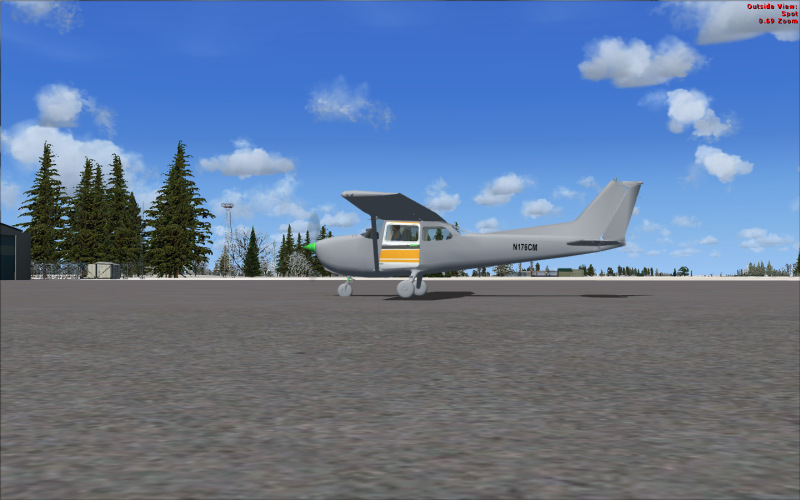
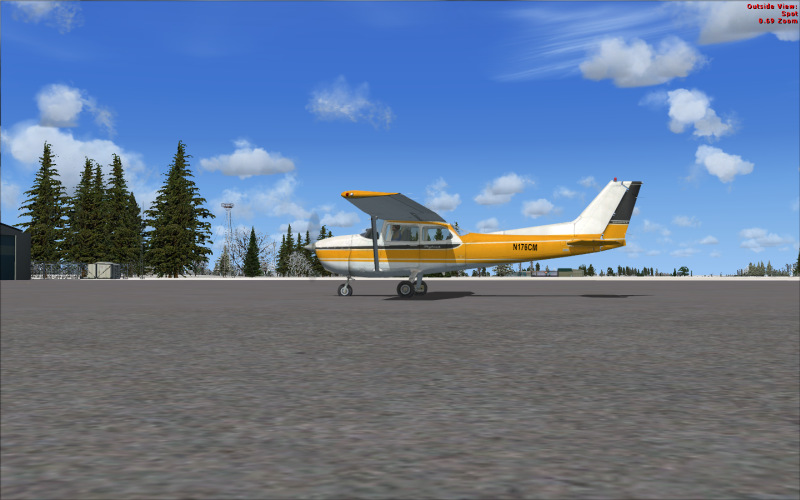
Well as you can see this did not work for me.

Re: Need advice again...

PostPosted: Thu Mar 24, 2011 12:19 pm
by Hagar
Looks like you're missing some textures. Which airfield is that?

Re: Need advice again...

PostPosted: Thu Mar 24, 2011 12:25 pm
by Flying Trucker
That is the Muskoka Airfield Doug from that Link.

Cheers...Happy Landings...Doug

Re: Need advice again...

PostPosted: Thu Mar 24, 2011 12:35 pm
by Hagar
OK. I've downloaded the files to check them out.

Muskoka has an auto-installer. Did you extract the files direct to your FSX or to a Temp folder & install the files manually?

Re: Need advice again...

PostPosted: Thu Mar 24, 2011 12:47 pm
by Flying Trucker
I extracted the files to my Download Folder.

Then Auto Installer to install to FSX.

Then Scenery Library>Add on Scenery>installed
They showed up okay in the Scenery Library.
Worked once and that was all.

Sliders are all set to maximum and lots of Free Space.

Cheers...Happy Landings...Doug

Re: Need advice again...

PostPosted: Thu Mar 24, 2011 12:53 pm
by Hagar
I can only say it works fine for me. However it seems very graphics intensive & the textures took a long time to load. You might like to try lowering your scenery display settings.

Note: I activated the scenery in this order.

Western-Canada LandclassX
Ontario_Landclass_FSX (2 areas)
Muskoka ON CYQA

Re: Need advice again...

PostPosted: Thu Mar 24, 2011 1:02 pm
by Flying Trucker
Okay will try repositioning them in the Scenery Library... :)

Will post back a reply shortly...thanks Doug... ;)

Cheers...Happy Landings...Doug

Re: Need advice again...

PostPosted: Thu Mar 24, 2011 1:09 pm
by Hagar
Please note that is the order I activated them. The Landclass should be below the individual airports on the Scenery Library listing. I doubt this is the cause of your problem.

Re: Need advice again...

PostPosted: Thu Mar 24, 2011 2:50 pm
by Flying Trucker
Okay I have uninstalled and reinstalled two of the files...

Both airports...Muskoka and Barrie Orillia

Did not install the two separate Landclass...Western Canada and Ontario Canada

I made a new folder on desktop.

Downloaded and extracted to that.

Used Auto Installer to install.

Started Flight Sim and went to Scenery Library and installed both airports.

Shut down FSX.

Restarted computer.
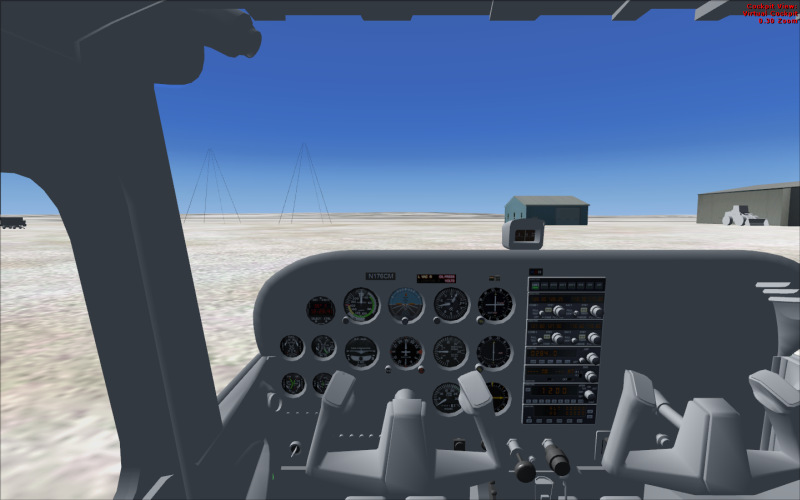
AND

I am no farther ahead than I was at 8 o'clock this morning other than now I need a drink.

I do have A1 traffic moving about the Muskoka Airport but the buildings and fuel tanks are still black.

I have lowered all my Scenery Settings to the far left and tried different increases.

This electronic gizmo hates me and I am going for a drink.... ;D

I will have two drinks for you Doug as you probably need them after reading my rant... ;D

Thanks but please don't give up on me yet.... ;)

Cheers...Happy Landings...Doug
P.S.  I am probably doing something stupid or missing something so simple... :)

Re: Need advice again...

PostPosted: Thu Mar 24, 2011 3:15 pm
by Hagar
Doug. I don't think you did anything wrong. If Muskoka worked properly once then it must have been correctly installed. As I mentioned before it's VERY graphics intensive & the textures take a long time to load on my system. See my shots below.

I found that Barrie Orillia is not as bad in that respect.

Started Flight Sim and went to Scenery Library and installed both airports.

Shut down FSX.

Restarted computer.
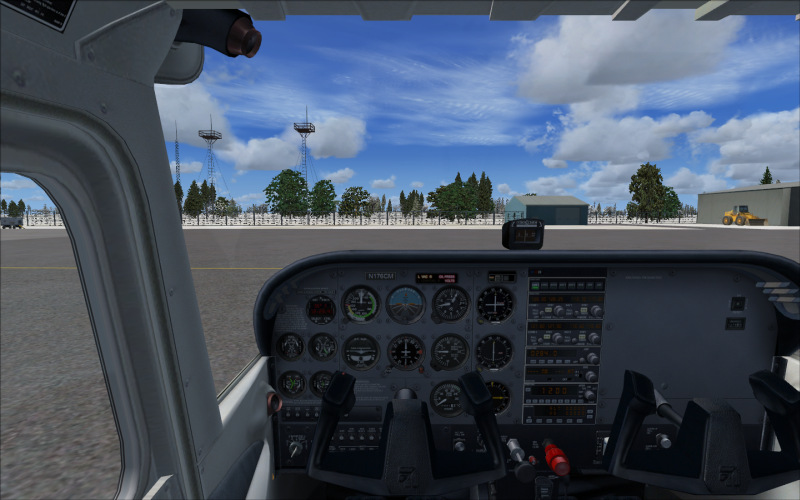
Unlike FS9 there's no need to restart FSX after activating new scenery. You should see it updating the database when you click OK.

I took this series of shots while the textures were loading. It works fine once it's up & running. Most frustrating.

Image

Image

Image

Image

Re: Need advice again...

PostPosted: Fri Mar 25, 2011 7:45 am
by Flying Trucker
Good morning all... ;)

Thanks Doug...will try it one more time and I waited almost ten minutes for it to load yesterday so will give it a little longer today.

I don't think I need the Landclass files to make this work or do I?

I am going to move all sliders by ten percent to the right from the far left and will try the Barrie/Orillia instead of Muskoka for a start.

Cheers...Happy Landings...Doug

Re: Need advice again...

PostPosted: Fri Mar 25, 2011 9:20 am
by Hagar
Ten minutes sounds plenty long enough. If the textures don't load in that time they're not likely to.

You don't need the Landclass

Re: Need advice again...

PostPosted: Fri Mar 25, 2011 1:47 pm
by U4EA
I recently had this same 'blacked-out' difficulty when I d/l'd and installed MoCat's Caribbean Seaplane Tour add-on.

Fixed it (eventually thru trial & error) by running the autoinstaller into the main temp file.

Re: Need advice again...

PostPosted: Fri Mar 25, 2011 7:01 pm
by Flying Trucker
Good evening all... :)

Thanks Doug... :)
It is still not showing the buildings in colour...just black
and things like fuel tanks and trucks are black...
I do get lots of nice A1 aircraft on the ground and in the air.

U4EA Thanks
I typed in Computer HP Temp but got nothing
I am using Vista and not sure if there is such a thing.

I originally downloaded to my Documents>Download Folder and used the Auto Installer.
Deleted that.
Downloaded to a New Folder on Desktop and used Auto Installer.
Still the same problem.

Doug I get those black buildings etc. at both Muskoka and Barrie Orillia but lots of good A1 traffic.

I did notice on the Link that these are the first two for FSX produced by these folks and I am wondering if that is where the problem is.
They also recommend Ultimate Terrain for Canada but say it is not necessary.

I have joined the Forum there to get some information and post my questions as that was the only way I could find to get in touch with them.
Waiting for a reply on my registering with them before I can post on their forum.

It would seem they have been quite active with FS9 and are now moving on to FSX.

Will keep everyone advised as to what I find out.... ;)

Thanks for all the help... ;)

Cheers...Happy Landings...Doug

Re: Need advice again...

PostPosted: Fri Mar 25, 2011 7:20 pm
by Hagar
Doug. Just to make sure the textures are installed go to your FSX\Addon Scenery folder. Look in the Texture folders of the Barrie Orillia & Muskoka scenery. There should be a lot of BMP & DDS files in both.

To clarify on the auto-install. It doesn't have to extract the files direct to FSX or any other existing folder.  You can direct it to any location on your HD. I always treat these auto-installers like ordinary zipfiles which is basically what they are. I redirect the install path to a suitably named folder in my Downloads folder. If the folder doesn't exist it will create it during extraction. Then manually install the files in the usual way. This way I know exactly which files are going where.