Fuselage missing with C310Q
 Posted: Fri Mar 18, 2011 9:50 am
Hello,
I'm totaly new to flightsims and I ran into some problems with installing the Cessna c310Q I downloaded from this site.
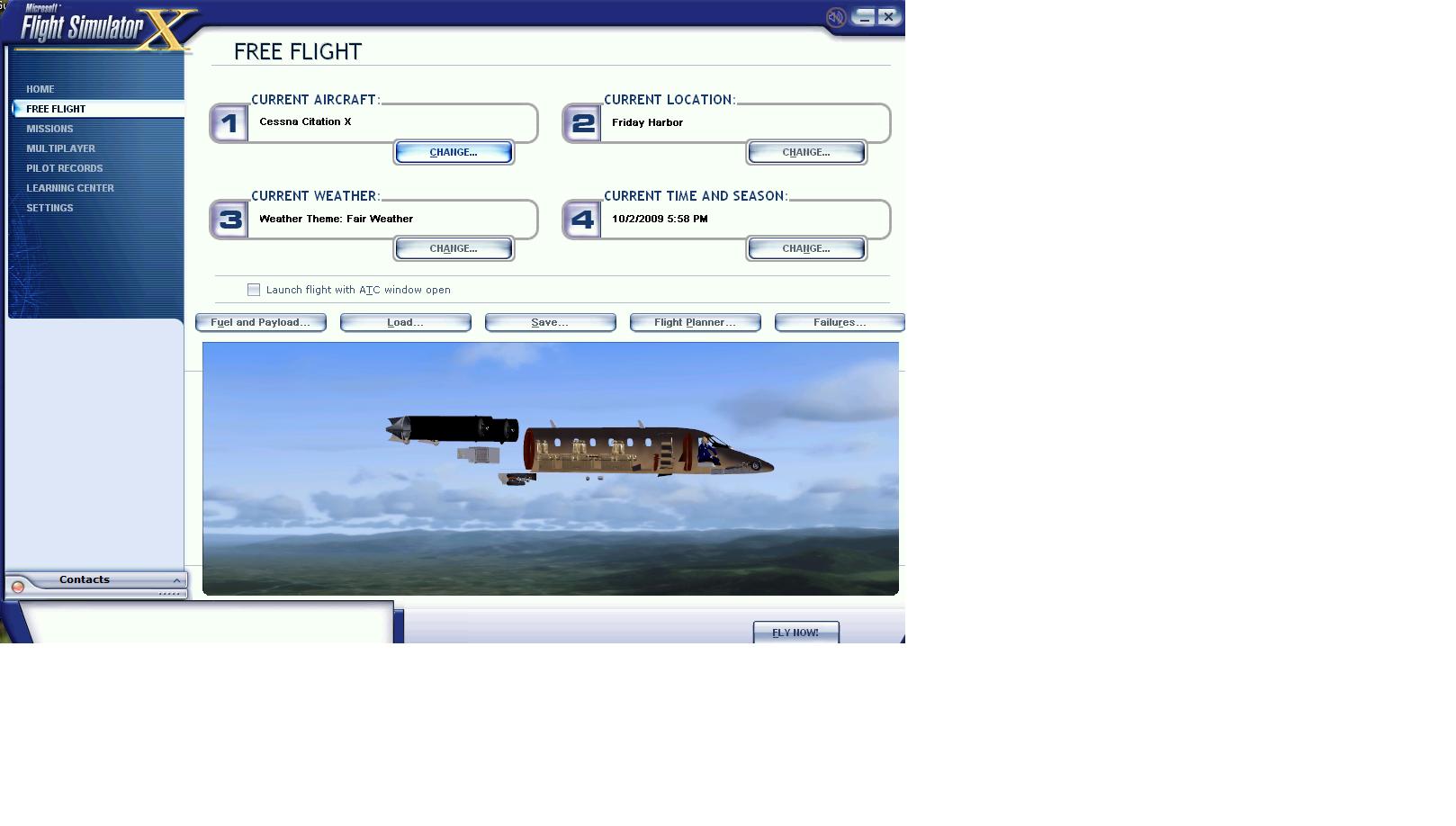
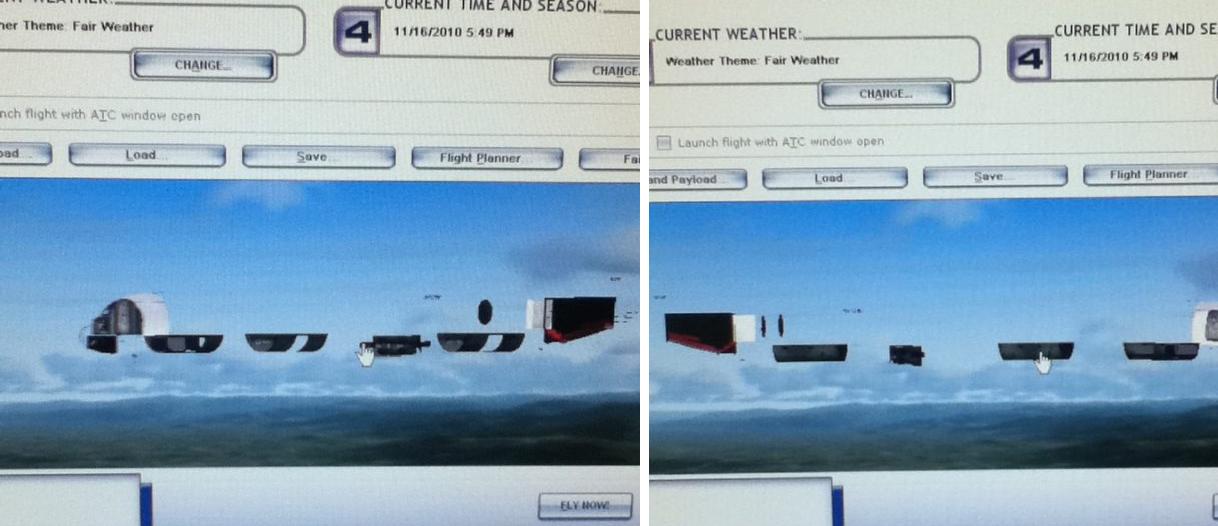
It shows up nicely in my selection window, but once I select it and go back to the page where I have to start up the flight, I only see the pilot and some small items from teh aircraft, but I'm missing the whole outside of the plane. Also ingame, the outside of the plane is missing.
I heard this has something to do with certain models running on specific video cards, but I cant find much about how to solve it.
I've got a Geforce 8800GT, running under win7
I also have problems with the Cessna 340 custom, which doesnt show the plane ingame, but only when viewed from the inside. From outside view everything looks fine.
The installation procedure seems to be in order, since the Lancair Legacy Gold Edition and the Laincair Legacy 2000 350HP work fine.
Can anyone please advise me how to fix this problem? Those Cessnas are the 2 planes I really would like to fly.
I'm totaly new to flightsims and I ran into some problems with installing the Cessna c310Q I downloaded from this site.
It shows up nicely in my selection window, but once I select it and go back to the page where I have to start up the flight, I only see the pilot and some small items from teh aircraft, but I'm missing the whole outside of the plane. Also ingame, the outside of the plane is missing.
I heard this has something to do with certain models running on specific video cards, but I cant find much about how to solve it.
I've got a Geforce 8800GT, running under win7
I also have problems with the Cessna 340 custom, which doesnt show the plane ingame, but only when viewed from the inside. From outside view everything looks fine.
The installation procedure seems to be in order, since the Lancair Legacy Gold Edition and the Laincair Legacy 2000 350HP work fine.
Can anyone please advise me how to fix this problem? Those Cessnas are the 2 planes I really would like to fly.