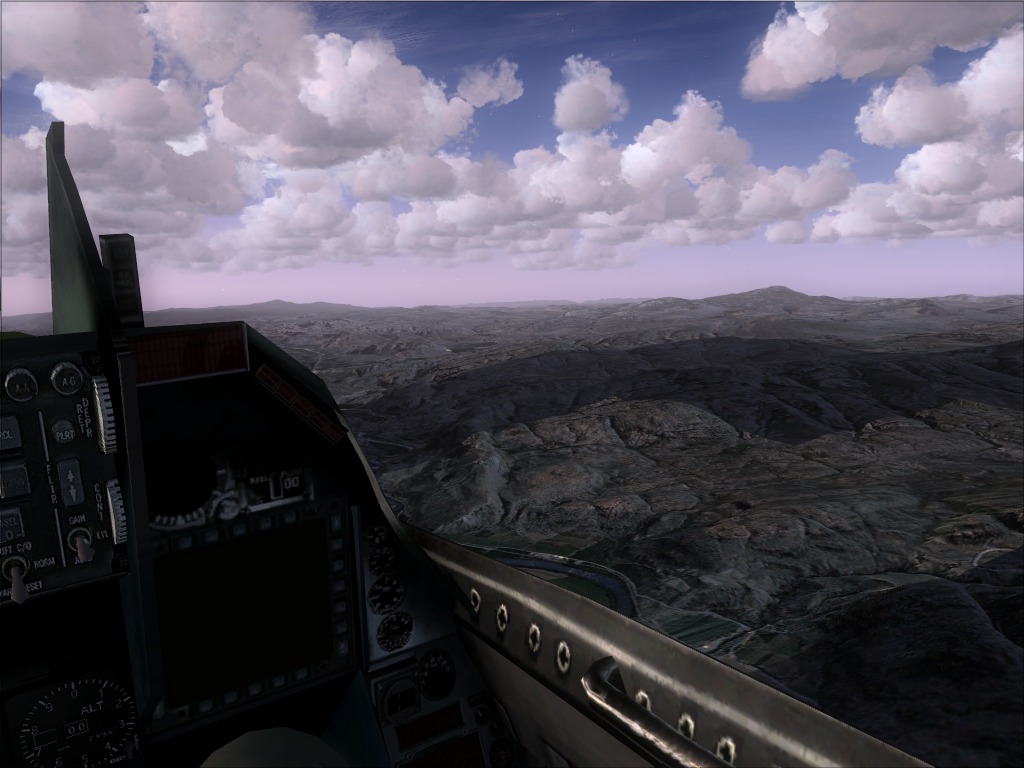
Page 1 of 1

Virtual Cockpit problem

PostPosted: Sun Aug 08, 2010 10:52 am
by Knick
Hello I recently reinstalled FSX Deluxe with acceleration.

Everything is actually working to my liking, except for one plane.

I downloaded the Hellenic Airforce F-16 found here http://www.simviation.com/simviation/st ... =64&page=3


Now my problem is that, when I go in to the VC I can only see directly ahead.

Like this Image
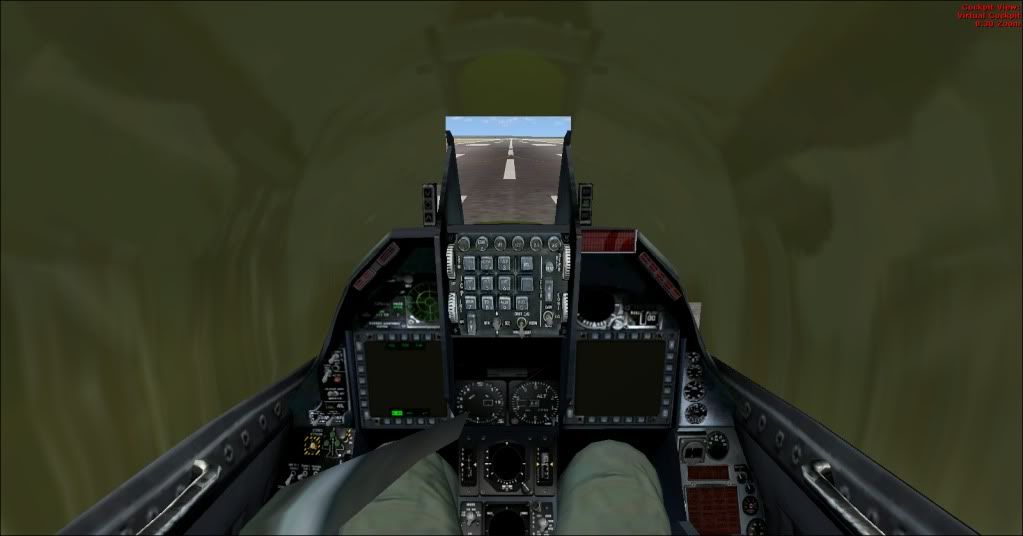


Any idea on how to fix this?

Re: Virtual Cockpit problem

PostPosted: Sun Aug 08, 2010 1:40 pm
by CHUCK79
This should fix it.......
The second aircraft down on this page comes with a replacement texture to address this problem.
The texture is called "inglass" just copy it and paste it in your aircrafts' texture folder :)

http://www.simviation.com/simviation/?I ... &mark=3306

Makes the glass almost too clear.....
http://www.simviation.com/yabbuploads/s ... 27-660.JPG
Better than blinders though ;)
Pretty sure this fix works for all of the Kirk Olsson F-16 models that I've came accross.
Hope it helps :)

Re: Virtual Cockpit problem

PostPosted: Sun Aug 08, 2010 2:56 pm
by Knick
This should fix it.......
The second aircraft down on this page comes with a replacement texture to address this problem.
The texture is called "inglass" just copy it and paste it in your aircrafts' texture folder :)

http://www.simviation.com/simviation/?I ... &mark=3306

Makes the glass almost too clear.....
http://www.simviation.com/yabbuploads/s ... 27-660.JPG
Better than blinders though ;)
Pretty sure this fix works for all of the Kirk Olsson F-16 models that I've came accross.
Hope it helps :)


Sweet, thanks man!
;D


That texture is amazing :o

Re: Virtual Cockpit problem

PostPosted: Sun Aug 08, 2010 3:00 pm
by CHUCK79
This should fix it.......
The second aircraft down on this page comes with a replacement texture to address this problem.
The texture is called "inglass" just copy it and paste it in your aircrafts' texture folder :)

http://www.simviation.com/simviation/?I ... &mark=3306

Makes the glass almost too clear.....
http://www.simviation.com/yabbuploads/s ... 27-660.JPG
Better than blinders though ;)
Pretty sure this fix works for all of the Kirk Olsson F-16 models that I've came accross.
Hope it helps :)


Sweet, thanks man!
;D


That texture is amazing :o


Glad to assist :)

Re: Virtual Cockpit problem

PostPosted: Sun Aug 08, 2010 3:18 pm
by Knick
This should fix it.......
The second aircraft down on this page comes with a replacement texture to address this problem.
The texture is called "inglass" just copy it and paste it in your aircrafts' texture folder :)

http://www.simviation.com/simviation/?I ... &mark=3306

Makes the glass almost too clear.....
http://www.simviation.com/yabbuploads/s ... 27-660.JPG
Better than blinders though ;)
Pretty sure this fix works for all of the Kirk Olsson F-16 models that I've came accross.
Hope it helps :)


Sweet, thanks man!
;D


That texture is amazing :o


Glad to assist :)

Problem solved, I took the texture bmp file called "inglass" from one of the actual planes, I missed the folder which consisted of  a file with the same name (inglass) but it was a bigger file, copied that in like you said, PROBLEM SOLVED.


On more question,  the MFDs are they suppose to be black in  VC?  In the 2d panel they work fine.

Re: Virtual Cockpit problem

PostPosted: Sun Aug 08, 2010 7:45 pm
by CHUCK79
Mine don't seem to work either......
The read me said something about some of the gauges in the VC being un-editable....... :)