Fresh FSX install
 Posted: Sat Apr 03, 2010 2:09 pm
I was wandering, how would a fresh FSX install affect my frame rates?
Will it make any difference?
Will it make any difference?
Flight Simulator and other chat
https://forums.simviation.com/phpBB3/
https://forums.simviation.com/phpBB3/viewtopic.php?f=21&t=66468
Posted: Sat Apr 03, 2010 2:09 pmPosted: Sat Apr 03, 2010 2:24 pmPosted: Sat Apr 03, 2010 2:30 pmThat's much to broad a question to answer without some more information. That is, what is your current frame rate? Has it dropped over time? Have you installed many addons?
Pete
 )Posted: Sat Apr 03, 2010 2:37 pmPosted: Sat Apr 03, 2010 5:29 pm
 BobPosted: Sat Apr 03, 2010 5:32 pm
Well my FSX is still running just find. The install was done when FSX was first released around three years ago if my memory serves me. I have just tons of aircraft and addon scenery. I'd hate to even think of doing a new install. If it ain't broke leave it alone. When ever my performance starts to drop off and things start to slow down it's time to DEFRAG the drive that you have FSX installed on. Thats the secret to keeping your Sim running smooth. DEFRAG! DEFRAG! DEFRAG! The Windows default defrager is junk. I use Ultimate Defrag. There is a freeware version available at this time. Get it here. http://download.cnet.com/UltimateDefrag-Freeware-Edition/3000-2094_4-10582157.html
Before you go to all the trouble of doing a new install give it a shot and see if things improve. What have you got to lose.
Posted: Sat Apr 03, 2010 5:47 pmWell my FSX is still running just find. The install was done when FSX was first released around three years ago if my memory serves me. I have just tons of aircraft and addon scenery. I'd hate to even think of doing a new install. If it ain't broke leave it alone. When ever my performance starts to drop off and things start to slow down it's time to DEFRAG the drive that you have FSX installed on. Thats the secret to keeping your Sim running smooth. DEFRAG! DEFRAG! DEFRAG! The Windows default defrager is junk. I use Ultimate Defrag. There is a freeware version available at this time. Get it here. http://download.cnet.com/UltimateDefrag-Freeware-Edition/3000-2094_4-10582157.html
Before you go to all the trouble of doing a new install give it a shot and see if things improve. What have you got to lose.
Posted: Sat Apr 03, 2010 6:11 pmAsk the guys at the 'overclock' forum if you might be a candidate.I'm just wandering if I can get better results from my machine (Intel Core2 Quad, Q9300 @ 2.50GHz
Posted: Sun Apr 04, 2010 1:34 amIf it ain't broke leave it alone. When ever my performance starts to drop off and things start to slow down it's time to DEFRAG the drive that you have FSX installed on. Thats the secret to keeping your Sim running smooth. DEFRAG! DEFRAG! DEFRAG!
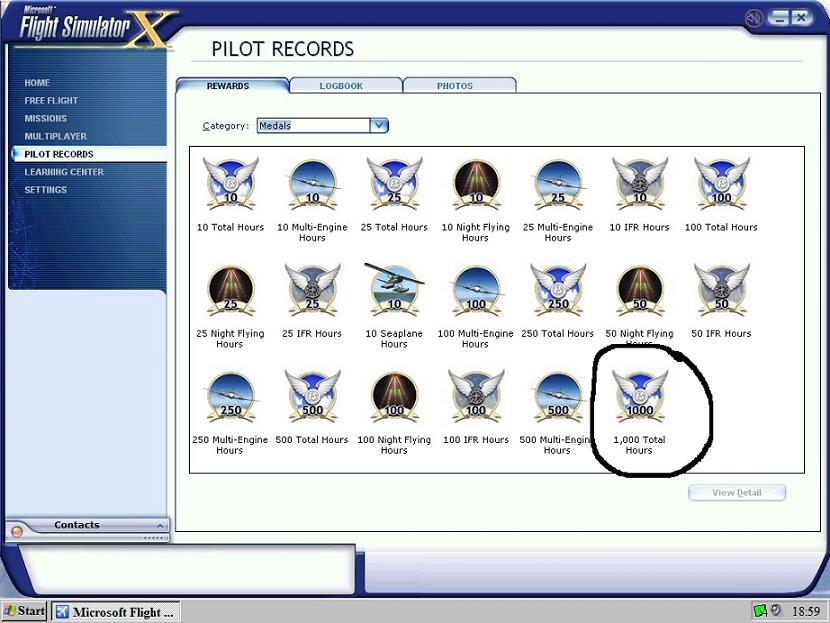
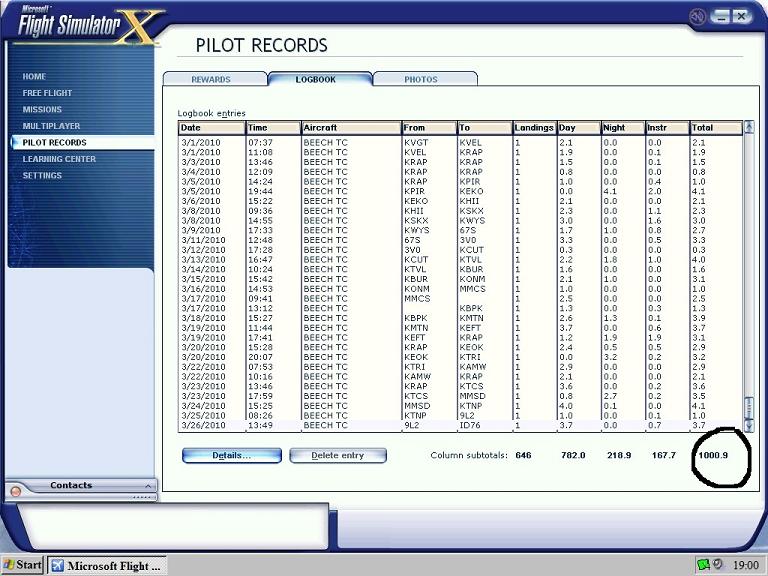 Posted: Sun Apr 04, 2010 11:26 am
Ask the guys at the 'overclock' forum if you might be a candidate.I'm just wandering if I can get better results from my machine (Intel Core2 Quad, Q9300 @ 2.50GHz

 ), install my new (top secret) aircraft... And be the happiest simmer (for a moment or two)