Textures Become Blurry

Posted:
Sat Nov 14, 2009 11:08 amby B-Valvs
I downloaded the freeware REX grass and it looks great, but it becomes blurry after a few feet. Is there a way to make it appear longer?
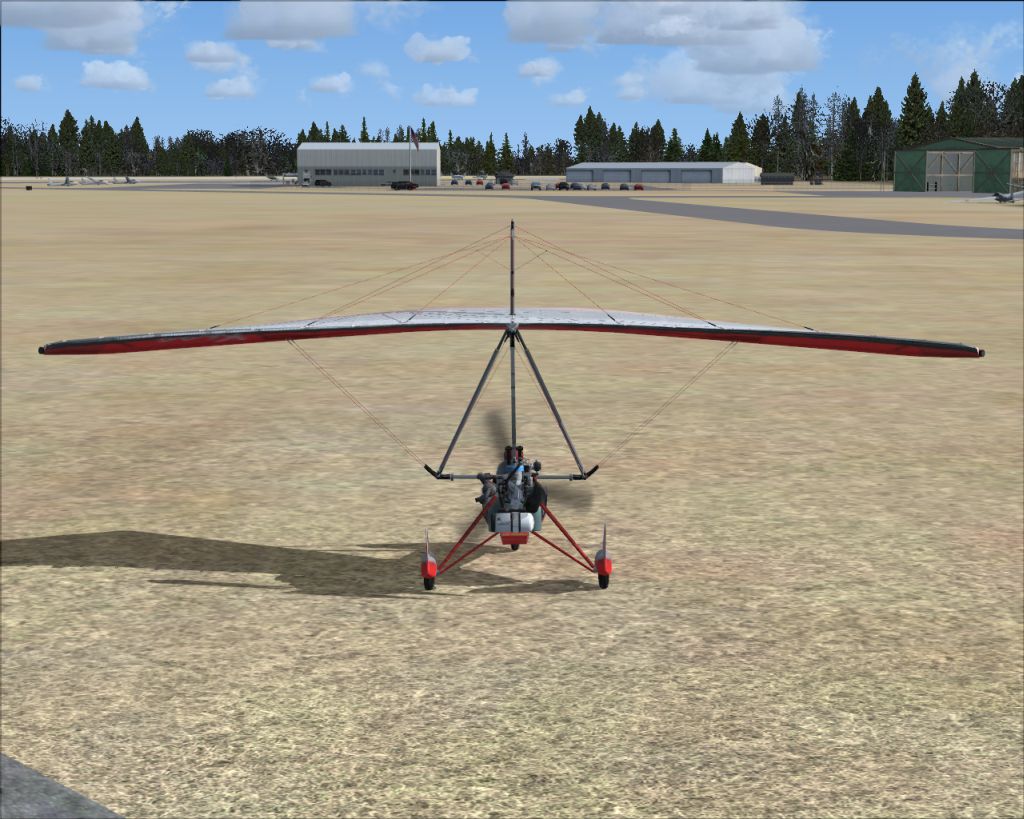
Thanks for any help.
8-)
Re: Textures Become Blurry
Posted:
Sat Nov 14, 2009 11:39 amby Daube
You have to increase the level of anisotropic filtering in your video card settings (in Windows).
Also, you'll have to make sure that the video card is in "Quality" mode, not in "Performance".
Re: Textures Become Blurry
Posted:
Sat Nov 14, 2009 12:01 pmby B-Valvs
Thanks, I'll try it out.
8-)
Re: Textures Become Blurry
Posted:
Sat Nov 14, 2009 1:57 pmby Tai-2
hmm im still having problems
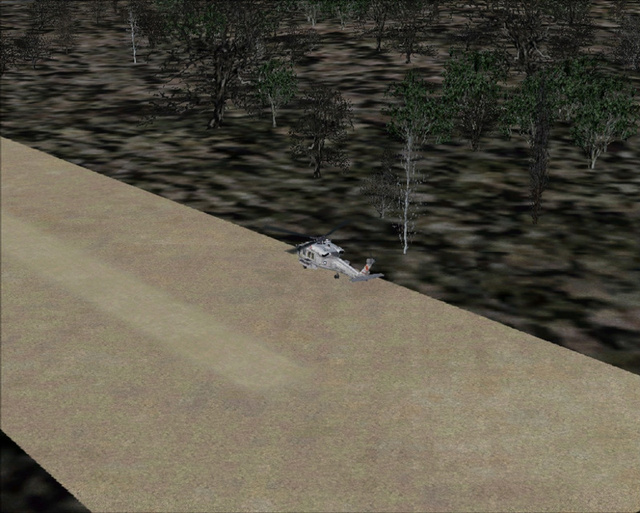
Im using a radeon 4830 HD Sapphire Gpu
In the Catalyts Control Center I have Adaptive AA at quality and anisotropic filtering at 16X(max it can go)
Should I raise the AA, not adpative AA, but AA from 2X? or possible the Catalyst AI to quality settings?
Re: Textures Become Blurry
Posted:
Sat Nov 14, 2009 3:15 pmby jwenham
Have to tried raising the Texture Bandwidth Multiplier (TBM) Try a setting of 70 the default is 40.
Re: Textures Become Blurry
Posted:
Sat Nov 14, 2009 3:50 pmby Tai-2
Have to tried raising the Texture Bandwidth Multiplier (TBM) Try a setting of 70 the default is 40.
Hmm cannot find that at all
And on other note, i have tried to raise everything to max in CCC and nothing.
Re: Textures Become Blurry
Posted:
Sat Nov 14, 2009 5:37 pmby jwenham
Its under the display section of the CFG file
[Display]
RUNWAY_LIGHTS_SURFACE_SCALAR=1.0
RUNWAY_LIGHTS_VASI_SCALAR=0.8
RUNWAY_LIGHTS_APPROACH_SCALAR=0.9
RUNWAY_LIGHTS_STROBE_SCALAR=1.2
ChangeTime=4.000000
TransitionTime=4.000000
ActiveWindowTitleTextColor=255,255,255
ActiveWindowTitleBackGroundColor=0,28,140,64
NonActiveWindowTitleTextColor=255,255,255
NonActiveWindowTitleBackGroundColor=24,33,87,64
InfoUpperRightTextColor=255,0,0
InfoUpperRightBackGroundColor=0,0,0,0
InfoLowerLeftTextColor=255,255,255
InfoLowerLeftBackGroundColor=255,0,0,128
InfoLowerRightTextColor=255,255,255
InfoLowerRightBackGroundColor=255,0,0,128
InfoBrakesEnable=True
InfoParkingBrakesEnable=True
InfoPauseEnable=True
InfoSlewEnable=True
InfoStallEnable=True
InfoOverspeedEnable=True
BLOOM_EFFECTS=0
SKINNED_ANIMATIONS=1
[color=#ff0000]TEXTURE_BANDWIDTH_MULT=40