Page 1 of 1

Addons fail to work

PostPosted: Sun Sep 06, 2009 2:22 pm
by Grimfist
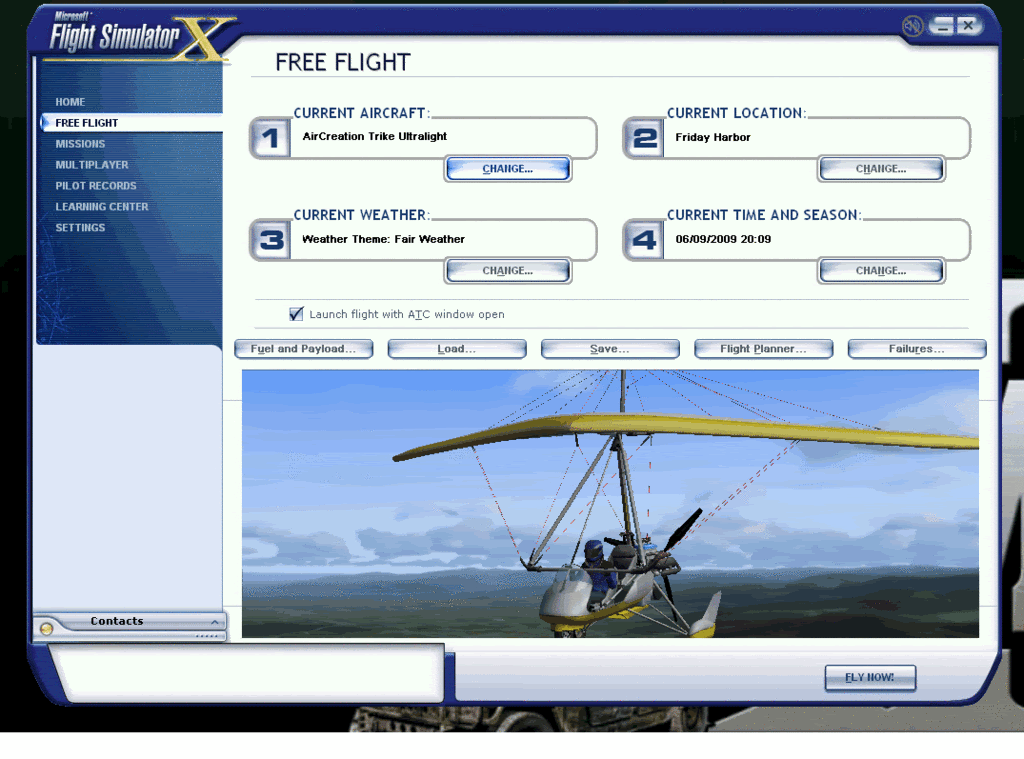
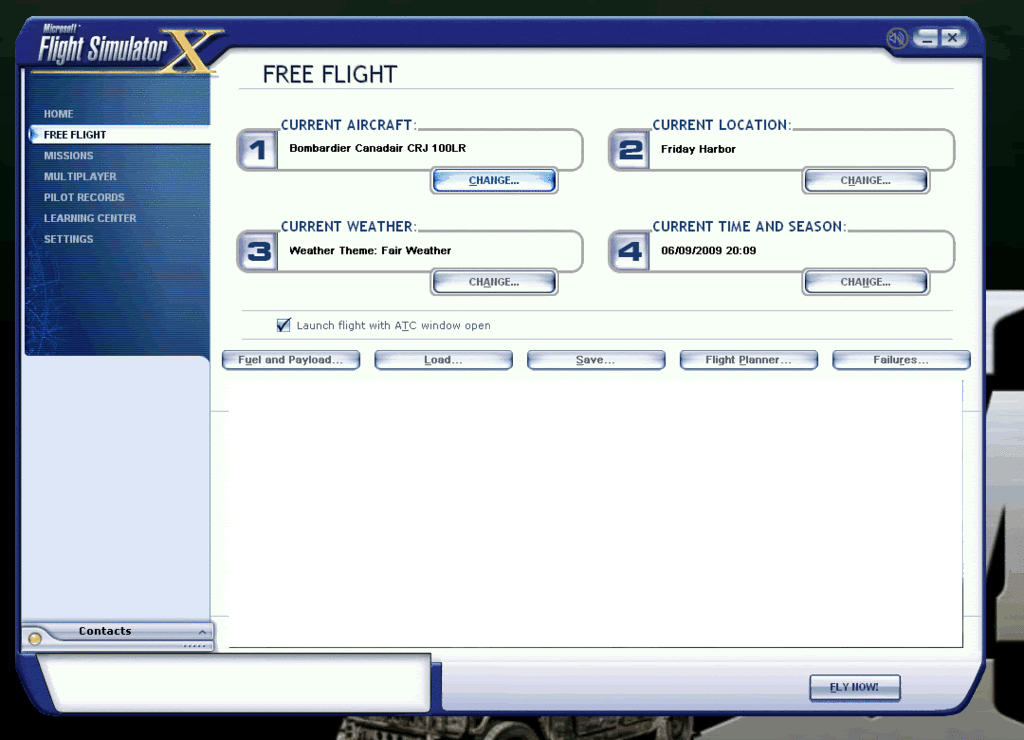
Well, all was fine but now when i try and play with a downloaded plane i get a white screen, i can hear the sound but i cant see anything. this also happens at the plane selection screen:

http://i296.photobucket.com/albums/mm16 ... /fsxp1.gif

http://i296.photobucket.com/albums/mm16 ... /fsxp2.gif

no matter what plane i try, only the defualt ones work, what could it be.

I have tried lowering the grafics, and changing all the settings.

my rig:

Processor:      Intel(R) Core(TM)2 Quad CPU Q8200 @2.33GHz (4CPUs)
Memory: 4000MB RAM
Hard Drive: 750 GB
Video Card:      NVIDIA GeForce 9800 GTX+
Monitor: 24 inch
Sound Card: Realtek HD Audio output, Soundblaster x-fi
Speakers/Headphones:      Digital Precision
Keyboard: Tesco value keyboard
Mouse: Microsoft Laser mouse 5000
Mouse Surface: RAF Avro Vulcan mousemat? lol
Operating System: Windows XP Home Edition
Motherboard: ASUS PND-5
Computer Case: Conqueror

TIA for any thoughts on the matter.

Re: Addons fail to work

PostPosted: Sun Sep 06, 2009 2:24 pm
by Hagar
If you have Light Bloom enabled try turning it OFF.

Re: Addons fail to work

PostPosted: Sun Sep 06, 2009 2:38 pm
by Grimfist
WOW, ty Hagar
it worked, thanks a lot bud.  ;)

Re: Addons fail to work

PostPosted: Sun Sep 06, 2009 2:47 pm
by Hagar
You're welcome. This problem often crops up. You might like to read this. http://205.252.250.26/cgi-bin/yabb2/YaBB.pl?num=1251394165

Re: Addons fail to work

PostPosted: Thu Sep 10, 2009 2:06 pm
by b108
he he ;D

I don't know if you said so or not, but you could mention what computer your using. If your using a Dell, well...

Go figure that it doesn't work.
I would say I feel your pain, but it looks like you fixed it.

Re: Addons fail to work

PostPosted: Thu Sep 10, 2009 2:21 pm
by Hagar
he he ;D

I don't know if you said so or not, but you could mention what computer your using. If your using a Dell, well...

Go figure that it doesn't work.
I would say I feel your pain, but it looks like you fixed it.

The make of computer is irrelevant. The problem is with FS9 aircraft in FSX.

Re: Addons fail to work

PostPosted: Sat Sep 12, 2009 2:54 pm
by Cee74E
So maybe you can help me figure out why none of the planes I installed from the FSX libraries work?  They just don't show up at all in the plane chooser...

Re: Addons fail to work

PostPosted: Sat Sep 12, 2009 2:59 pm
by Hagar
[quote]So maybe you can help me figure out why none of the planes I installed from the FSX libraries work?

Re: Addons fail to work

PostPosted: Sat Sep 12, 2009 4:03 pm
by hhomebrewer
Hagar says
The problem is with FS9 aircraft in FSX.


Does this mean FS9 planes can function in FSX if this light bloom thingy is disabled? I have about 150 in FS9; I'd like to put a few of my faves into FSX. I'd like to try the Stratojet Merlin and the CORAL F-15, along with a few Mustangs, a few Spits, the WoP B-17, B-29... (voice trails off in descending volume)

Re: Addons fail to work

PostPosted: Sat Sep 12, 2009 4:09 pm
by Hagar
Hagar says
The problem is with FS9 aircraft in FSX.


Does this mean FS9 planes can function in FSX if this light bloom thingy is disabled? I have about 150 in FS9; I'd like to put a few of my faves into FSX. I'd like to try the Stratojet Merlin and the CORAL F-15, along with a few Mustangs, a few Spits, the WoP B-17, B-29... (voice trails off in descending volume)

Some FS9 aircraft will work well in FSX but others won't. It's difficult to give specific advice & a lot depends on the model & the version of FSX you have installed. My best suggestion is to try them yourself. One of the most common problems is incompatible gauges.

Re: Addons fail to work

PostPosted: Sat Sep 12, 2009 9:17 pm
by Boikat
Hagar says
The problem is with FS9 aircraft in FSX.


Does this mean FS9 planes can function in FSX if this light bloom thingy is disabled? I have about 150 in FS9; I'd like to put a few of my faves into FSX. I'd like to try the Stratojet Merlin and the CORAL F-15, along with a few Mustangs, a few Spits, the WoP B-17, B-29... (voice trails off in descending volume)


Like Hagar said, it's hit-n-miss on importing FS9 add-ons.  Some are gold, and some are just not worth it, unless you *really* want it to work in FSX.  For me, that's actually part of the fun.

Re: Addons fail to work

PostPosted: Thu Nov 12, 2009 1:38 pm
by Mike M
Im not sure how this works, but i have issue with getting textures to load, when i copy and paste into folder, i keep getting  error message, can create path, check path to see if correct, something along that line, this is when i paste into the aircraft.cfg

Re: Addons fail to work

PostPosted: Thu Nov 12, 2009 1:40 pm
by Mike M
sorry, cant create when i try to close aircraft.cfg window it asks me if i want to save, but it wont let me save it, says cant create .

Re: Addons fail to work

PostPosted: Thu Nov 12, 2009 2:59 pm
by dave3cu
Mike M, welcome to SimV

Your issue has to do with Vista's UAC security. Has been discussed before, check out this topic: http://205.252.250.26/cgi-bin/yabb2/YaBB.pl?num=1250292507/4#4

A suggestion: When you have a question it's best to start a new topic. When you piggy back on someone elses topic your question can get 'lost in the shuffle', especially if it's not directly related to the original poster's question.

Dave