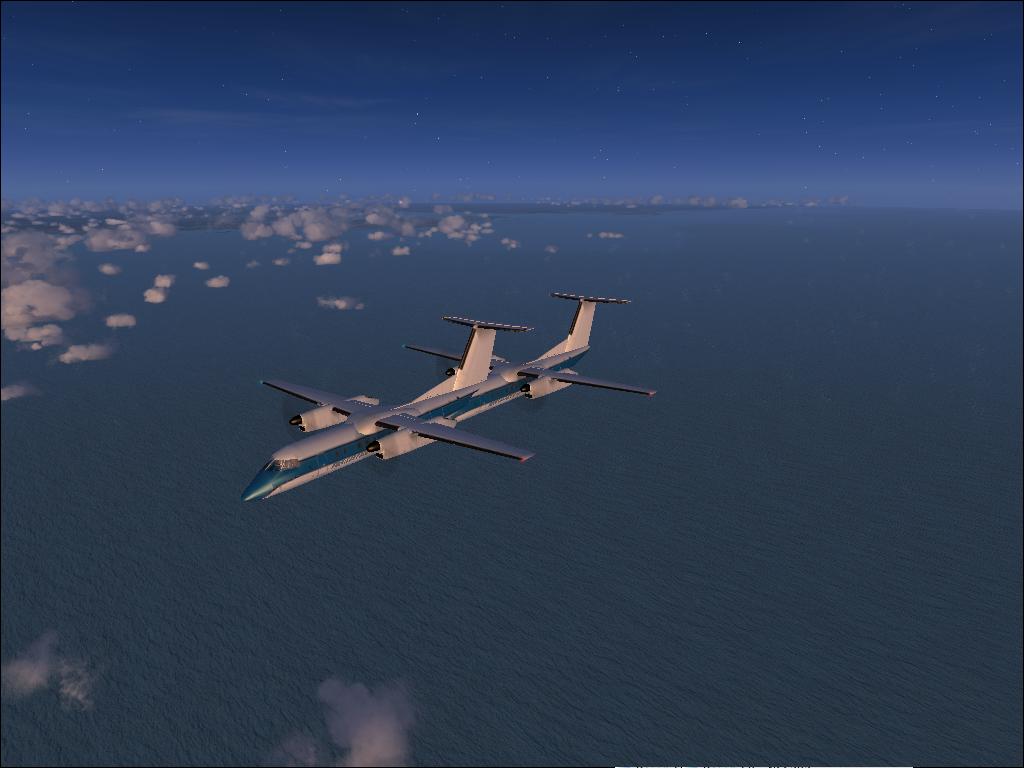
Follow that AI.....
 Posted: Sat Oct 24, 2009 7:43 pm
Have you ever wondered where that AI plane was headed to so that you can follow it?? Well, I have the answer for you.
In your FSX (and FS9) .CFG located in, C:/Documents and Settings/(user)/Application Data/Microsoft Games/FSX (or /FS9)
look for the following area::
[AContain]
ShowLabels=1
ShowUserLabel=0
ShowLabelManufacturer=1
ShowLabelModel=1
ShowLabelTailNumber=0
ShowLabelDistance=1
ShowLabelAltitude=1
ShowLabelAirline=0
ShowLabelAirlineAndFlightNumber=0
[glow=yellow,2,300]ShowLabelFlightPlan=1[/glow]
ShowLabelContainerId=0
ShowLabelAirspeed=1
ShowLabelHeading=1
LabelDelay=1000
LabelColor=FFFF0000
change the value from =0 to =1 to turn it on.
In your FSX (and FS9) .CFG located in, C:/Documents and Settings/(user)/Application Data/Microsoft Games/FSX (or /FS9)
look for the following area::
[AContain]
ShowLabels=1
ShowUserLabel=0
ShowLabelManufacturer=1
ShowLabelModel=1
ShowLabelTailNumber=0
ShowLabelDistance=1
ShowLabelAltitude=1
ShowLabelAirline=0
ShowLabelAirlineAndFlightNumber=0
[glow=yellow,2,300]ShowLabelFlightPlan=1[/glow]
ShowLabelContainerId=0
ShowLabelAirspeed=1
ShowLabelHeading=1
LabelDelay=1000
LabelColor=FFFF0000
change the value from =0 to =1 to turn it on.