Main Panel not showing up
 Posted: Thu Feb 05, 2015 8:45 am
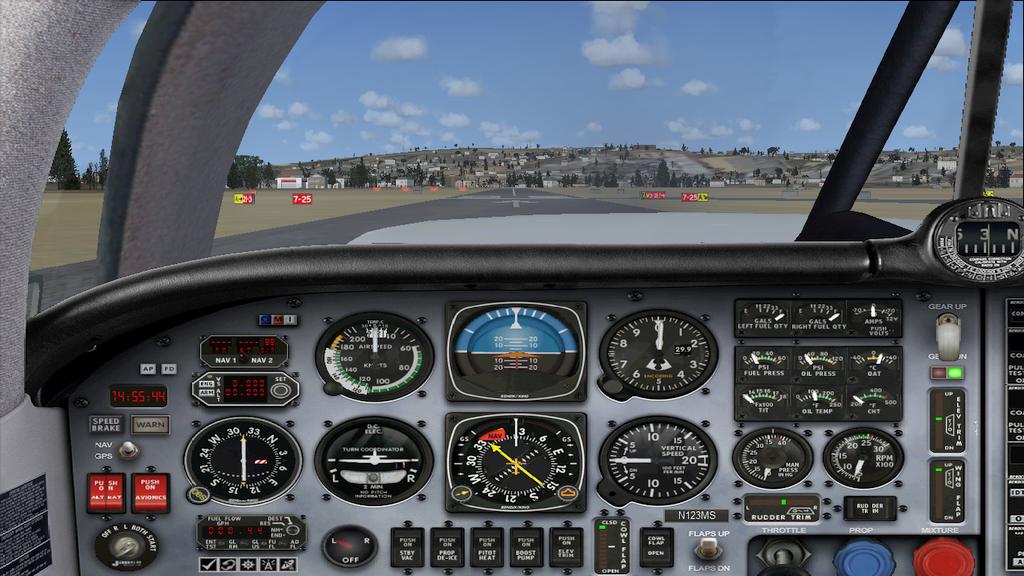
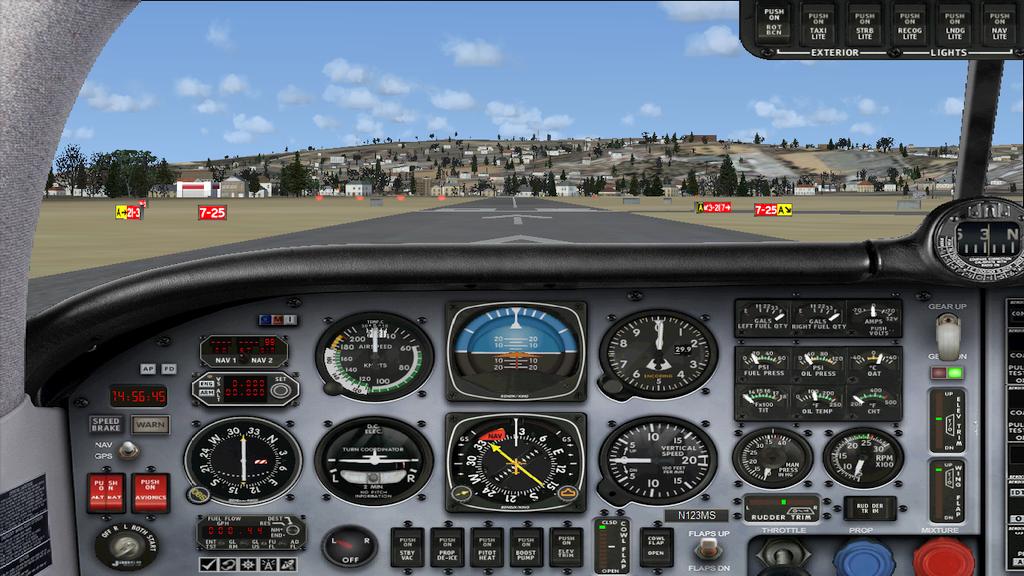
After my last question about view change I realized I worded it wrong. What I am trying to do is to get FSX to show the main panel instead of the VC.
I have tried removing any thing in the panel cfg file about the VC and when I go into the cockpit I still see in the upper left hand corner window 00 Virtual cockpit and you do not see the main panel I than use Shift 1 to display the main panel but if I go into spot view when I go back int the cockpit the main panel is hidden and I have to once again press shift1. It does not matter what aircraft I use it does the same thing.
I have also used FSPANEL STUDIO to edit the panels completely removing any window that said VC with no luck.
I found a entry in the FSX CFG file that reads Default View=1 I tried to change this to read Default View =0 but FSX changed it back Not sure why.
So am I stuck with this? I mean it is of a matter of life and death if I have to keep doing the same thing than so be it. But it is a real pain.
I am looking at the default Money Bravo and what I see may be just a bitmap not sure to be honest with you. But I do see window 00 Virtual Cockpit in the upper left hand corner
I have tried removing any thing in the panel cfg file about the VC and when I go into the cockpit I still see in the upper left hand corner window 00 Virtual cockpit and you do not see the main panel I than use Shift 1 to display the main panel but if I go into spot view when I go back int the cockpit the main panel is hidden and I have to once again press shift1. It does not matter what aircraft I use it does the same thing.
I have also used FSPANEL STUDIO to edit the panels completely removing any window that said VC with no luck.
I found a entry in the FSX CFG file that reads Default View=1 I tried to change this to read Default View =0 but FSX changed it back Not sure why.
So am I stuck with this? I mean it is of a matter of life and death if I have to keep doing the same thing than so be it. But it is a real pain.
I am looking at the default Money Bravo and what I see may be just a bitmap not sure to be honest with you. But I do see window 00 Virtual Cockpit in the upper left hand corner