Page 1 of 2

A little ATC problem

PostPosted: Tue Apr 01, 2014 8:16 am
by Bass
Bass got a problem :o

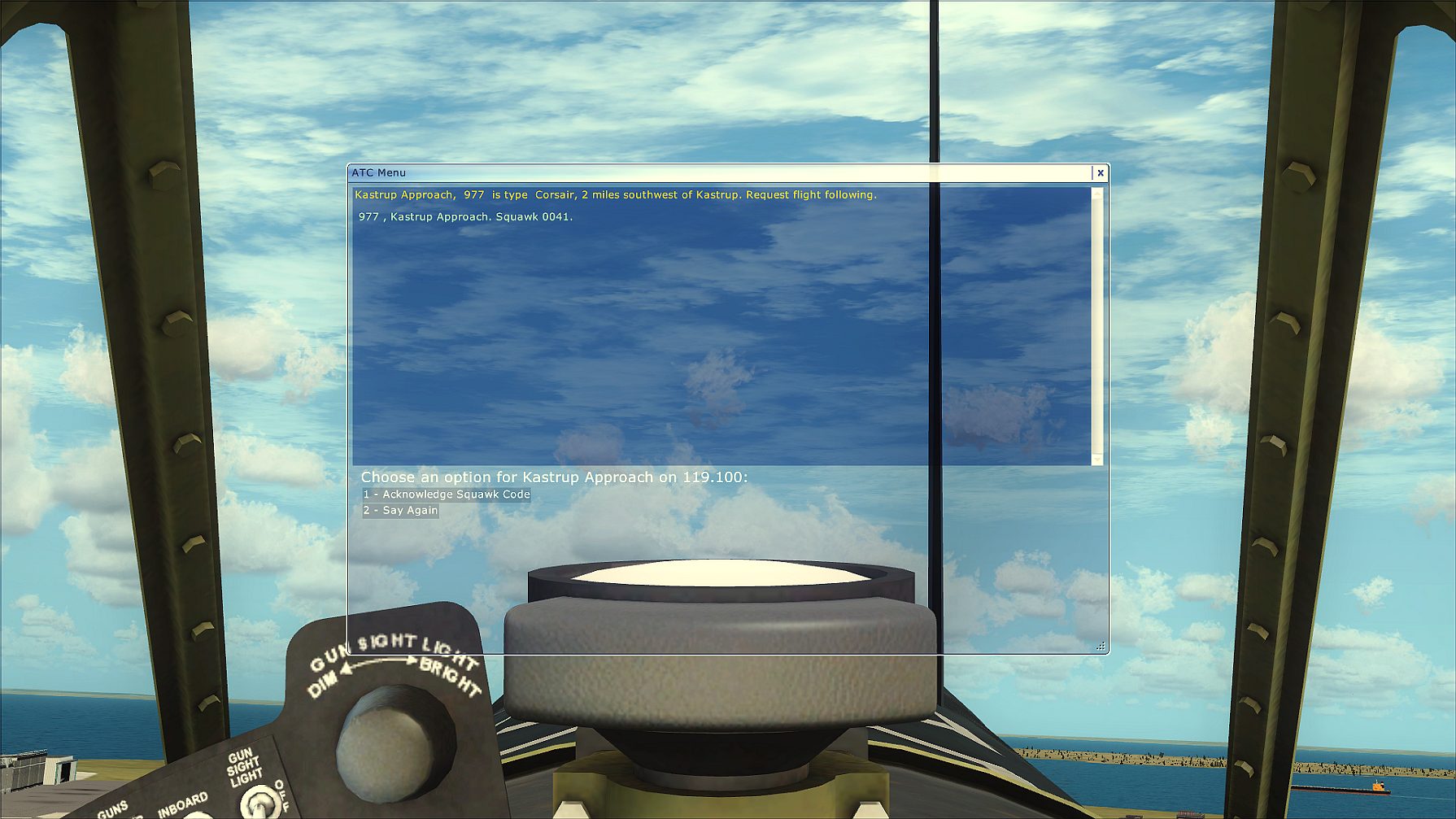
In this A2A Corsair and all my others F4U
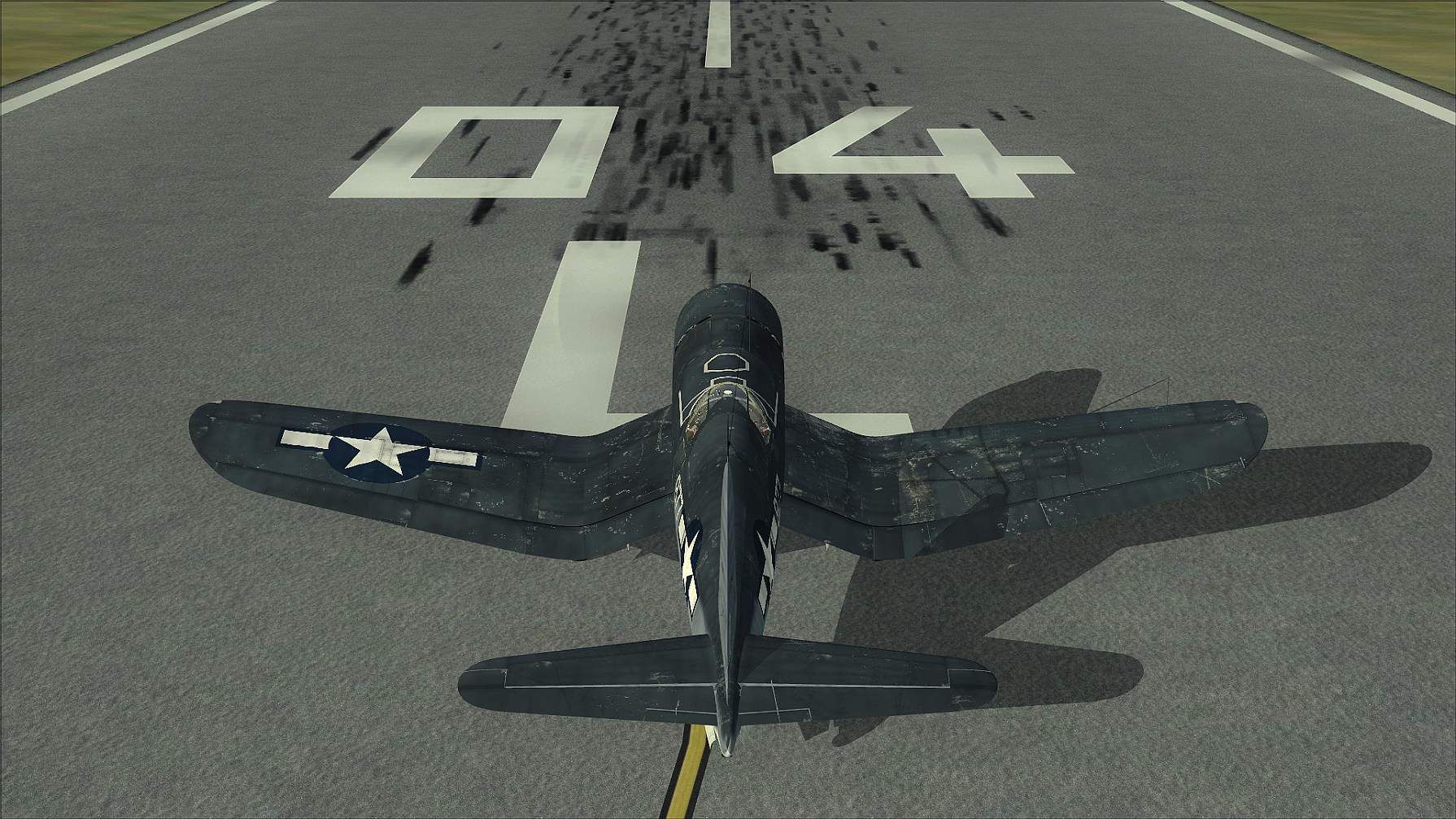
Image

i'm trying to make the "type" showing in ATC as Corsair or F4U
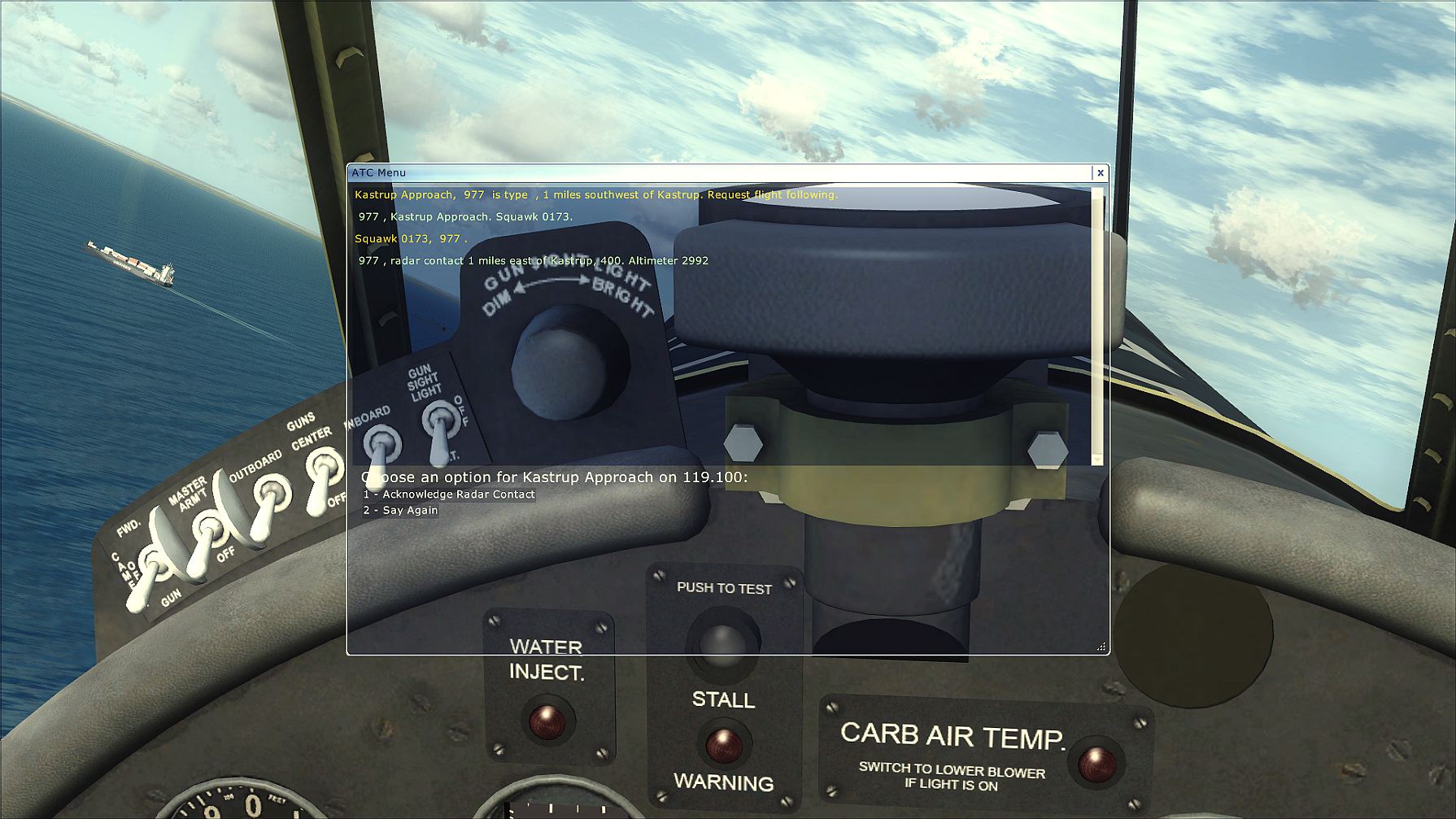
Image

but no luck yet. Here is a shot of the .cfg
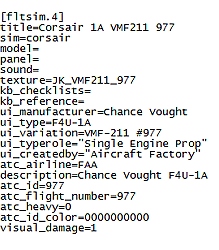
Image

I've been over all ui_ 's, atc and you name, even inside airlines.cfg!!!
Maybe i cant see the forest for trees :? (I got a strong binoculars tho :think: )

Anyone.

Re: A little ATC problem

PostPosted: Tue Apr 01, 2014 9:12 am
by BlackAce
I'm not so sure it's in the aircrafts CFG. It may be in the settings on the main FSX page. Also you can try VATSIM, you just need to listen to ATC, it's a lot more realstic to.

Re: A little ATC problem

PostPosted: Tue Apr 01, 2014 9:30 am
by Bass
Thank you, BlackAce ;)
But, what puzzles me is, this is the only ac i got not showing "type" in atc!!
I dont think i need VATSIM for just one ac! On the other hand, looking up VATSIM sure seems interesting :think:

Re: A little ATC problem

PostPosted: Tue Apr 01, 2014 9:38 am
by BlackAce
Bass wrote:Thank you, BlackAce ;)
But, what puzzles me is, this is the only ac i got not showing "type" in atc!!
I dont think i need VATSIM for just one ac! On the other hand, looking up VATSIM sure seems interesting :think:

Alot of aircraft do that. VATSIM is fun, I fly alot of ATC on there

Re: A little ATC problem

PostPosted: Tue Apr 01, 2014 10:24 am
by Fozzer
Your present ATC call sign is atc_id=977...(niner seven seven).

Try changing it to atc_id=G-BASS...(Golf Bravo Alpha Sierra Sierra).
.
That's what I do, to get my call sign relayed as; "G-BPLF" ....(Golf Bravo Papa Lima Foxtrot).

Paul....Vatsim is for "serious" users, rather than enjoyment!..... :lol: .....!

Re: A little ATC problem

PostPosted: Tue Apr 01, 2014 10:45 am
by 1olehippy
Bass

Try this
http://msdn.microsoft.com/en-us/library/cc526951.aspx

A great source of info
What you to enter is the line atc_type

Dave 8-)

Re: A little ATC problem

PostPosted: Tue Apr 01, 2014 11:05 am
by Bass
Fozzer wrote:Your present ATC call sign is atc_id=977...(niner seven seven).

Try changing it to atc_id=G-BASS...(Golf Bravo Alpha Sierra Sierra).
.
That's what I do, to get my call sign relayed as; "G-BPLF" ....(Golf Bravo Papa Lima Foxtrot).

Paul....Vatsim is for "serious" users, rather than enjoyment!..... :lol: .....!


:lol: Thanks Paul, you know, i'm not looking after miself.....not yet....maybe in a couple of months when its gets hot :D
And you're right, i dont need Vatsim.
'
Thank you oldhippy ;) I've been there, and one thing struck my eyeballs
"editable Legacy. Does not do anything. "!!
As i said, i've been all over changing ui, atc, manufactors and....
One little tree is standing in front of me, and i cant see anything :think: :whistle:

Re: A little ATC problem

PostPosted: Tue Apr 01, 2014 11:30 am
by paly
It is the Aircraft.cfg you need to edit

[General]
atc_type=Corsair
atc_model=F4U
editable=1
Category=airplane

But the Corsair is not among the default aircraft.
You need the EDITVOICEPACK program (which adds extra banter and radio sounds between AI and ATC and is must addon IMHO)

Unfortunately again the default configs do not include the F4U but Corsair is there as 'Model'
You can search for one, or create your own with EditVoicePack. It really is a great addon

Re: A little ATC problem

PostPosted: Tue Apr 01, 2014 12:23 pm
by Bass
Thank you very much, paly ;)
But i'm a little concerned installing anything into my FSX (that works perpect), just for one aircraft!
Ok, i do fly that plane very often and i can live with the issue, but, not to be able to CHANGE that little "mishap" really gets me on a long walk!!!
I think you know what i mean :violin:

Re: A little ATC problem

PostPosted: Tue Apr 01, 2014 1:10 pm
by paly
I can understand that.
Just to temp you further though, editvoicepack changes some things that were missing from the default FSX
For instance when you land, you are directed to contact ground immediately, editvoicepack waits until you have left the runway.
Your pilot will say 'changing to ground on xxx.xx thanks, buh-bye' (notice the extra 'friendliness')
and finally, when communicating, the ATC has background rado chatter -
in all it's a 'pain / problem / configuration free' installation, possibly the best thing about this little upgrade.

Also, you will be able to have the pilot say 'is type Corsair' easily enough with v4.0 - obviously, the choice is still yours ;-)

Re: A little ATC problem

PostPosted: Tue Apr 01, 2014 1:30 pm
by PhantomTweak
Personally, and immho, I love EditVoicePackI grab every update I stumble across, especially the ones from MAIW. To me, it's now an integral part of installing anything MAIW, and I have a bunch! Granted, I'm using FS9, but still....

Anyway, good flying and fair winds to all!

Pat☺

Re: A little ATC problem

PostPosted: Tue Apr 01, 2014 5:26 pm
by FoMoCo63
Maybe try adding the following in the aircraft.cfg file [Fltsim.4] entry, don't know if this will work, but what the heck nothing to loose :)

atc_type= Chance Vought

or perhaps you need the " to make it look like
ui_variation="F4U-1A Corsair"

I believe the " are a command for FSX to pick up on.

Re: A little ATC problem

PostPosted: Wed Apr 02, 2014 6:12 am
by Bass
Thanks all for the heads up.
I'll have a look at the EditVoicePack.

@FoMoCo i will have a go on that suggestion, it might be the only thing i've not tryed yet ;)

Re: A little ATC problem

PostPosted: Thu Apr 03, 2014 7:19 am
by Bass
Seems like i have to live with this issue :(

I did dl the voice pack and will have a close look on it.

Thanks all!

Re: A little ATC problem

PostPosted: Thu Apr 03, 2014 7:57 am
by Bass
:clap: :clap: :clap:
Thank you paly and Phantom, for recommending EVP! That program did the job :dance:

Image

Now i can see the forest and take a rest :D