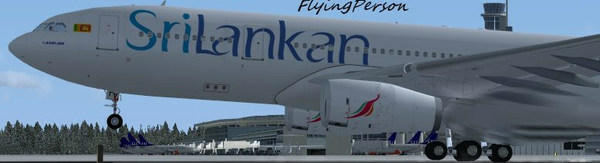
by FlyingPerson » Sun Jun 14, 2009 6:51 am
Jordan, the 757 VC is not lost, you can download it at Posky's pages from 757-2/300->Base Packages. The link directs you to Posky's download of the 757 VC. But it's not worth downloading the VC. It's way better to just use the wingview.The VC has about 3 functioning gauges and you can't even raise the gear using the gear lever (Tells you something about the low quality of the VC)
As Skoker said, the 767 has no VC. If you want a B767 with VC, you have to buy (payware) either the Overland 767 or the Level D Simulations 767. (the most realistic 767 for FS9 and FSX). I have the LDS 767 and I warmly recommend it.
And the Posky 777 is probably either one of or the best 777 there. But getting the VC to work correctly requires you to have about 90 % knowledge on how to install aircraft, gauges, textures, effects, and models into FS. It's a really complicated installation, but worth it in the end. (I have two models with the VC - My American 777-200ER and TAM 777-300ER.)
To download the 777 VC, just go to Projectopensky.com->downloads->Boeing 777-200->Model Packages->Download VC>SP2A*The model you have: LR, PW4000, GE90, RR Trent 800*->Back->Panel Packages->Download:
Posky Autobrake for 777V2
Virtual Cockpit 32-bit BMP textures (or DXTbmp if your computer is slow)
VC Panel SP2A
and XML Glass Gauges for 777.
This will (hopefully) work for both the B772(ER)/(LR) and the B773(ER).
IMPORTANT! REMEMBER: Always follow the README instructions!
Specs
Intel M C2D P8400 2.26 GhZ
nVidia GeForce 9600M GT
4 GB DDR3
320 GB HD
Windows Vista Home Premium SP1 32
Flown: B