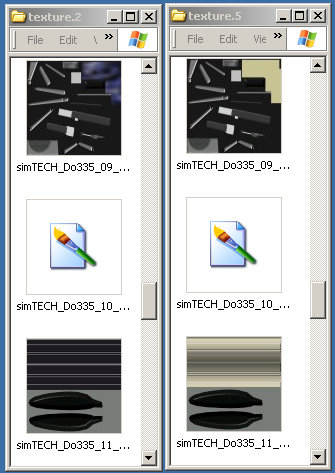
jandjfrench wrote:The difference is obvious, once you pointed it out. I must have compared half a dozen textures looking for differences and didn't spot that.
There could be more but the DXT textures don't display as thumbnails in Windows Explorer.
I'm having trouble reducing the prop strobing effect. Using DXTBmp and sending the alpha to the editor (I've tried several), reducing the contrast and darkening, saving, refreshing in DXTBmp and then saving. When I reload the texture the alpha channel is either all black or all white. I've tried saving the alpha with different bit depths and saving the BMP in different formats, that include an alpha, without success. As the base image just seems to be a simple square without any noticeable image perhaps I have to edit it in some way. If you can figure out my problem please let me know the solution.
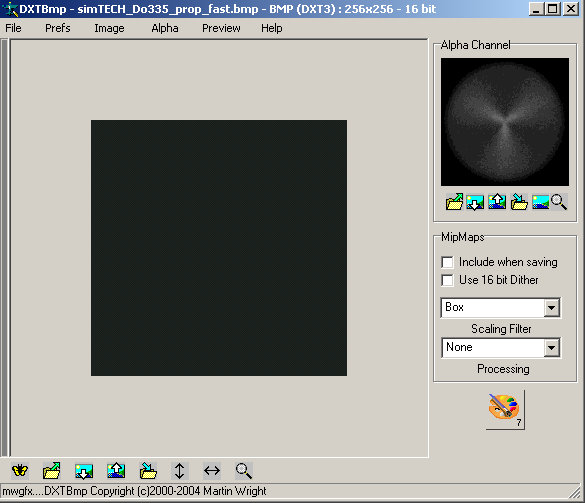
Something odd there. I've done a lot of this over the years with no problem. The developers all have their own favourite methods for creating transparent prop textures. This is a typical example. The base image doesn't need editing.
I use Paint Shop Pro 7 as the editor. The Alpha Channel should open as trans.bmp. Check the file name as it's important. When I've finished editing I click the Save icon in PSP7. This automatically saves it to a Temp directory. Then return to DXTBmp & click the Refresh after edit icon (or menu bar Alpha > Refresh Alpha). The edited Alpha should display in the window. This is an extreme example.
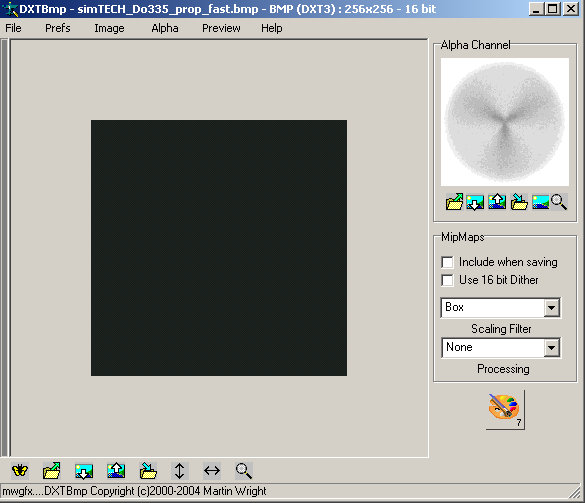
You can then save it in the original format.
If you have problems try a prop texture from another variation as some of them might be different. (Alternatively, you could always 'borrow' another developer's prop texture that works for you.'
I'll have a play around with this later.