Page 1 of 2
meatball!

Posted:
Tue Jan 30, 2007 4:54 pmby Herbie28
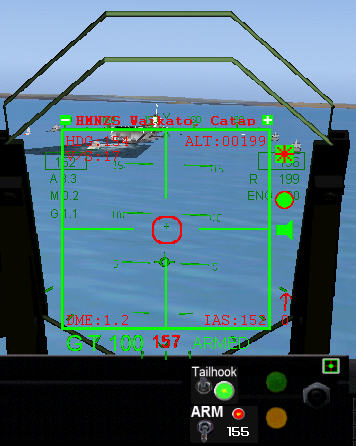
My F14b Tomcat work fine with HUD and Meatball flying to the Waikato Carrier. My F/A18-E fly and show all insruments, but, the ball is not moving and no respond on the ILS 110.20 also No HUD sound. Engine sounds are fine. Somebody can help me on this one? Herb
Re: meatball!
Posted:
Tue Jan 30, 2007 5:59 pmby kilotango
What "balls" have you installed?
The tomcat often comes with the dsd, while f18 likes to use the rcb miljet.
If you only got the dsd, f18 need that in its panel cfg.
Re: meatball!
Posted:
Tue Jan 30, 2007 8:31 pmby Herbie28
Hi Kilotango! I have 2 subfolders under the Gauge folder: rcb-gauges=35 files and rcb-miljet=27files. Now the Panel.ini is different in the f/a18-e See below: There is only window04=Meatball compare to the f14-bTomcat it has a Window07=HUD Meatball and another Window09=Meatball like this:
[Window09]
size_mm=240,240
window_size= 0.3,0.4 // Size: 30% screen width, 40% screen height
window_pos= 0.35, 0.0 // Top-Left corner at: 35% horizontal, 0% vertical
background_color=0,0,0
visible=0
ident=10011
[glow=yellow,2,300]gauge00=rcb-miljet!Ball,0,0,240,240
gauge01=dsd_carrier_zones!zone_selection, 10,0,200,14
[/glow]
This window 09 does Not excist in f/a18-e plane they just attached the 2gauge files to window04=Meatball and changed size to:0,0,238,238 I hope you can see understand all this. Thanks for now. Herb
--------------------------------------------------------------------------------
[Window Titles]
Window00=Main Panel
Window01=Radio
Window02=GPS
Window03=HUD
Window04=Meatball
Window05=ENG
Window06=Rader Modoki
Window07=Engine control
Window08=PositionDisplay
//--------------------------------------------------------
[Window04]
size_mm=238,238
window_size= 0.22, 0.30
window_pos = 0.398, 0.179
background_color=0,0,0
visible=0
ident=10011
gauge00=rcb-miljet!Ball,0,0,238,238
gauge01=dsd_carrier_zones!zone_selection, 10,0,200,14
Re: meatball!
Posted:
Wed Jan 31, 2007 9:50 amby kilotango
Ok Herbie.
I can see you know where to look, I'll then show you this from my f18 panel.cfg. Maybe you can find something.
[Window00]
file=Forward_1024.bmp
size_mm=1024
window_size_ratio=1.00
position=7
visible=1
ident=MAIN_PANEL
window_size= 1.000, 1.000
window_pos= 0.000, 0.000
gauge00=superh!anunicator_l, 246,426,101,79
gauge01=superh!Primary Flight Display, 135,535,193,202
gauge02=superh!ufcd ap2, 427,500,207,163
gauge03=superh!hsi, 671,507,235,248
gauge04=superh!anunicator_r, 677,426,103,80
gauge05=superh!Rader Icon, 840,509,17,15
gauge06=superh!Eng Icon, 811,509,17,15
gauge07=rcb-miljet!Icon_Ball_FA18E, 649,388,16,16
gauge08=dsd_catapult!catapult, 532,433,60,35,300155
gauge09=dsd_arrester!arrester, 533,395,42,36
gauge10=rcb-miljet!SonicBoomControl, 0,0
gauge11=dsd_carrier_zones!dsd_carrier_zones, 0,0
gauge12=rcb-miljet!CatLaunch, 0,0
gauge13=COP_Config!config, 0,0 , , ,./gauges/rcb-miljet/COP_Config.ini
gauge14=COP_Sound!dsd_xml_sound3, 0, 0 , , ,./gauges/rcb-miljet/COP_Sound.ini
----------
[Window04]
Background_color=0,0,0
size_mm=240,240
position=7
visible=0
ident=10011
window_size= 0.220, 0.300
window_pos= 0.400, 0.190
gauge00=rcb-miljet!Ball, 0,0,240,240
gauge01=dsd_carrier_zones!zone_selection, 10,0,200,14
Re: meatball!
Posted:
Thu Feb 01, 2007 3:58 pmby Herbie28
[size=12][timestamp=1170362469]
Thank you for your reply, I did removed the FA-18e folder from my Aircraft Main folder. I will reinstall fresh. I will keep a eye on Gauge= 11, 12,13,14, because evrything was working except: the ISL (Ball) and HUD Sound..I found this in my Panel.confg: [Window07] Engine Controll, Look at the Ident. Can this work?
Background_color=1,1,1
size_mm=120,420
position=3
visible=0
ident=125
Re: meatball!
Posted:
Thu Feb 01, 2007 6:05 pmby kilotango
A bit strange if the miljet works in f14.
About HUD sounds. Check the COP_Config.ini (you find it in gauges/rcb-miljet), under [Floats] Value_01=0 turned off, change it to 1.
My window 7 ident looks like this:
ident=125
Re: meatball!
Posted:
Thu Feb 01, 2007 6:24 pmby Herbie28
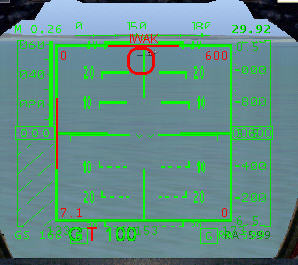
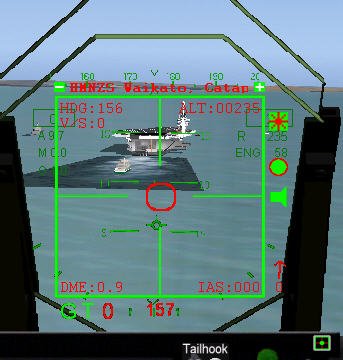
New Install and I found some changes I had to make in the Panel Confg-file, But the Ball is still not moving. I'm getting a redX in the Centre ball when I pass the carrier. Can't see any Glideslope and no Hud-sound. Compare the too. I have much more information with the F-14b
Re: meatball!
Posted:
Fri Feb 02, 2007 9:12 amby kilotango
Try ILS 112.1 on the Waikato.
(The x is normal when you pasted the signal)
What is the "shadow" behind the ship?
Re: meatball!
Posted:
Fri Feb 02, 2007 10:21 amby kilotango
I've been on google about this, (and Herbie, try it yourself).
Seen semilar problems. Some with fsuipc.dll's. Some with wrong cfg's. Wrong aircraft modifications a.s.o.
Herbie, if you get tired of the balls, then try this:
[Windowxx]
Background_color=0,0,0
size_mm=1024,768
window_size_ratio=1.00
position=1
visible=0
render_3d_window=1
ident=1813
gauge00=se.f14!Ball, xx, xx , xx
The Tomcat allways work (in the air).
If you don't have the se.f14.cab, send me a pm with your e-mail adr.
Re: meatball!
Posted:
Fri Feb 02, 2007 2:40 pmby Herbie28
We are getting close ;) The window showed up in the left top corner, after putting the se.cap file in the Panel-folder and changing the 04 window as per your instruction. I saved the old config. Have to look for window positions now. But I did a flight and watched the red ball coming down and turn green also the red vertical guideline is moving to the side, if the plane is off course. I keep you posted if I'm able to moving the window. Herb
Re: meatball!
Posted:
Fri Feb 02, 2007 2:43 pmby kilotango
NO Herb. YOU are getting close!
Re: meatball!
Posted:
Fri Feb 02, 2007 4:16 pmby Herbie28
Well, you helped me too, What function in [window04] doese the "Ident=1813" ? Sometimes I see Ident=23. I whould like to know. Here is the new ball, have to move the window a little more, maybe a little bigger to. See Picture. Behind the ship, this sopose to be the wake and there is a cruser behind. This is the Waikato Carrier a found. There is another Carrier.zip with 18 different locations. With this: You start below the Flightdeck and have to Slew-up. I have booth zips if you need one. Herb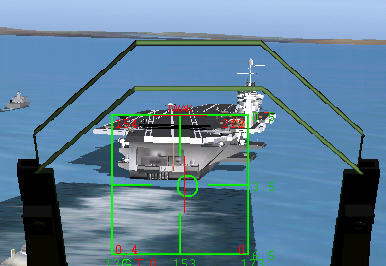
Re: meatball!
Posted:
Fri Feb 02, 2007 5:05 pmby kilotango
The ident is mostly used as a combination with keys in the panel.
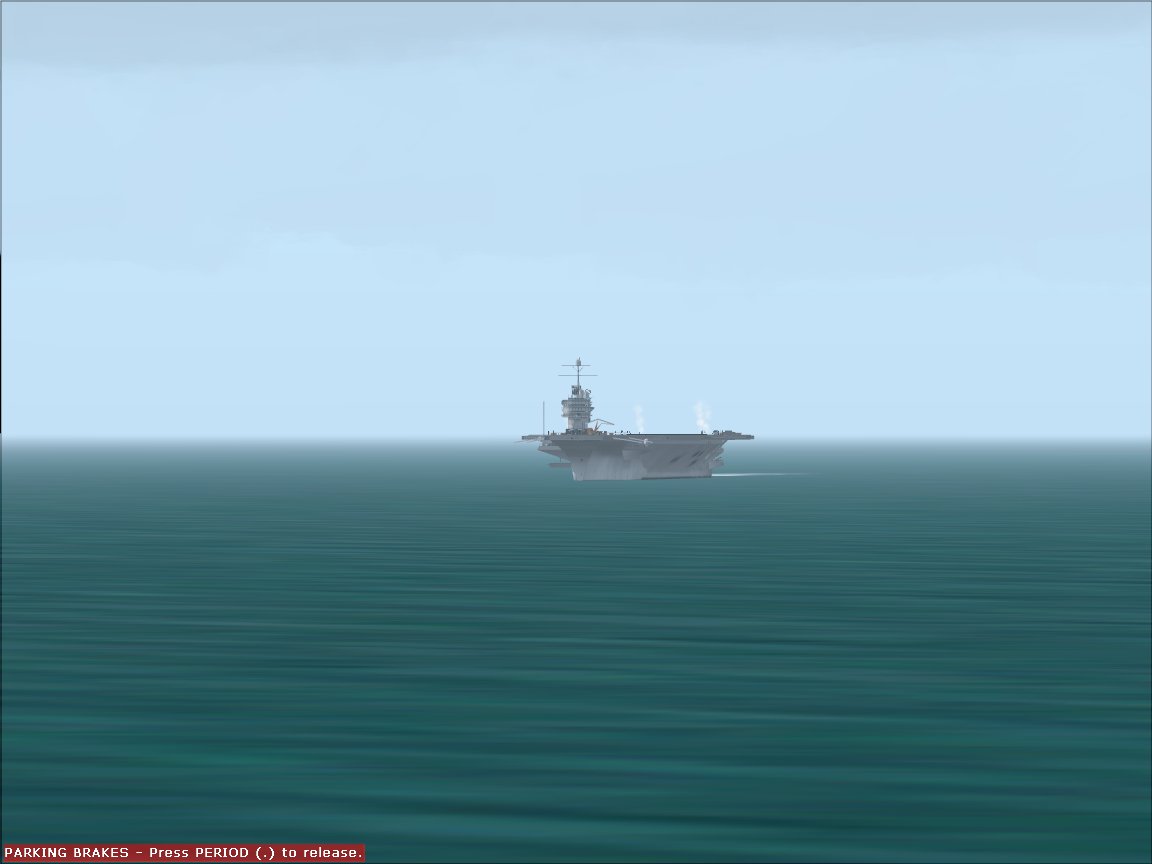
Your pics shows me a lack in texture. The waikato is not white. I would say, the shadows on the sea has to do with the maker of the ship, his lat and lon, and mostly, with a lack of power on your machines ability to get it out.
I got the waikato night and day, flares and no flares, but thank you.
Show you waikato in long distance:
Re: meatball!
Posted:
Fri Feb 02, 2007 6:24 pmby kilotango
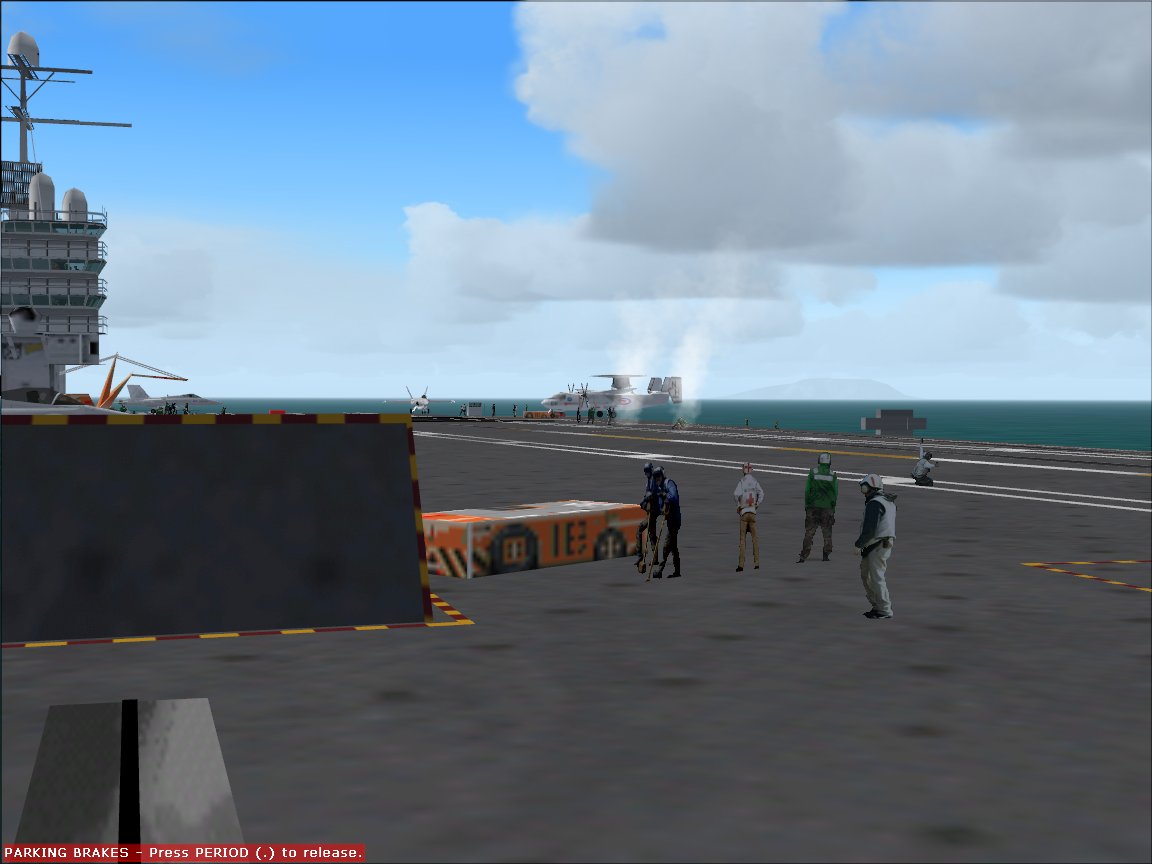
Herb. you get one more pics from my waikato. The first did'nt show much:
Re: meatball!
Posted:
Fri Feb 02, 2007 8:36 pmby Herbie28
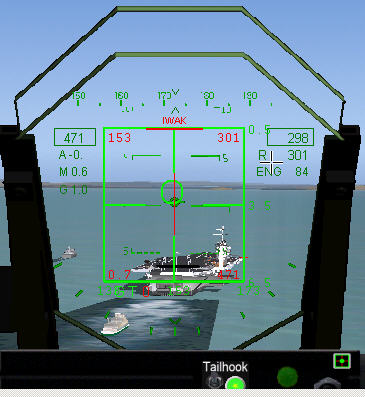
Thanks for the picture. I do have personal and other planes on the deck too. The white line turns brown and yellow like yours when I get closer or better lined-up. I'm still try to move the frame was better but tilted. I changed the Ident to1813, I change numbers like creasy, somtimes I don't see the Hud no more. I will try more changes now. Herb Here is the final Hud:
Now I will try a different carrier. :) Herb