by ashaman » Fri Dec 08, 2006 7:45 pm
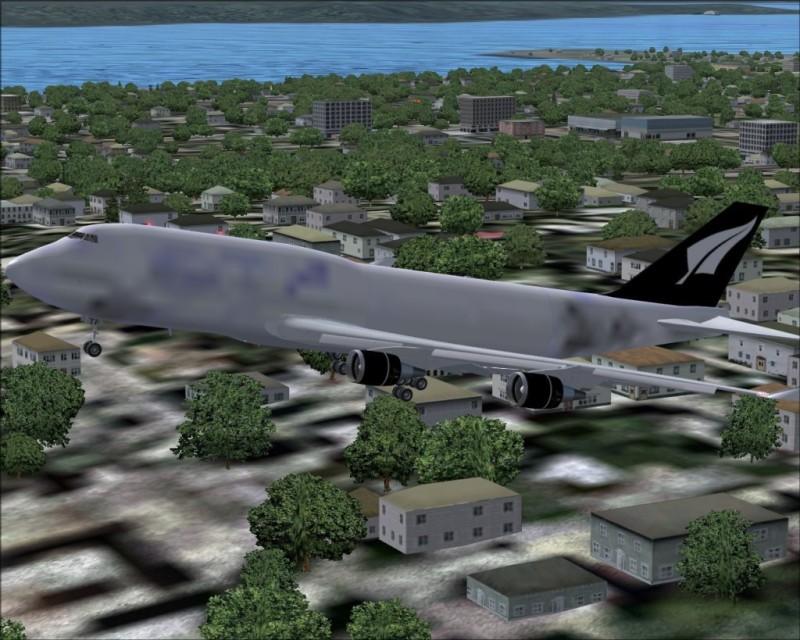
In Settings/display/hardware ensure to have set "Massive" as "Global Max Texture Size".
If you already have or setting this doesn't help you then probably your videocard is clogged up with other work to display mipmaps correctly (happens). A workaround is to open the texture of the plane in DXTBmp, then unselect the field "include mipmaps when saving" (on the right of the window of the tool) and save the texture on the old.
There's but one real cure for human stupidity. It's called DEATH.
At the moment mourning the assassination of sarcasm and irony for the good of the "higher".
Proud FSIX user. Active user of FS98, X-plane and novic