Embraer 120

Posted:
Tue Nov 14, 2006 12:42 amby Bubblehead
I downloaded an Embraer 120 but the texture is just a blank with no livery. Does anyone know of a nice texture I can download?
Thanks.
Bubblehead
Re: Embraer 120
Posted:
Tue Nov 14, 2006 7:50 amby ashaman
Have you tried searching on the three main FS freeware sites? I mean this one, SimV, or the other two, NoNodes (AKA Flightsim.com) and Avsim?
If you can't find something on none of the three sites, then it means it doesn't exists.
Re: Embraer 120
Posted:
Tue Nov 14, 2006 9:25 amby Jakemaster
What Embraer 120 is it? Filename?
Re: Embraer 120
Posted:
Tue Nov 14, 2006 9:43 amby Hagar
Think I see the problem. I downloaded the Embraer 120 posted here to check it out.
http://www.simviation.com/fs2004props132.htmHere it is in FS9.
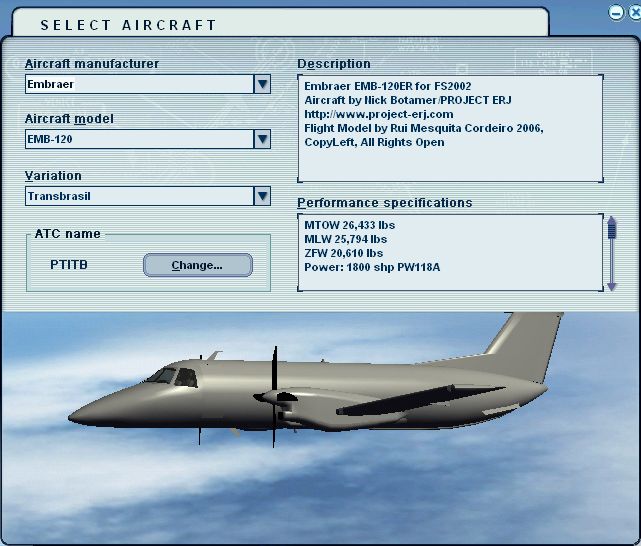
Renamed the Texture folder to Texture.1
Voila!
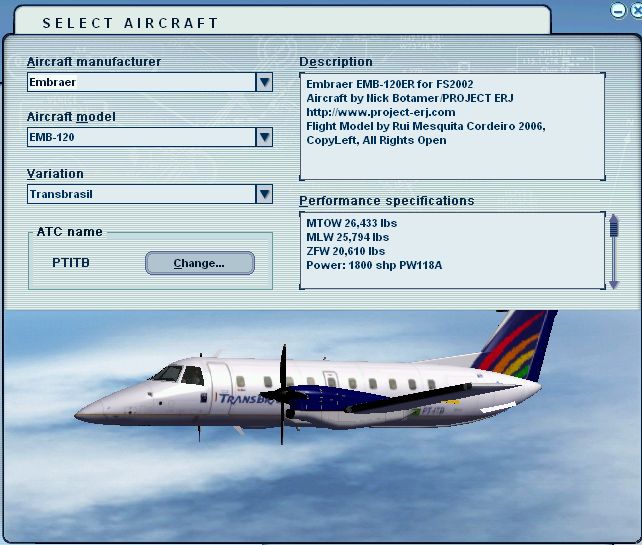
PS. Alternatively you could leave the Texture folder as it is & change the texture= entry in Aircraft.cfg from
texture=1
to
texture=
Re: Embraer 120
Posted:
Wed Nov 15, 2006 7:16 pmby Bubblehead
Re: Embraer 120
Posted:
Wed Nov 15, 2006 7:25 pmby Hagar
Well done. The sound is aliased to the default King Air so it should sound about right. You could alias it to a different turboprop or have a look round for a suitable sound pack.
Re: Embraer 120
Posted:
Sat Nov 25, 2006 6:17 pmby TerryUK
My 120 appear minus its clothes so I followed your renaming procedure both with & without the 1 but it still stayed blank, untill I reinstalled a new texture folder............ ???

