Page 1 of 1
Frame Rates

Posted:
Fri Oct 20, 2006 11:59 amby supernova45849850l
Hi All
Just fitted my new ATI Radeon 9550 256MB card and upgraded my RAM to 1GB, FS9 runs great all display sliders maxed (autogen now dense, not normal) and she runs really well

My question is, I have now locked Frame rate to 30FPS and as I was Comming into London Heathrow (final) FPS dropped to around 21 (still good).
Re: Frame Rates
Posted:
Fri Oct 20, 2006 12:11 pmby ozzy72
I wouldn't lock at more than 25 as that is faster than the human eye can register. Also the higher you set it the more system resources it'll eat up.
Re: Frame Rates
Posted:
Sat Oct 21, 2006 4:14 amby pepper_airborne
If we could only see 25FPS then that would be disatrous, we can see up to 72FPS. But, for FS you dont need a lot more then 25/30 frames, since it isnt a game that requires fast reaction times, unlike games like counter-strike and battlefield.
Movies use 24FPS because your in a dark room with a single light source, wich causes afterblur in your eyes, thus making you think it has a hughe framerate.
More modern CRT screens also allow you to put the refresh rate at 72HZ.
Re: Frame Rates
Posted:
Sat Oct 21, 2006 7:31 amby Jakemaster
I lock it at 25. The lower the better, gives your computer more resources
Re: Frame Rates
Posted:
Sat Oct 21, 2006 7:50 amby commoner
..,,..I've said this before but locking the framerate means that the sim will not attempt to get HIGHER frame rates.......once the set limit is reached other things can take over the system resources making for a better all round experience..........setting at "unlimited" means the sytem is always striving for higher frame rates to the detriment of all else..........
Settings of 20 are very good if it is a constant 20.....30 dropping to 20 would be really about as good as it gets I would say............rates above that give you nothing but Brownie points or as has been said "Bragging rights" thats all...........commoner
Re: Frame Rates
Posted:
Sat Oct 21, 2006 9:00 amby pepper_airborne
Yeah, in FS the differance between 30 or 60 isnt worth it in my oppinion, for those 30 frames you could easily crack it all up a level so it pleases the eye a little more

.
Re: Frame Rates
Posted:
Sat Oct 21, 2006 11:38 amby supernova45849850l
Well I have locked at 25 now and we are dropping to 10-12 on final to a dense city so think will lock back to 30 then I get drop to 15-17
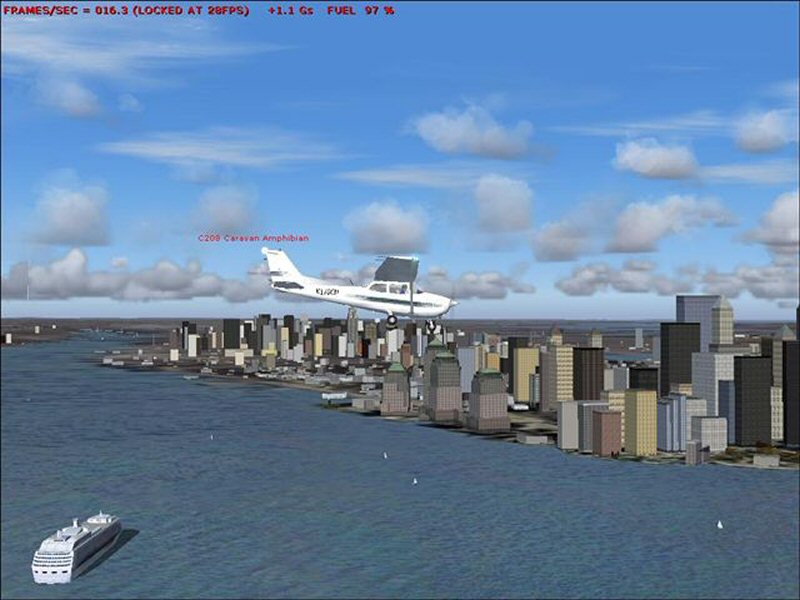
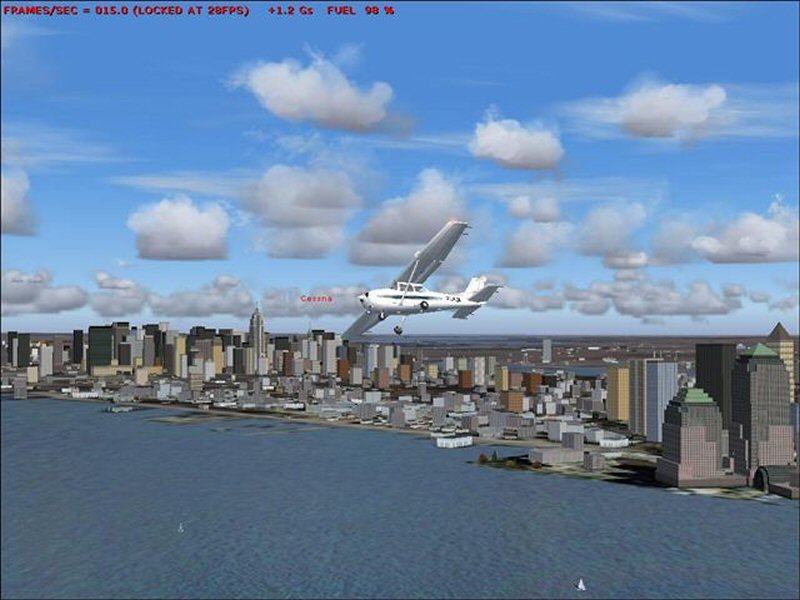
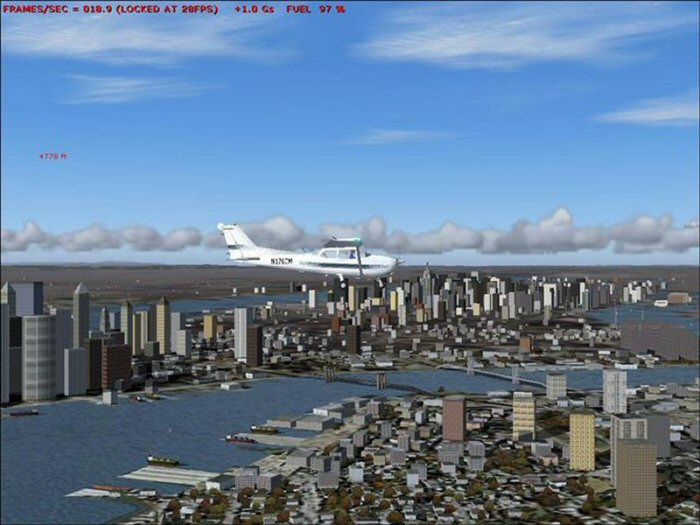
Hey guys can someone tell me how to add a pic so I can show ya what quality I get?
Re: Frame Rates
Posted:
Sat Oct 21, 2006 4:35 pmby pepper_airborne
There is a tutorial about it in the rules thread in the screenshot section!
Re: Frame Rates
Posted:
Sun Oct 22, 2006 1:40 amby commoner
Well I have locked at 25 now and we are dropping to 10-12 on final to a dense city so think will lock back to 30 then I get drop to 15-17
Hey guys can someone tell me how to add a pic so I can show ya what quality I get?
..mm..just make your .jpeg and keep it under 800x600 and less than 100k......
Click on Upload Images at the top of this page and then browse to your pic where it says Images to Open and click Open.............then click the Submit Form button and providing your image is within limits you will be given a link to the pic. select this and COPY ...then PASTE it where you are typing your post ..........then POST
Just follow the instuctions in other words............commoner

Re: Frame Rates
Posted:
Sun Oct 22, 2006 6:37 amby supernova45849850l
Re: Frame Rates
Posted:
Sun Oct 22, 2006 6:47 amby commoner
...OOPS a couple oversize there maybe

.......it's all a balancing act I guess.......between a smoooooth ride and the scenery plus autogen..........Autogen I find is the real fps killer......your choice entirely...............have fun..........commoner
Re: Frame Rates
Posted:
Sun Oct 22, 2006 8:51 amby Hai Perso Coyone?
Also, don't forget that the red FPS counter is hogging at least 3-4FPS...So you should be getting higher without that counter
Re: Frame Rates
Posted:
Sun Oct 22, 2006 9:37 amby Pablo
...and the first two of Supernova's screen shots are still
supernova oversize!, causing us to have to scroll around the screen to read the text...

...!
Does anyone ever bother to "Preview" their posts and "Modify" them if necessary, before they "Post" them...

...?
Paul...800 X 600....
...!
Re: Frame Rates
Posted:
Sun Oct 22, 2006 10:54 amby commoner
...and the first two of Supernova's screen shots are still
supernova oversize!, causing us to have to scroll around the screen to read the text...
...!
Does anyone ever bother to "Preview" their posts and "Modify" them if necessary, before they "Post" them...
...?
Paul...800 X 600....
...!
..lol..well I did advise him on the regulation size and then give a reminder. Lighten up lads it's not the end of the world.........commoner
Re: Frame Rates
Posted:
Sun Oct 22, 2006 12:35 pmby supernova45849850l
Well when I posted those they all said upload ok and gave me the links, they were all 640x480 apart from 2 of em that I was not given the link for, I DID preview my post and they came out all ok so I posted and then checked again and they were still all there and showing fine, I have then modified and they all all 800x600 under 100k and they are all showing at the moment (at least until the moderator decieds to make himself busy lol