Yes, i used to encounter the same issue......the only solution i found was to quickly press ALT (to bring up the menu bar) and press it again (to turn it off). In doing so the textures used to load or else i was left with a weird looking livery (like in your pic

). It happened everytime i changed the view (i'm sure it's the same with your case too). This was with 256 mb RAM and 32 mb graphics card.
Anyway, i put in some more RAM (768 mb

) and got a 256 mb ATI Radeon 9250 (although a bit old), but since then i have seen a considerable difference in the time it takes to display the texture. There is never an issue of the texture not getting loaded now, but on hard frame-hit-areas it takes about a second to refresh and then loads the texture.
So, the problem in my case was the RAM and the video card (atleast).
Seeing your specs i'm not sure why you still have the problem (as my specs are pretty similar to yours). You may want to try (one by one) what everybody has suggested.
P.S - Can't think of any other suggestions.

 Posted: Wed Feb 01, 2006 6:27 am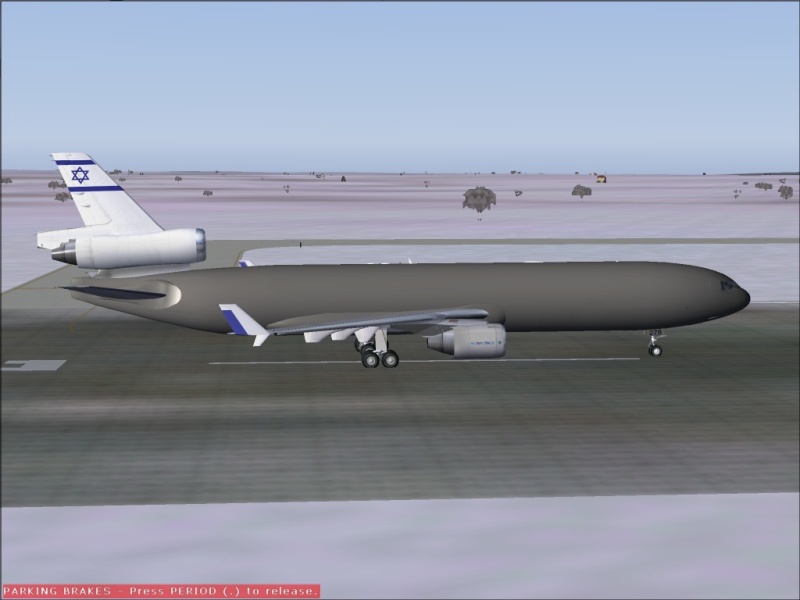
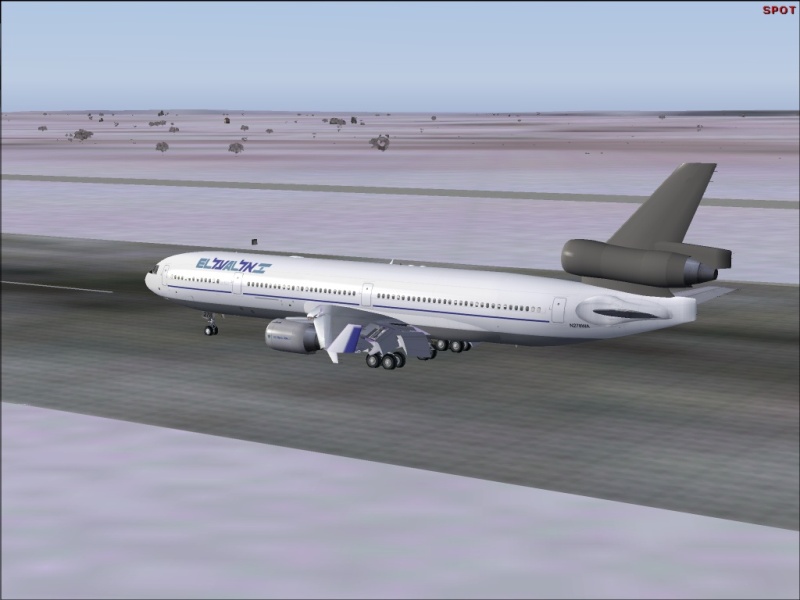
 . I had a distorted texture (not missing) issue
  . If you do update your driver make sure you remove the old one first.
 . The next question from someone who really know what they are doing is to ask your systems parameters (CPU, Vid board, RAM, etc.). My 2 cents has been deposited
  . Here are the specs: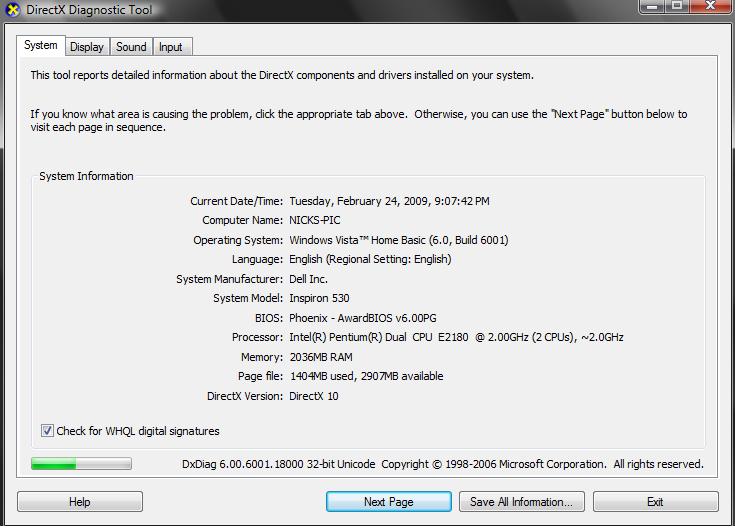
 lacks of textures