FS9 cockpit view problem
 Posted: Sun Dec 25, 2005 11:08 am
Good morning and Merry Christmas!
I ran into a problem with FS9 last night. I made a sweet flight in an F-18 from NAS Fallon, NV to NAS Lemoore, CA and as usual all was well with the flight and FS9. We went out for dinner and when I returned I fired up FS again for a short hop before bedtime.
I loaded the default Cessna Caravan and this is what I saw.
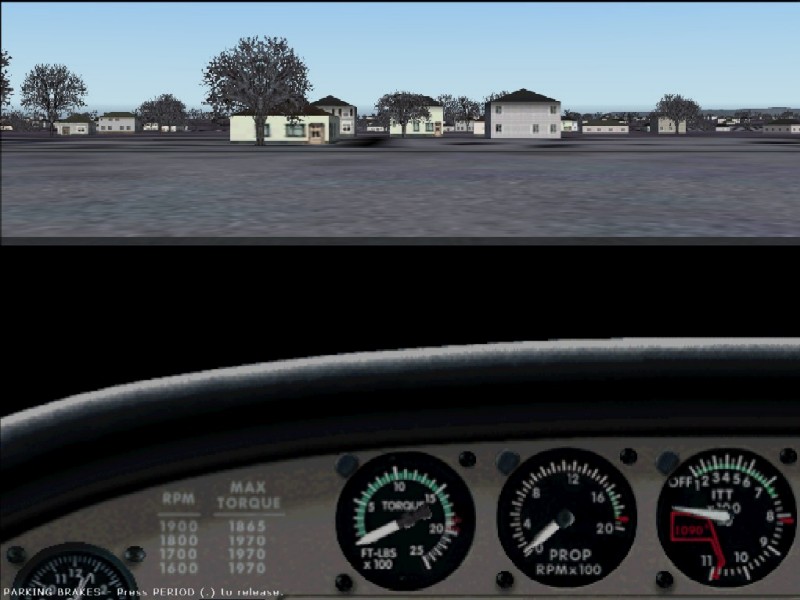
To get the proper primary cockpit [IFR?] I right clicked the panel and I get the proper view with closing the screen using the dialog box being the only thing I can do.

Not wanting to deal with it I made the flight using the VC. But when I hit to see the GPS nothing happen except when I right click the panel the GPS popped up with the same dialog box and closing the screen being the only think I can do.
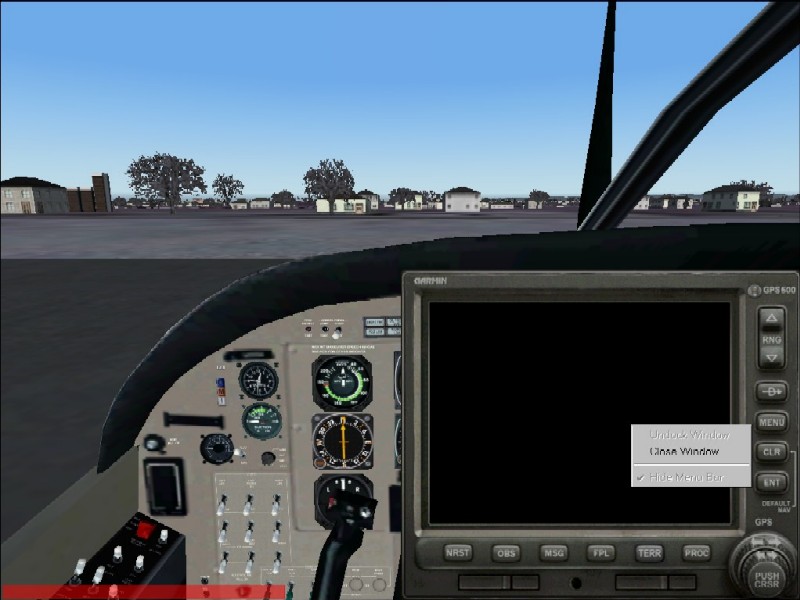
Beyond that, Nothing else was wrong with the program.
I have had this happen before and after tearing what little hair I have out looking for a setting to fix the problem I ended up reloading FS9. Not wanting to do that again I searched in vain again for a setting, to no avail.
Does anyone know how to fix this problem?
I ran into a problem with FS9 last night. I made a sweet flight in an F-18 from NAS Fallon, NV to NAS Lemoore, CA and as usual all was well with the flight and FS9. We went out for dinner and when I returned I fired up FS again for a short hop before bedtime.
I loaded the default Cessna Caravan and this is what I saw.
To get the proper primary cockpit [IFR?] I right clicked the panel and I get the proper view with closing the screen using the dialog box being the only thing I can do.
Not wanting to deal with it I made the flight using the VC. But when I hit
Beyond that, Nothing else was wrong with the program.
I have had this happen before and after tearing what little hair I have out looking for a setting to fix the problem I ended up reloading FS9. Not wanting to do that again I searched in vain again for a setting, to no avail.
Does anyone know how to fix this problem?