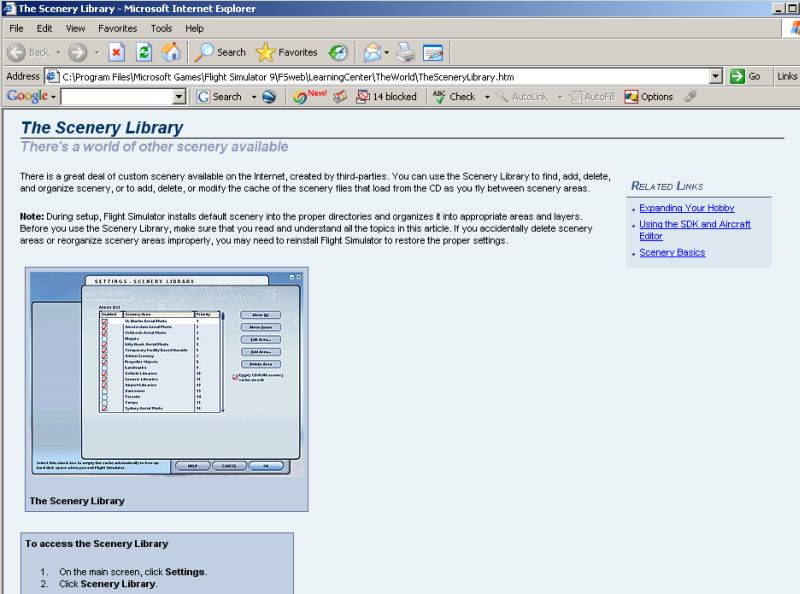
Scenery Library
 Posted: Wed Dec 21, 2005 10:22 am
Hi,
I have recently installed FS9. I have used FS2002 up until now and installed a lot of scenery, I assumed FS9 would be the same..........install scenery, start sim, go to scenery library....add scenery. I can't find the scenery library.....maybe I have gone blind Lol.
Help says 'on main screen click settings/scenery library'. I do not have a settings option on the task bar, the only 'settings' are under 'options' and there is no scenery library listed. Am I missing something?
I have recently installed FS9. I have used FS2002 up until now and installed a lot of scenery, I assumed FS9 would be the same..........install scenery, start sim, go to scenery library....add scenery. I can't find the scenery library.....maybe I have gone blind Lol.
Help says 'on main screen click settings/scenery library'. I do not have a settings option on the task bar, the only 'settings' are under 'options' and there is no scenery library listed. Am I missing something?