Scenery & Display options
 Posted: Sat Dec 10, 2005 11:30 pm
ok, I have looked EVERYWHERE for an answer to this question:
Why can't I change the level of dynamic scenery, the ammount of detail in the game and why oh why is there nothing on the internet explaining why! :'(
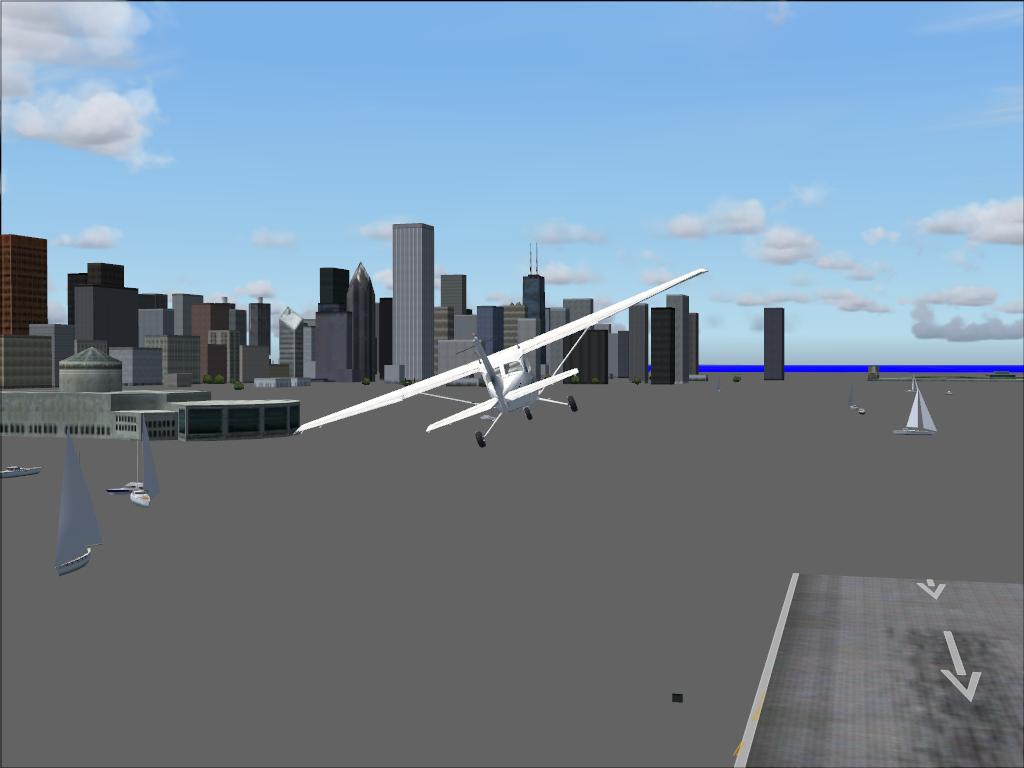
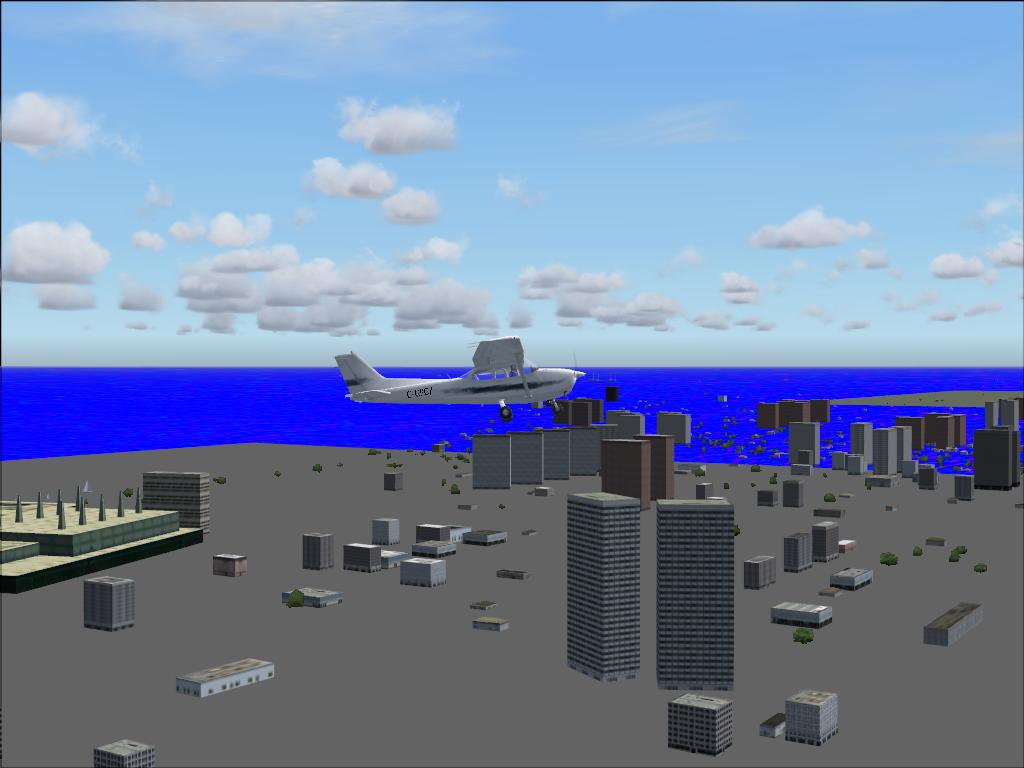
All I can see is crappy landscapes and very poor runways. The realistic effects are also un changeable (you know the options to make the aircraft actually behave like a real one, with the stress and all...)
ALSO: I cannot display any other weather other than FAIR... it just, well, crashes out of the game...
Please help me, I'm in a jam as I am an aspiring pilot just trying to add realism to the game!!!
thanks for any help you can give me!
(P.S. I have a Radeon 9550, 1 Gb Ram, 60+Gb free HD space, an AMD Athlon 2200+ CPU.... I don't think it's hardware that's the issue, as I can play DOOM 3 for god's sake
Why can't I change the level of dynamic scenery, the ammount of detail in the game and why oh why is there nothing on the internet explaining why! :'(
All I can see is crappy landscapes and very poor runways. The realistic effects are also un changeable (you know the options to make the aircraft actually behave like a real one, with the stress and all...)
ALSO: I cannot display any other weather other than FAIR... it just, well, crashes out of the game...
Please help me, I'm in a jam as I am an aspiring pilot just trying to add realism to the game!!!
thanks for any help you can give me!
(P.S. I have a Radeon 9550, 1 Gb Ram, 60+Gb free HD space, an AMD Athlon 2200+ CPU.... I don't think it's hardware that's the issue, as I can play DOOM 3 for god's sake