Page 1 of 1

Bill Lyons a/c - How to change the VC pictures?

PostPosted: Mon Sep 12, 2005 4:35 am
by TSC.
Hi all,

As I've been flying Bill lyons Grumman Goose for a while I thought I would try & change some of the pictures in the VC cockpit.

This one for starters:
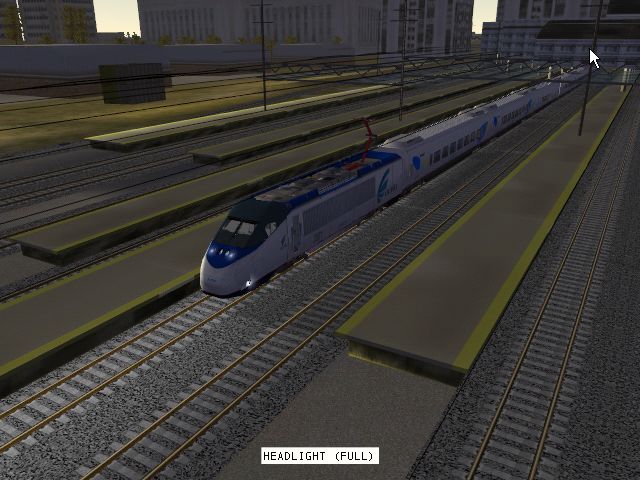
Image
However, I thought it would be a simple case of cropping my chosen image to the same dimensions & form as the old one (256x256 & saved as a bitmap) & replacing the original image in the FS9/Aircraft/G21/Texture file with my new pic (this is the original one):
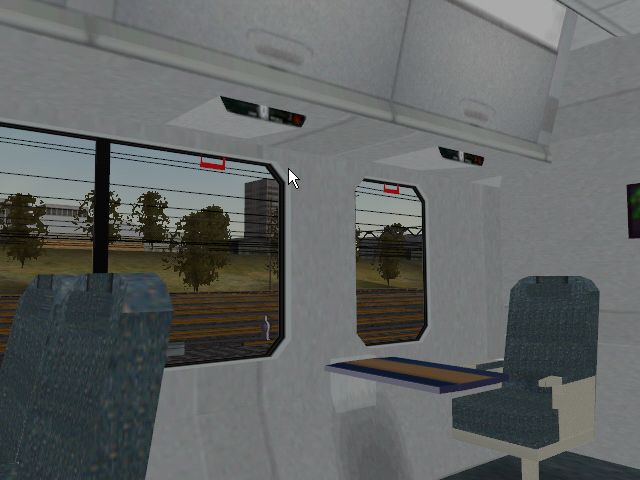
Image
But even when I do that & keep the file name the same, all that shows up in the VC is a white square where the pic should be.

Does anybody know what I'm doing wrong, after all, I think it should be quite simple to do.

Thanks in advance,

TSC.
Re: Bill Lyons a/c - How to change the VC pictures

PostPosted: Mon Sep 12, 2005 6:11 am
by Hagar
Which format is the new BMP? Conventional 24-bit images will not display in FS. Try converting it to 32-bit or one of the FS Extended BMP formats with DXTBmp.

Re: Bill Lyons a/c - How to change the VC pictures

PostPosted: Mon Sep 12, 2005 6:25 am
by dave3cu
...or saving in Sarah.bmp's original format, 256x256, 8 bit-pallet, also works.

Dave

Re: Bill Lyons a/c - How to change the VC pictures

PostPosted: Mon Sep 12, 2005 7:14 am
by Hagar
The dimensions are not important providing you keep to the standard proportions. These are generally 128 x 128, 256 x 256, 512 x 512 or 1024 x 1024.

Re: Bill Lyons a/c - How to change the VC pictures

PostPosted: Mon Sep 12, 2005 10:16 am
by wji
"The dimensions are not important " I've got to disagree here but have not tried changing this particular item. Try replacing a 1024x768 panel *.bmp with a 1024x1024 :-) Does not compute in my FS9.

P.S. Why do you want to change my mother's picture, anyway?

Re: Bill Lyons a/c - How to change the VC pictures

PostPosted: Mon Sep 12, 2005 10:42 am
by Hagar
"The dimensions are not important " I've got to disagree here but have not tried changing this particular item. Try replacing a 1024x768 panel *.bmp with a 1024x1024 :-) Does not compute in my FS9.

I'm talking about standard aircraft textures including the DVC textures. 2D panels are completely different.

Re: Bill Lyons a/c - How to change the VC pictures

PostPosted: Mon Sep 12, 2005 4:45 pm
by TSC.
Thanks for the suggestions guys - I will give it a try tomorrow.

Cheers,

TSC.

Re: Bill Lyons a/c - How to change the VC pictures

PostPosted: Mon Sep 12, 2005 5:44 pm
by wji
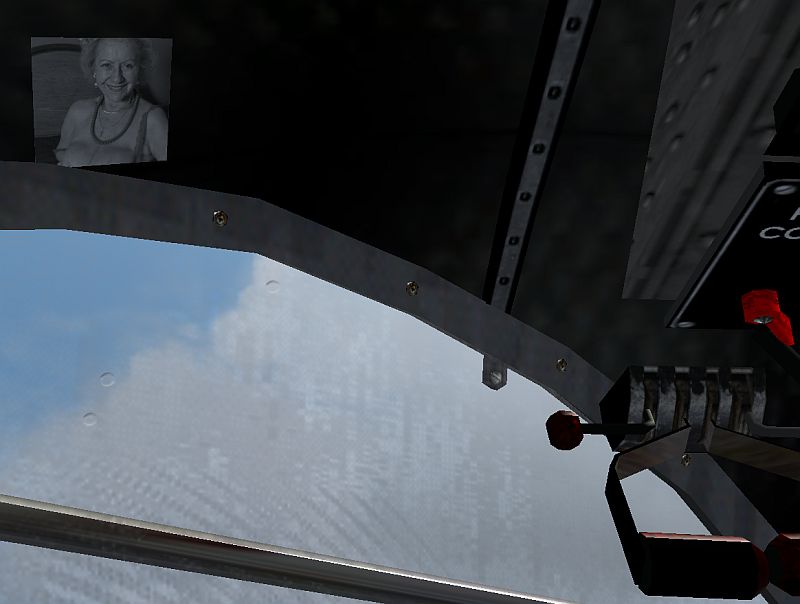
O.K., TSC, 256x256-8bit works (that's the Sarah panel)

Image

P.S. Mom's still a looker, ain't she?

Re: Bill Lyons a/c - How to change the VC pictures

PostPosted: Tue Sep 13, 2005 2:20 am
by TSC.
wji - MY LONG LOST BROTHER!!!

Is it really you??


LMAO!!! Thanks for giving it a try & sorting it out wji, I will use the 8 bit bmp now.

Cheers,

TSC.