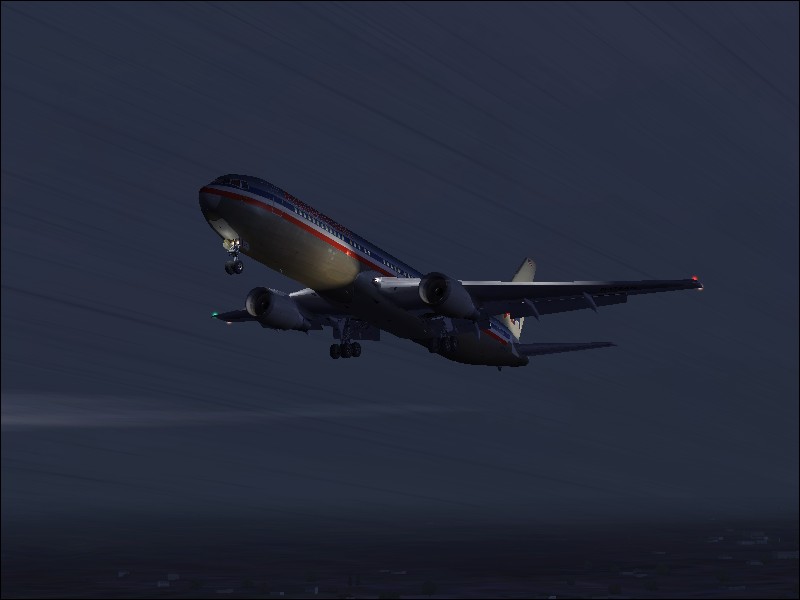
Are some a/c just designed with blurry textures to help the game run faster or what?
I have downloaded a ton of 'project ai' stuff and some of it looks awsome then other airlines just look awful for how blurry the textures are.
I have downloaded multiple flyable planes from the same designer and seen where one looks great and the next one looks blurry. Why are some designed blurry and some aren't?
Its amazing how colorful and crisp the colors are on project ai's jamica or aloha airlines...then delta and northwest just look horrible

Simviation Forums
Flight Simulator and other chat


 Intel i7 960 quad 3.2G LGA 1366, Asus P6X58D Premium, 750W Corsair, 6 gig 1600 DDR3, Spinpoint 1TB 720