Your very own airstrip....!
 Posted: Sat Jun 04, 2005 4:16 am
Hi Lads...!
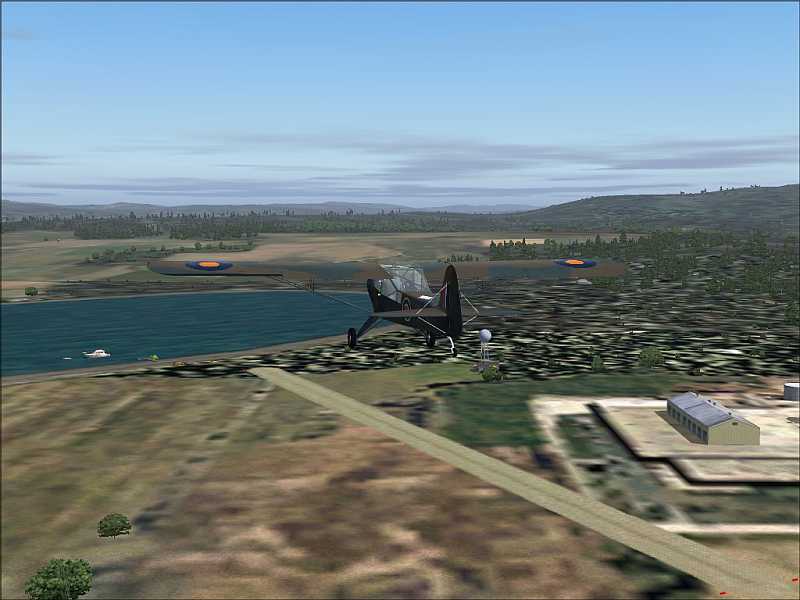
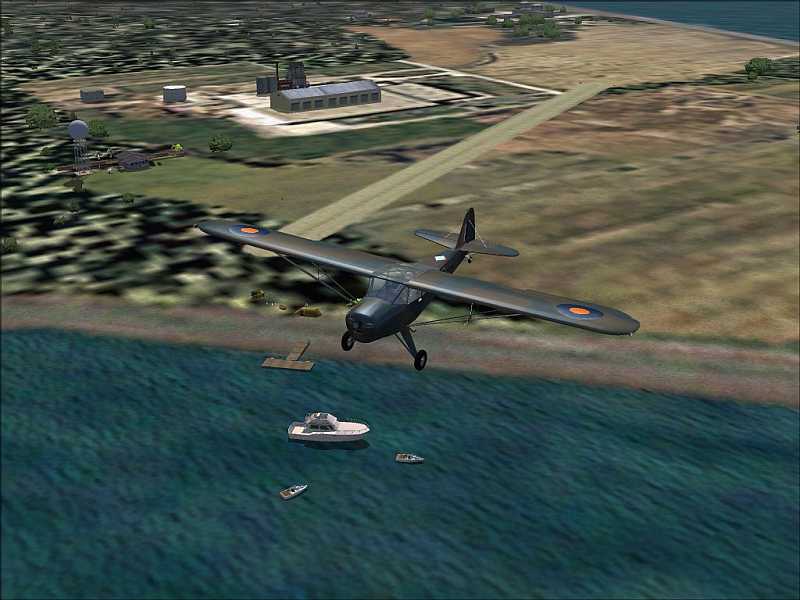
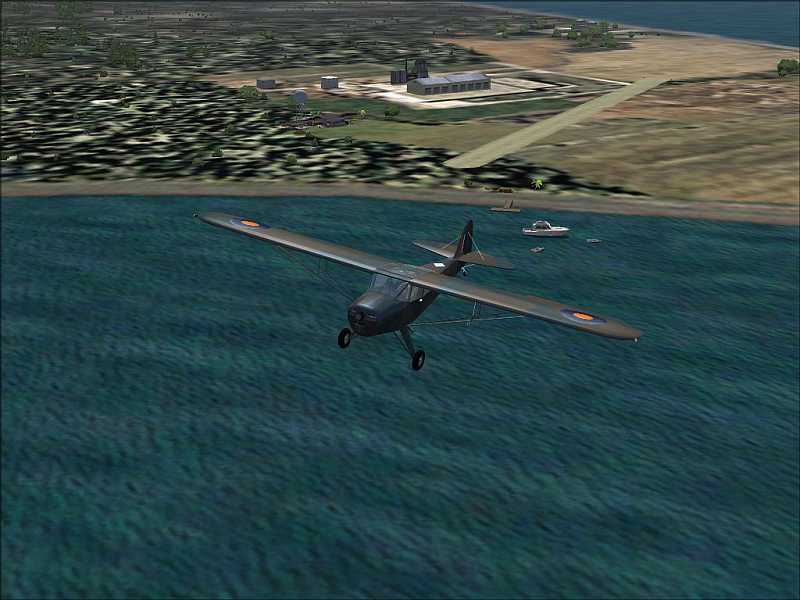
Just a couple of pics showing the the effects of inserting your own runway in your own little part of the countryside using the simple, but excellent tiny program "Runway3" by Chuck Dome from here...>>>
http://www.simviation.com/fsdesign_scenery4.htm
It works for FS 2000, FS 2002 and FS 2004.
Just land your plane at your desired spot, facing your desired heading, then press Caps + Z to obtain your Co-ordinates and Altitude and Heading.
Make a note of them.
Save your location!!!
Shut down the FS.
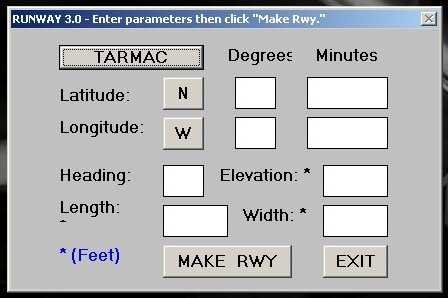
Start up "Runway3", insert the details*, select the "Type" of runway, (Tarmac, Concrete, Dirt, Grass), and save it. The file "RWY" will appear in the FS main folder.
Rename the RWY file as required, pop it into a new folder called "Scenery", and drag it into your main "Scenery Folder".
Start up the FS, go to settings > scenery, search for your new scenery, and ADD it to the list.
Close FS down, and re-start,
The new scenery will be included during the FS boot-up.
Go to your "saved" location and check your new runway.
The "tarmac" runway will have the numbers and markings on it!
Note: The new airfield will also appear in FS Navigator...!!!
It's amazingly easy, and requires no complicated programming knowledge..!
Cheers all...!
Have fun with your very own airstrip!
(If it's grass, don't forget to mow it regularly, and scrape the mud out of your wheel spats...!)
LOL...!
Paul.
* I find that making ELEVATION = 0 works best!
The simple program...>>>!!!
...and a few examples of the result...>>
Just a couple of pics showing the the effects of inserting your own runway in your own little part of the countryside using the simple, but excellent tiny program "Runway3" by Chuck Dome from here...>>>
http://www.simviation.com/fsdesign_scenery4.htm
It works for FS 2000, FS 2002 and FS 2004.
Just land your plane at your desired spot, facing your desired heading, then press Caps + Z to obtain your Co-ordinates and Altitude and Heading.
Make a note of them.
Save your location!!!
Shut down the FS.
Start up "Runway3", insert the details*, select the "Type" of runway, (Tarmac, Concrete, Dirt, Grass), and save it. The file "RWY" will appear in the FS main folder.
Rename the RWY file as required, pop it into a new folder called "Scenery", and drag it into your main "Scenery Folder".
Start up the FS, go to settings > scenery, search for your new scenery, and ADD it to the list.
Close FS down, and re-start,
The new scenery will be included during the FS boot-up.
Go to your "saved" location and check your new runway.
The "tarmac" runway will have the numbers and markings on it!
Note: The new airfield will also appear in FS Navigator...!!!
It's amazingly easy, and requires no complicated programming knowledge..!
Cheers all...!
Have fun with your very own airstrip!
(If it's grass, don't forget to mow it regularly, and scrape the mud out of your wheel spats...!)
LOL...!
Paul.
* I find that making ELEVATION = 0 works best!
The simple program...>>>!!!
...and a few examples of the result...>>


 ...!
...!

