Page 1 of 1
flightsim 2004 not working correctly

Posted:
Sun May 15, 2005 9:30 amby tomtombaz
hi i have a simple problem that some off you may have come accross and may now how to fix
the problem is as follows
i used to be able to put mouse on the aircraft during chose aircraft page and drag aircraft round to view from different angles also on create flight page but now my mouse passes behind the aircraft window so i can not move the aircraft arround
all i can think is i have put some freeware and payware aircraft and add ons onto flightsim and wonder if one of these are at fault would be gratefull for a fix
thanks
Re: flightsim 2004 not working correctly
Posted:
Sun May 15, 2005 9:38 amby jrpilot
I have that problem, but I don't think it is a problem, I think that is how MSFS9 is, unlike MSFS8 were you could do that.
Re: flightsim 2004 not working correctly
Posted:
Sun May 15, 2005 12:32 pmby Apex
I don't think that's a problem either, my FS04 has done the same thing since Day One. FS02 allows dragging on the marquee, but FS04 does not, the cursor just disapears. I distinctly remember noticing that right after I installed FS04. Really annoying, it's nice to be able tyo twirl your aircraft and inspect when repainting, but that's life in the sometimes mysterious MS business.
Re: flightsim 2004 not working correctly
Posted:
Sun May 15, 2005 1:30 pmby TSC.
Not a FS9 problem, I can twirl the birds around on the 'choose aircraft' screen:
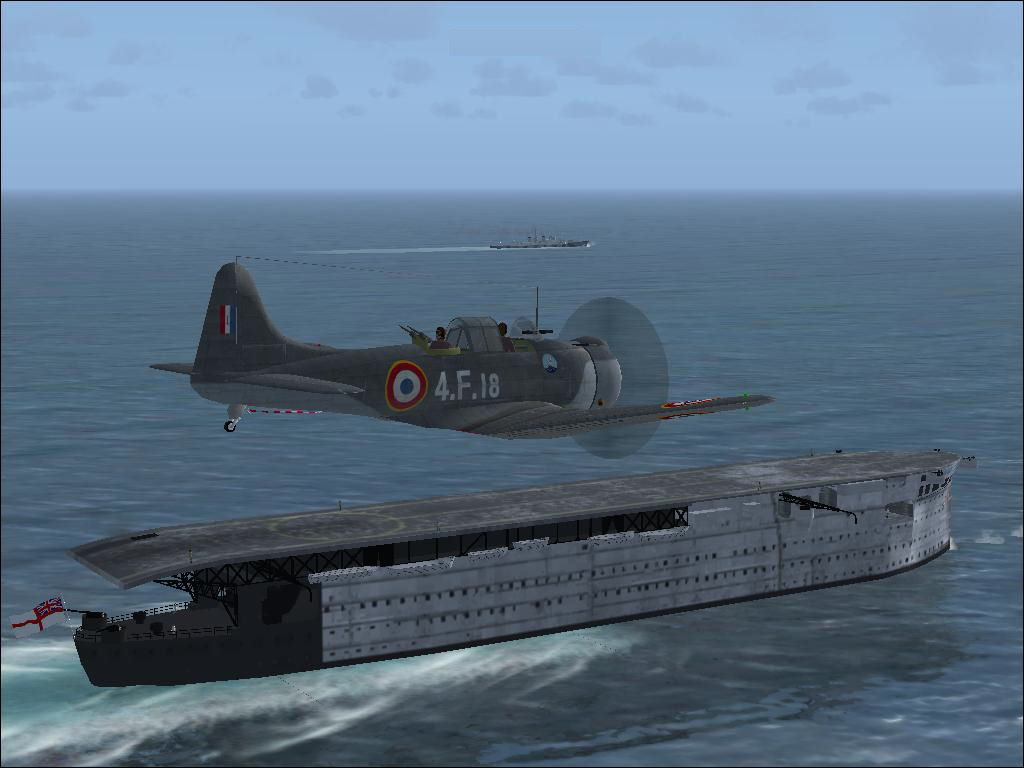
But I do seem to remember that it DID stop doing it at the beginning of the year, but since then I have re-installed FS9.
TSC.
Re: flightsim 2004 not working correctly
Posted:
Sun May 15, 2005 1:49 pmby Joe_D
You have to be in window mode to tun the aircraft (on the choose aircraft screen) with a mouse.
It has always been like this in FS-9 since day one. :)
Re: flightsim 2004 not working correctly
Posted:
Sun May 15, 2005 1:53 pmby TSC.
aaahhhhhhh, that explains a lot!!! I've never noticed that - that's why I couldn't understand it when mine stopped doing it for a while.
Nice one Joe - mystery solved.
TSC.
Re: flightsim 2004 not working correctly
Posted:
Mon May 16, 2005 4:53 pmby Springer6
Can you give us an idiots guide on how to get into "window " mode ?
Can't wait to find out, as this problem has perplexed me for ages . Sometimes mouse dragging works , sometimes it doesn't
Re: flightsim 2004 not working correctly
Posted:
Tue May 17, 2005 9:59 amby phantom1
Try Alt + Enter...........
Alan
Re: flightsim 2004 not working correctly
Posted:
Tue May 17, 2005 5:05 pmby Springer6
Thanks that works . :)
Funny that F2K2 had no such requirement
Re: flightsim 2004 not working correctly
Posted:
Wed May 18, 2005 8:24 amby phantom1
I think you'll find that flight sim 2002 used the same keys. I just loaded it and refreshed my memory.

Alan
Re: flightsim 2004 not working correctly
Posted:
Tue May 24, 2005 1:51 pmby Springer6
My version of FS2002 ( Professional version) must be different .
Just tried it and you can mouse drag aircraft whether in full screen of window mode.
Re: flightsim 2004 not working correctly
Posted:
Tue May 24, 2005 4:02 pmby 4_Series_Scania
You have to be in window mode to tun the aircraft (on the choose aircraft screen) with a mouse.
It has always been like this in FS-9 since day one. :)
You sure about that?
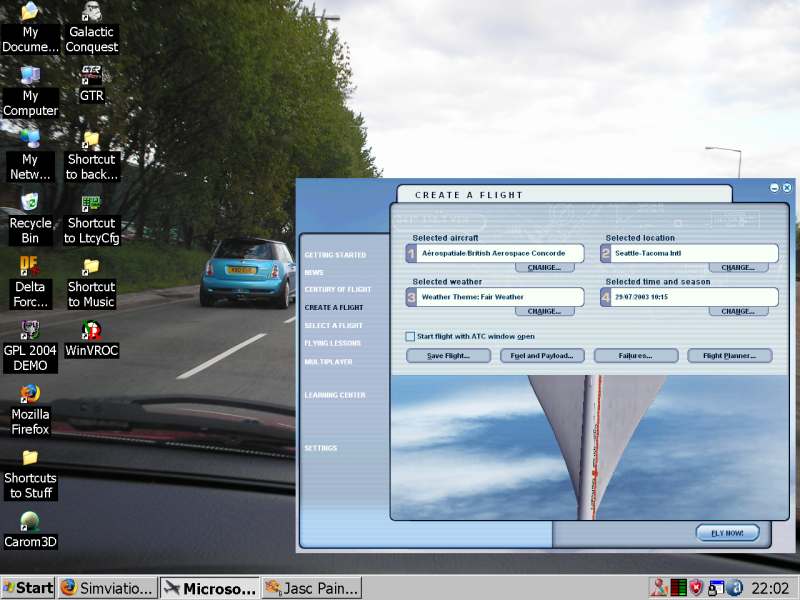
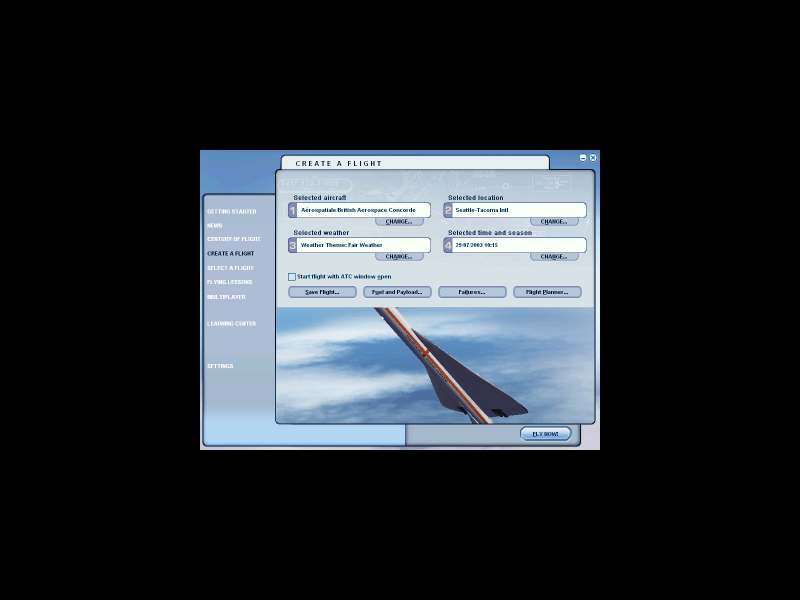
Perhaps, I'm a freak

;D
Re: flightsim 2004 not working correctly
Posted:
Wed May 25, 2005 5:20 pmby Springer6
so what's the correct method?