 by ashaman » Thu May 12, 2005 8:59 pm
When the weather doesn't allow me to go on a visual (meanie) I usually use the sole APP HOLD function (and I switch it off as soon I see the runway anyway). To use it you have to enter in NAV 1 the frequency of the ILS, ensure that the nav/gps switch is on "nav" and when both localizer and glideslope needles move away from the center press "appr", that in this plane is just under the autoland button (2d panel).
Be forewarned that the APP HOLD only brings you on the runway making the plane follow the ILS, the landing proper is in your hands as it will not flare nor cut off the engines' power for you. When about 300 feet AGL you must manually disconnect AP and AT, cut power to the engines and begin the flare, or you'll break something. Like the gear.
As for the autoland, as said before I really don't use it. I might one of these day try it out just for curiosity, like I did on almost all the other planes fitted with a full autoland I own, but I'm not holding my breath.
To learn exactly what is required to activate the autoland on this plane (could be as simple as selecting the button after having prepped the NAV 1 radio, to other more esoteric requirements [for an exaple, I have a MD80 free that wants both radios on the same frequency and both course selectors on the same radial plus the right button to activate a full hands off autoland]) you should go in the folder where this plane was installed in and open and read the subfolder "docs".
For the moment I can't really help you more than this, sorry.
There's but one real cure for human stupidity. It's called DEATH.
At the moment mourning the assassination of sarcasm and irony for the good of the "higher".
Proud FSIX user. Active user of FS98, X-plane and novic



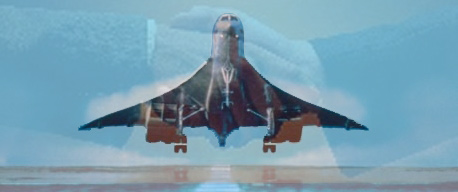

 ) and had to choose if to see my plane nose down sharply and land way too soon nose-first, or switching off every automatism and taking my simulated destiny into my own hands.