Can I change the GRADUAL TRANSiTiON in FS9 CFG?
 Posted: Tue Jun 27, 2017 8:50 pm
When I select any default Flight in FS 2004 (in this example, from beautiful GLACiER BAY)...
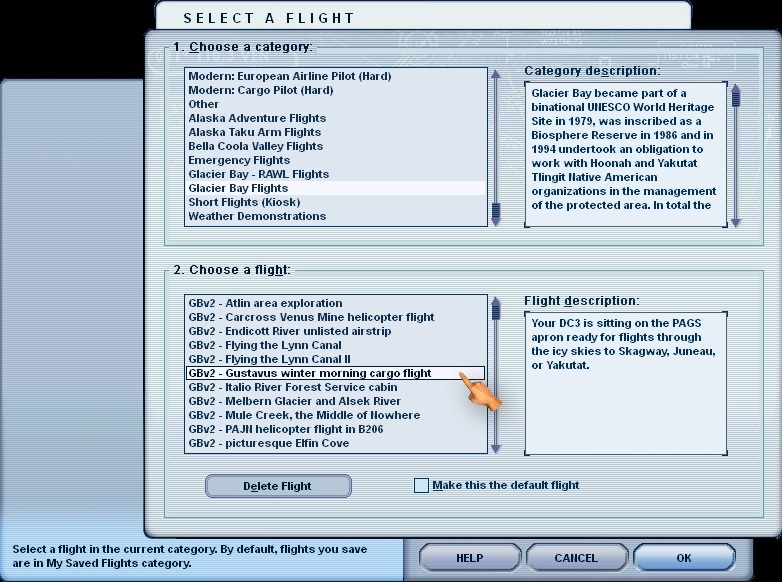
I have this anoying "Moiré patterns" flickering in fences & some other spots in the background (Viva Vasarely!!) :
:
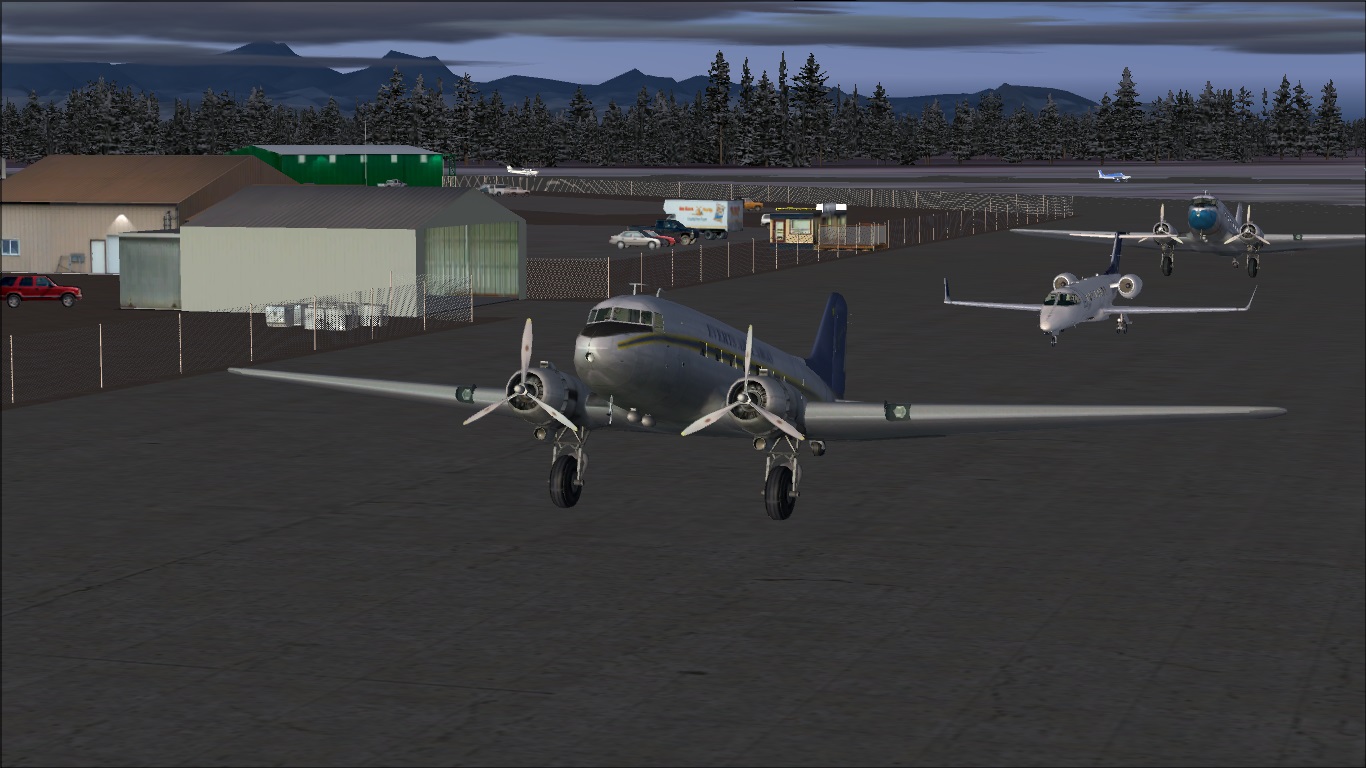
I have tried Anti Aliasing (it diminishes'em some) Trilinear & Bilinear (bilinear filtering looks "smoother" to my eyes) but the only way I have found to unflicker them so far, is opening View Options...
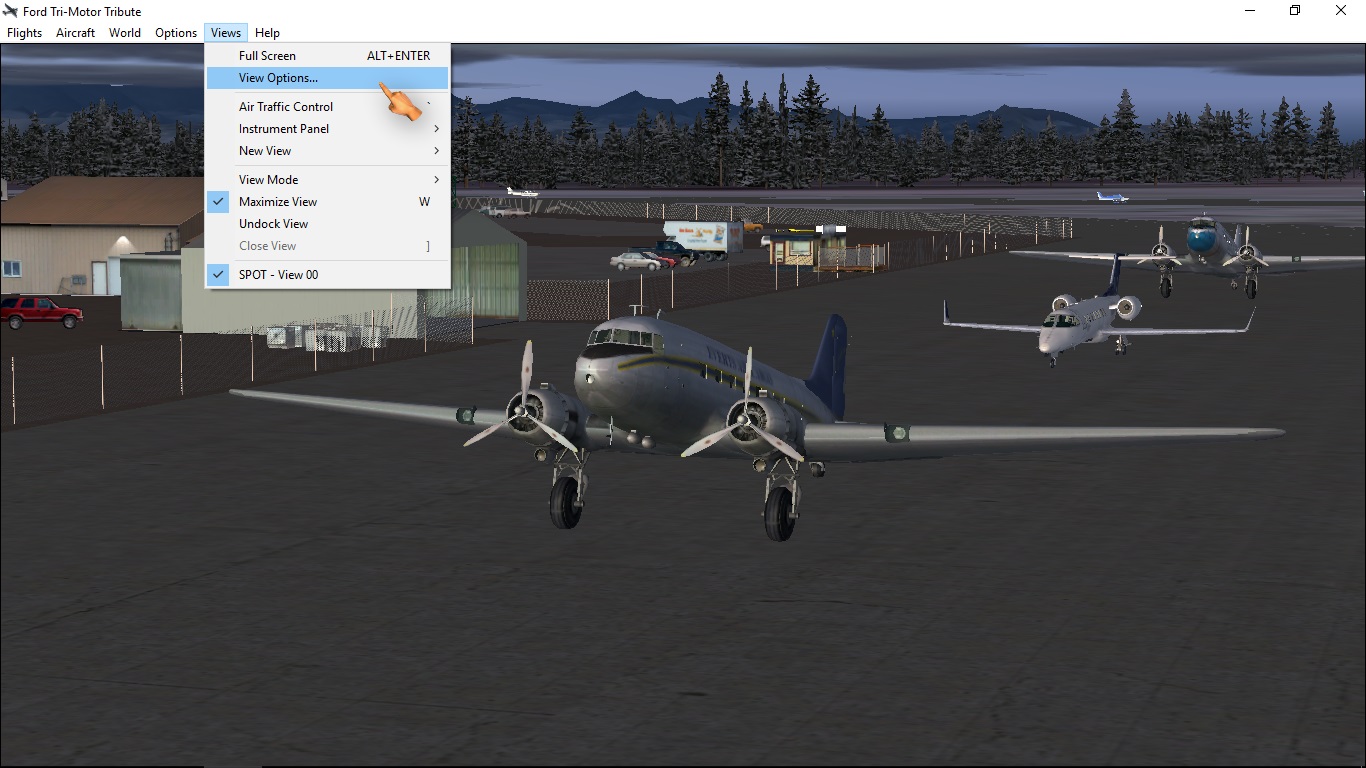
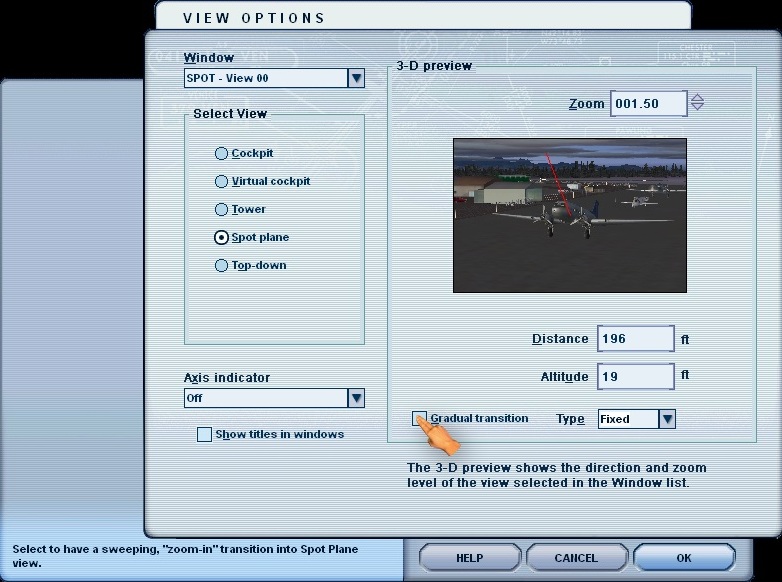
...and UNCHECK the default GRADUAL TRANSiTiON (the roll-loop-fixed part is no problema: I prefer fixed most of times). The Moiré is still there BUT STATiC, not hurting my eyes any more.
So I opened that flight's FTL file in Notebook to locate where to configure that optical offensive cuestion...
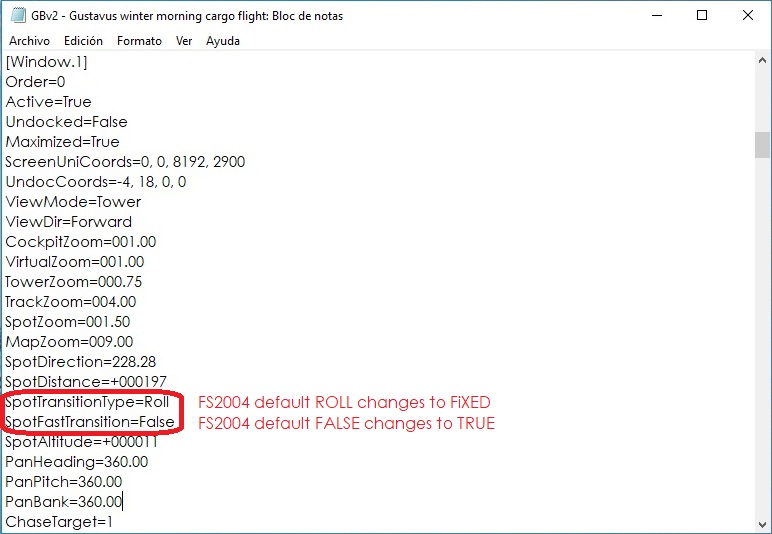
...and opened my FS9 CFG file for defaulting my sim. BUT ALAS!! I found nothing of the sort to configure. I am shure it can be done, it must be hiding under a diferent name or concept.
WHAT iS YOUR OPiNiON in this Forum??
Jean

I have this anoying "Moiré patterns" flickering in fences & some other spots in the background (Viva Vasarely!!)
:I have tried Anti Aliasing (it diminishes'em some) Trilinear & Bilinear (bilinear filtering looks "smoother" to my eyes) but the only way I have found to unflicker them so far, is opening View Options...
...and UNCHECK the default GRADUAL TRANSiTiON (the roll-loop-fixed part is no problema: I prefer fixed most of times). The Moiré is still there BUT STATiC, not hurting my eyes any more.
So I opened that flight's FTL file in Notebook to locate where to configure that optical offensive cuestion...
...and opened my FS9 CFG file for defaulting my sim. BUT ALAS!!
I found nothing of the sort to configure. I am shure it can be done, it must be hiding under a diferent name or concept. WHAT iS YOUR OPiNiON in this Forum??
Jean