I cant find the VOR stations or their frequencies on my Map in FS9.
Where are these located in the sim?
Thanks!


Flight Simulator and other chat
 by edzmen » Wed Oct 05, 2005 11:05 am


by garymbuska » Wed Oct 05, 2005 11:25 am


by edzmen » Wed Oct 05, 2005 11:32 am
by Pablo » Wed Oct 05, 2005 1:14 pm
...!


by beaky » Wed Oct 05, 2005 1:47 pm



by TacitBlue » Wed Oct 05, 2005 2:26 pm


by edzmen » Wed Oct 05, 2005 4:43 pm
by beefhole » Wed Oct 05, 2005 6:08 pm

by BFMF » Wed Oct 05, 2005 7:31 pm

by Wingo » Thu Oct 06, 2005 4:54 am


by Jared » Thu Oct 06, 2005 5:15 pm


by beaky » Thu Oct 06, 2005 5:21 pm

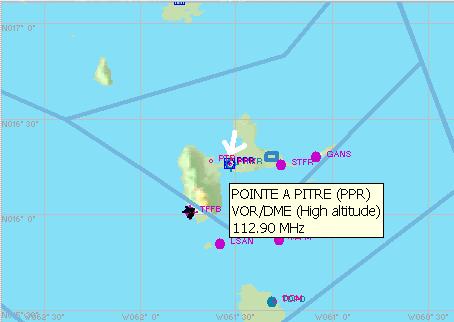
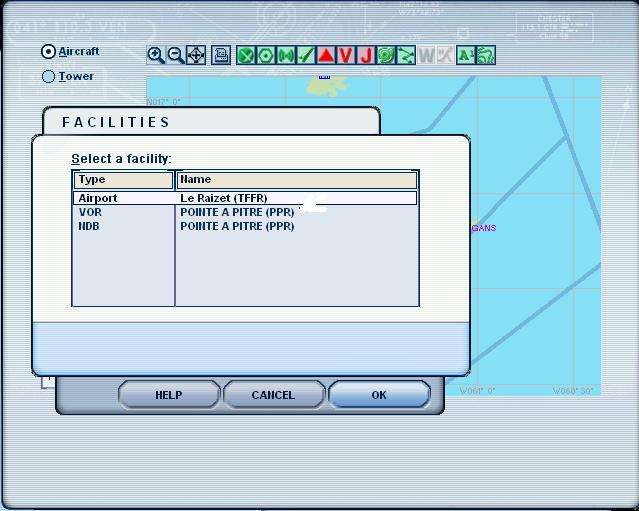
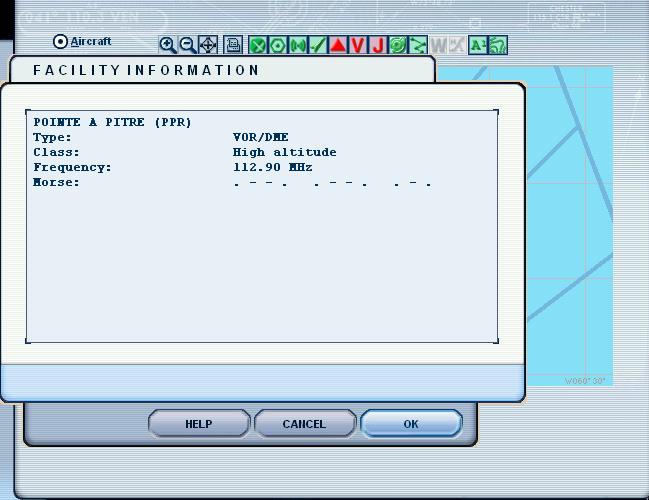
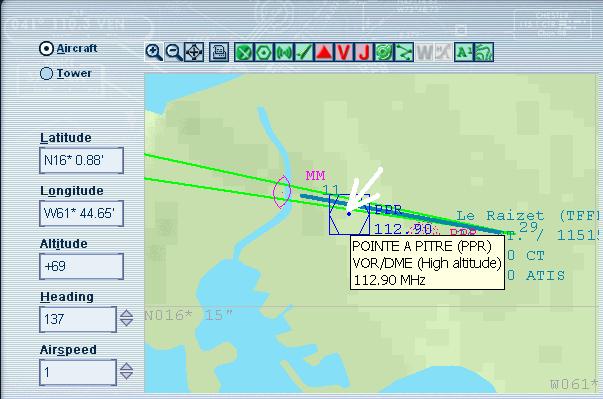
by edzmen » Fri Oct 07, 2005 5:20 am

by beaky » Fri Oct 07, 2005 9:45 am
Wow, thanks for taking the time to do all that Rotty!
[I'd actually worked it out before you made the post, but thanks all the same! ;) ]

by Gary R. » Fri Oct 07, 2005 5:29 pm
Return to FS 2004 - A Century of Flight
Users browsing this forum: No registered users and 264 guests