siemerh, call up the radio panel, then, to set VORs, use the big knobs top left and right (marked 'ADF NAV1' etc.). Clicking on the outer knob sets the whole number (e.g. '109') and the inner one sets the decimal (e.g.'.9'). Then set the toggle switches (lower centre) to red or green needle as required.
To set radio frequencies, same procedure with the lower knobs (marked 'ADF COM1'), then set the toggle switch to left or right.
Tuning to an NDB beacon is real fun! First you have to select the frequency band (dials centre left and right at top, click on knob below dial), then you actually have to wind the red or green handles (shown highlighted in the screenshot below).
Not as difficult as it all sounds, you'll soon get the hang of it.

It's normal for the readouts to drop out when not in use - no alternative, unless you want them showing all the time.
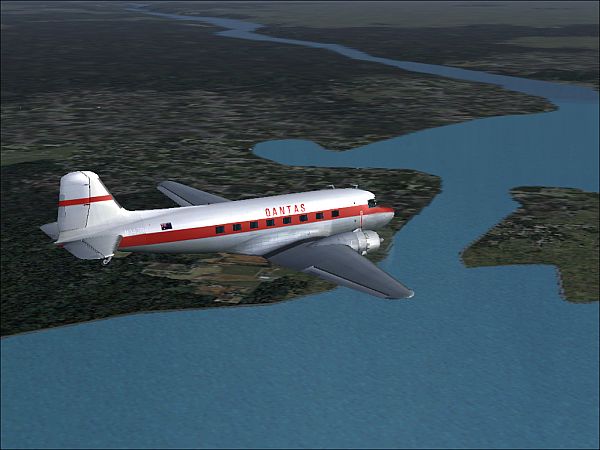
Also included a screenshot of a different livery for the Dak, if you care to download it (available on SimV). Shot taken over Chesapeake Bay on a round-world trip.


 by siemerh » Sun Nov 19, 2006 11:22 am
